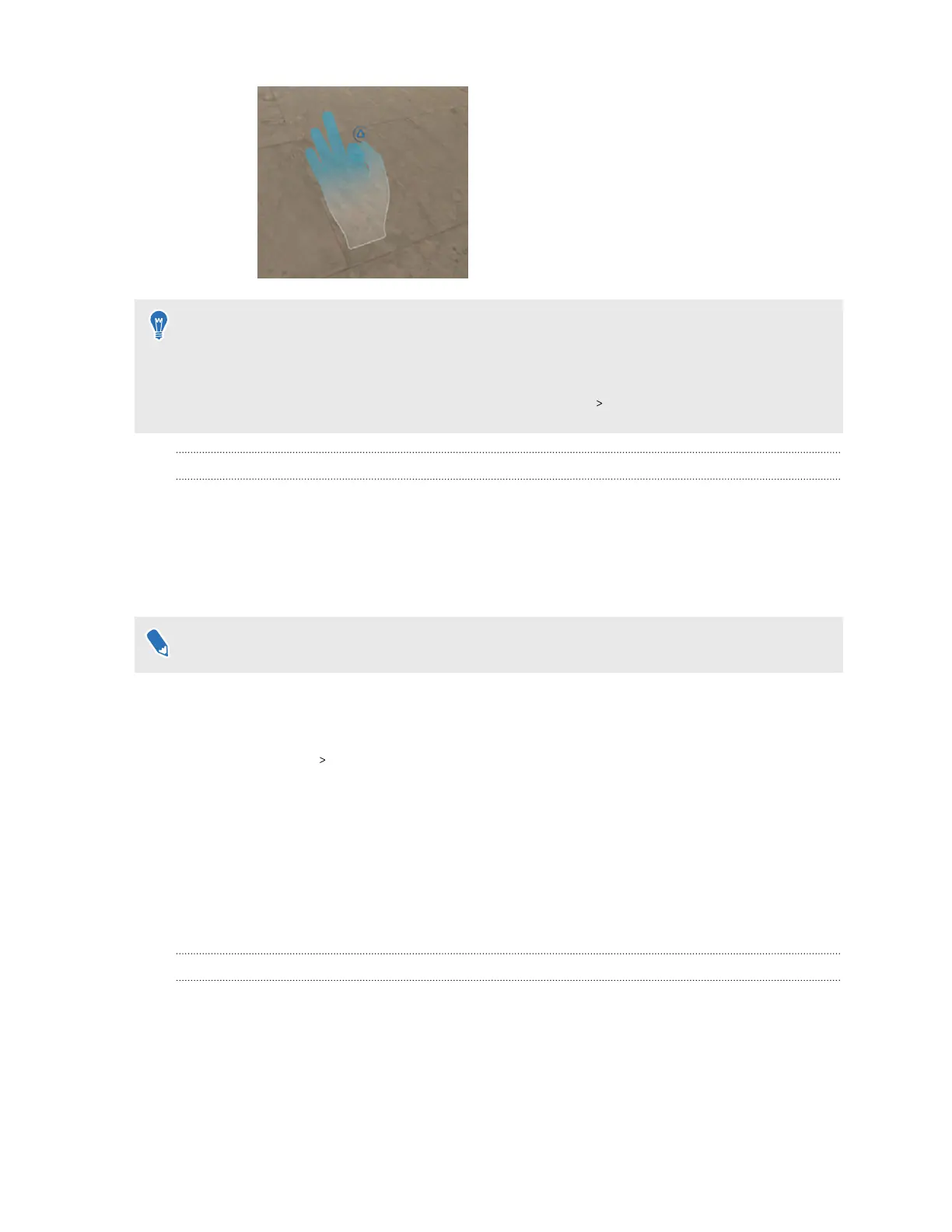
§ To resume use of the controllers, simply pick them back up. You may need to pair them again
if they become idle.
§ Make sure IR illuminator is on if your play area is not well lit as it can help improve hand
tracking. To check if IR illuminator is on, go to Settings Advanced.
Eye tracking
VIVE Focus Vision comes with a built-in eye tracker that tracks your eye movements to make your
avatar show true-to-life eye contact and interaction. You can use the eye tracker with compatible
apps supported by VIVE Focus Vision.
You'll need to recalibrate the eye tracker after changing the IPD or adjusting the position of the
headset.
Users will need to calibrate the eye tracker according to their individual requirements.
Here's how to calibrate the eye tracker:
1. From the Lobby, select Settings.
2. Select Inputs Eye tracker.
3. Make sure Eye tracking is turned on.
4. Select Calibrate next to Calibrate tracker and follow the onscreen instructions to
complete the calibration process.
The eye tracking firmware may be updated from time to time with enhancements. If Update
next to Firmware version is enabled, make sure to select it to keep your eye tracking firmware
up-to-date.
The VIVE Menu
The VIVE Menu is a universal menu that gives you access to the headset's features and settings.
Here's how to open the VIVE Menu:
31 Getting started



 To Next Page