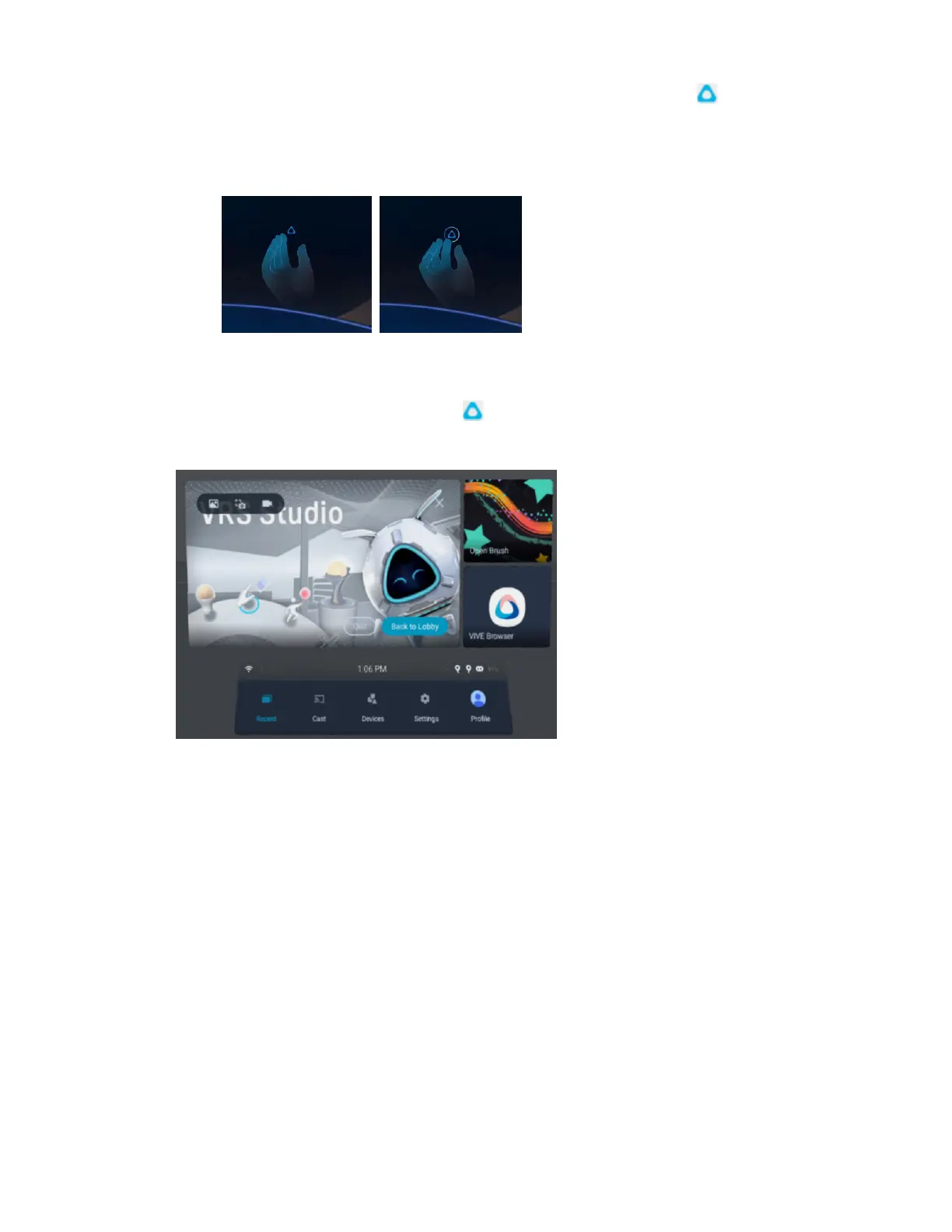
§ Hand gestures: Face your right palm inward. When the VIVE symbol appears, pinch
your index finger and thumb together.
Use the same gestures to close the VIVE Menu.
§ Headset button: While in hand tracking mode, press the headset button on the left side
of your headset.
§ Controller: Press the VIVE button on the right controller.
You can use the options on the VIVE Menu to do the following:
§ Capture and view screenshots and screen recordings. For details, see Taking screenshots
and screen recordings on page 33 and Browsing and viewing files on page 45.
§ Access the Store and Library.
§ Quit the current app or return to your main Home space.
§ Switch between recent apps you've used. See Switching between recent apps on page
35.
§ Cast the headset to compatible devices. See Casting the headset to a web browser on
page 56 and Casting the headset to an external display on page 57.
§ View the status of your headset and connected devices or change their settings.
§ Access commonly used settings.
32 Getting started



 To Next Page