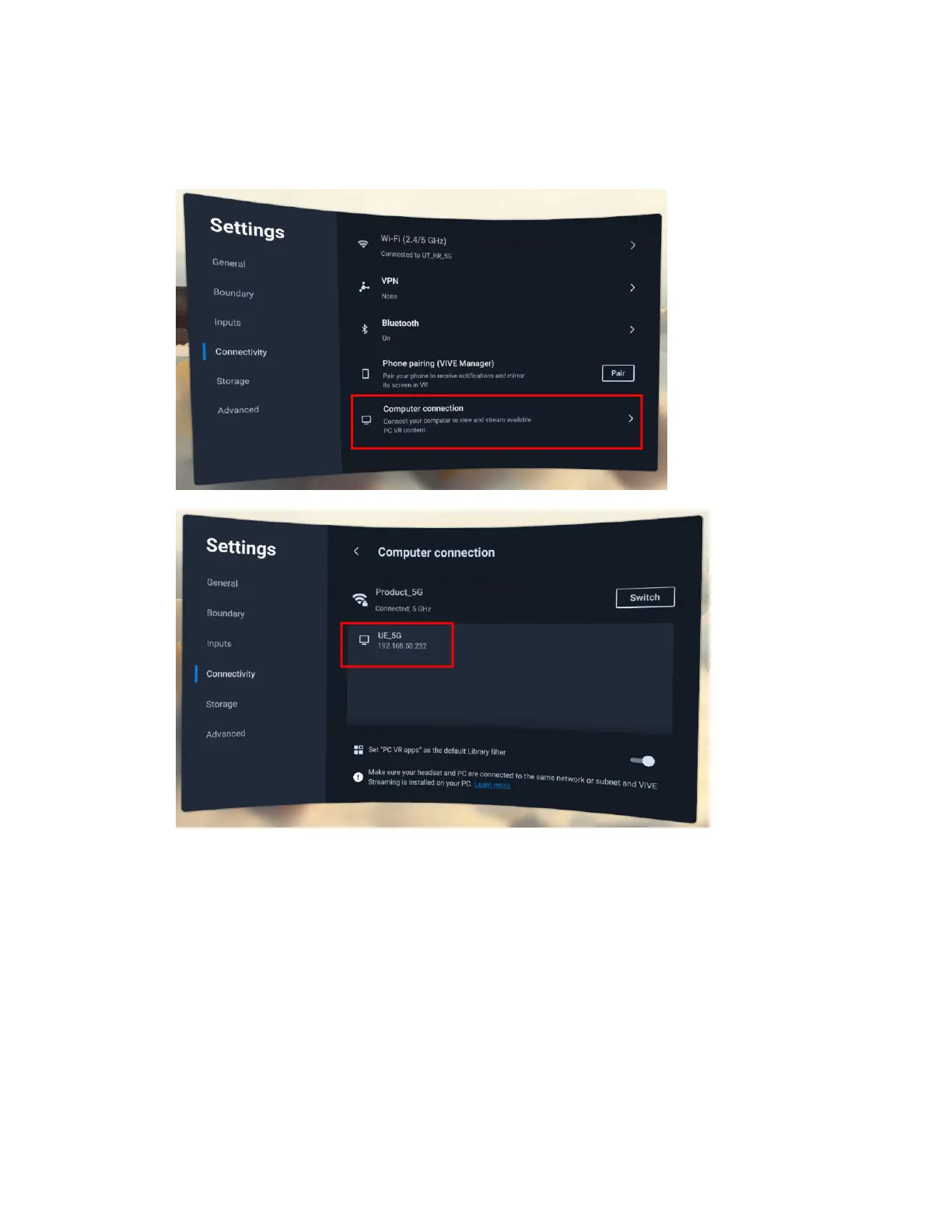
Streaming PC VR apps to the headset
You can connect the headset to a PC via a cable or wireless network connection and stream PC
VR apps to the headset.
For details, visit VIVE Streaming Support.
For the best wired PC VR streaming experience, we recommend using the VIVE Wired Streaming
Kit with VIVE Focus Vision. You can purchase the VIVE Wired Streaming Kit on the VIVE
accessory page.
65 Sharing and streaming content



 To Next Page