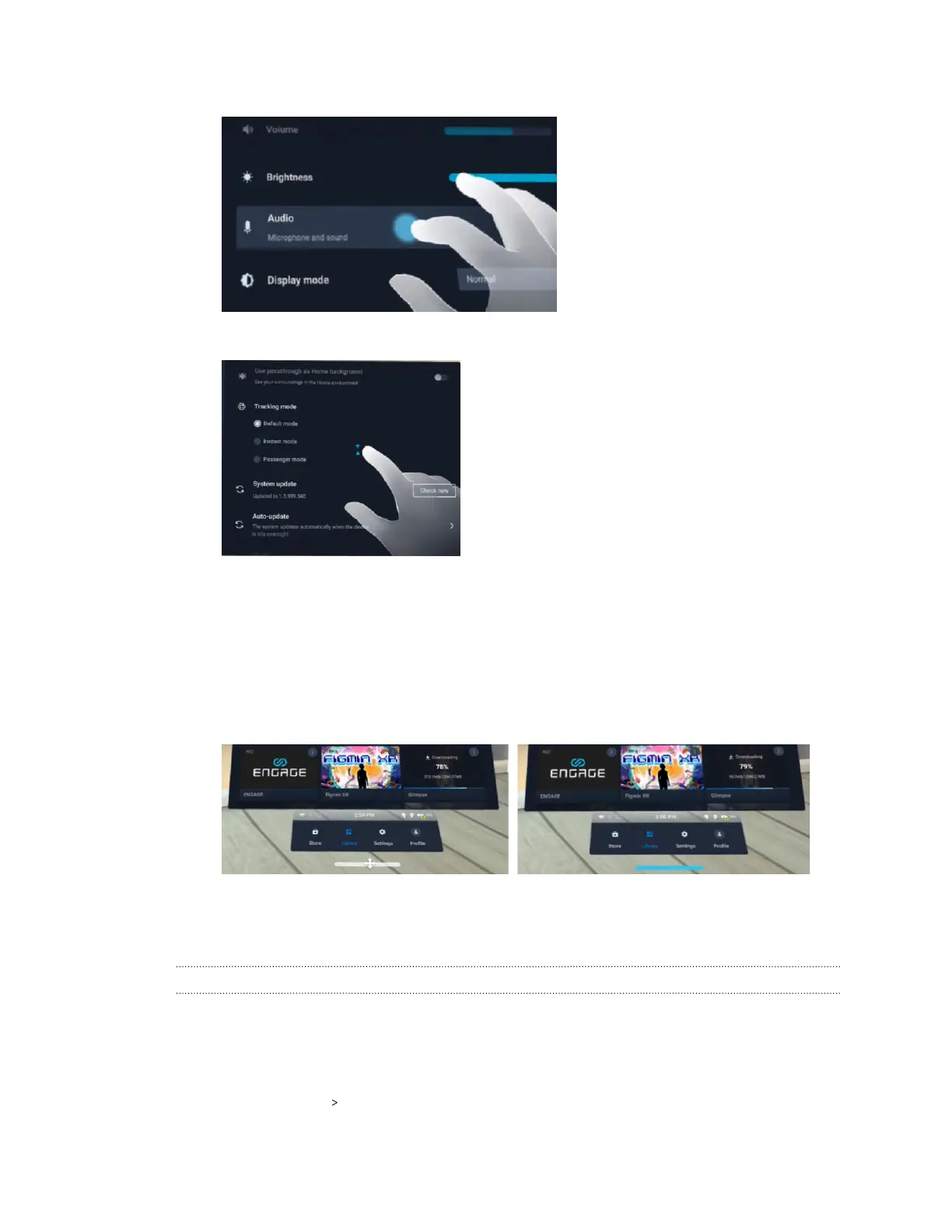
§ Tap an item to select it.
§ Swipe up or down to scroll the screen.
With a controller:
§ Move the cursor to an item you want to select and then press the trigger.
§ Press and hold the trigger and then move your controller up or down to scroll the screen.
§ To move the system dashboard, first aim the beam at the horizontal bar below the
dashboard and then press and hold the trigger. When the bar turns blue, move your
controller to drag the dashboard to your desired location and then release the trigger.
Apps and content
Where can I find my screenshots and screen recordings?
Screenshots and screen recordings are saved in the internal storage. Go to the File browser in
the Storage settings to find them.
1. From the Lobby, select Settings.
2. Select Storage File browser.
96 Solutions and FAQs



 To Next Page