3. Open the Captures folder.
4. Select the thumbnail of a screenshot or screen recording to see a larger view.
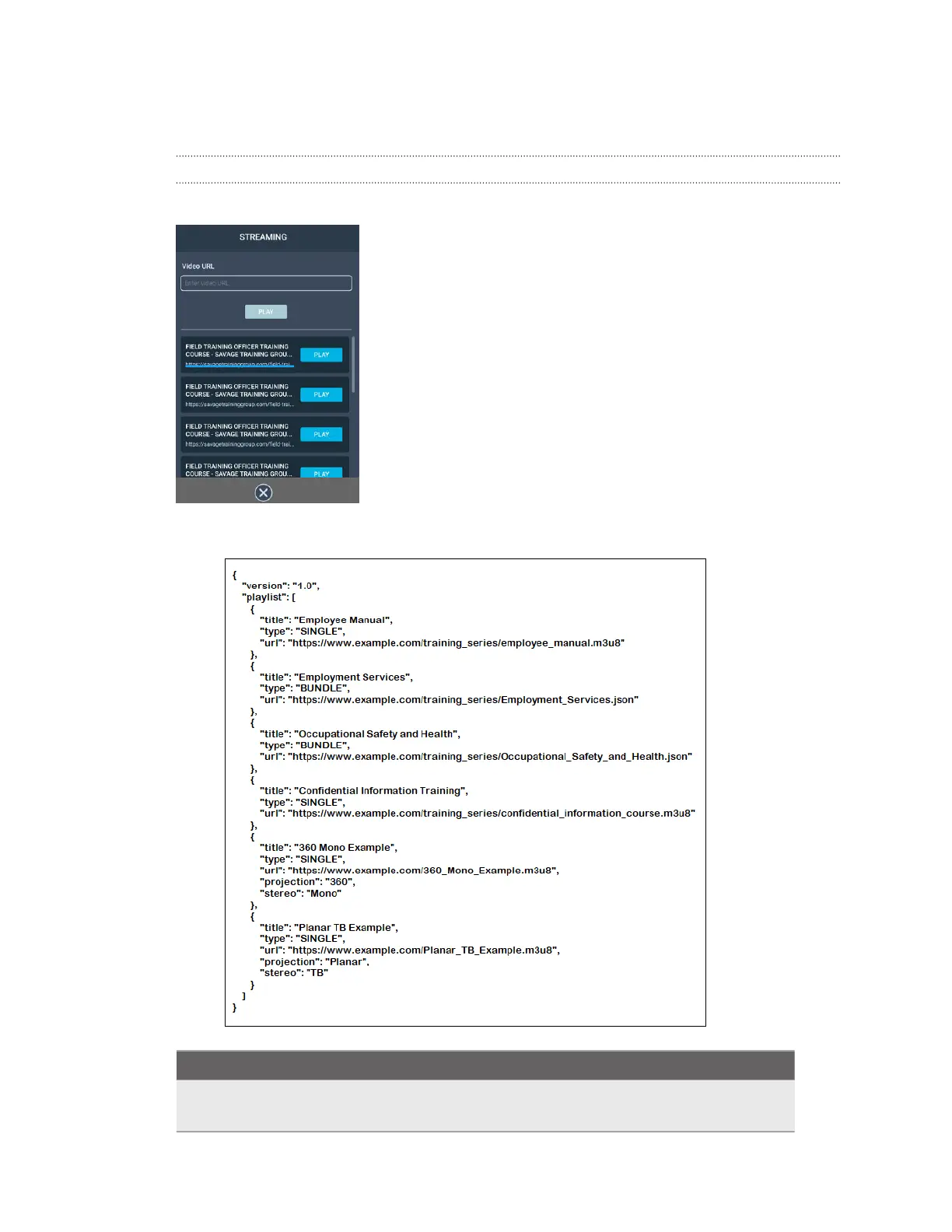
How do I show my streaming video on the VIVE Video playlist?
Follow these steps to show your videos on the playlist.
1. On your computer, create your playlist JSON file. For example:
Key
Value Description
"projection"
"Planar"
Default projection format. Indicates it's a standard flat
video.
97 Solutions and FAQs



 To Next Page