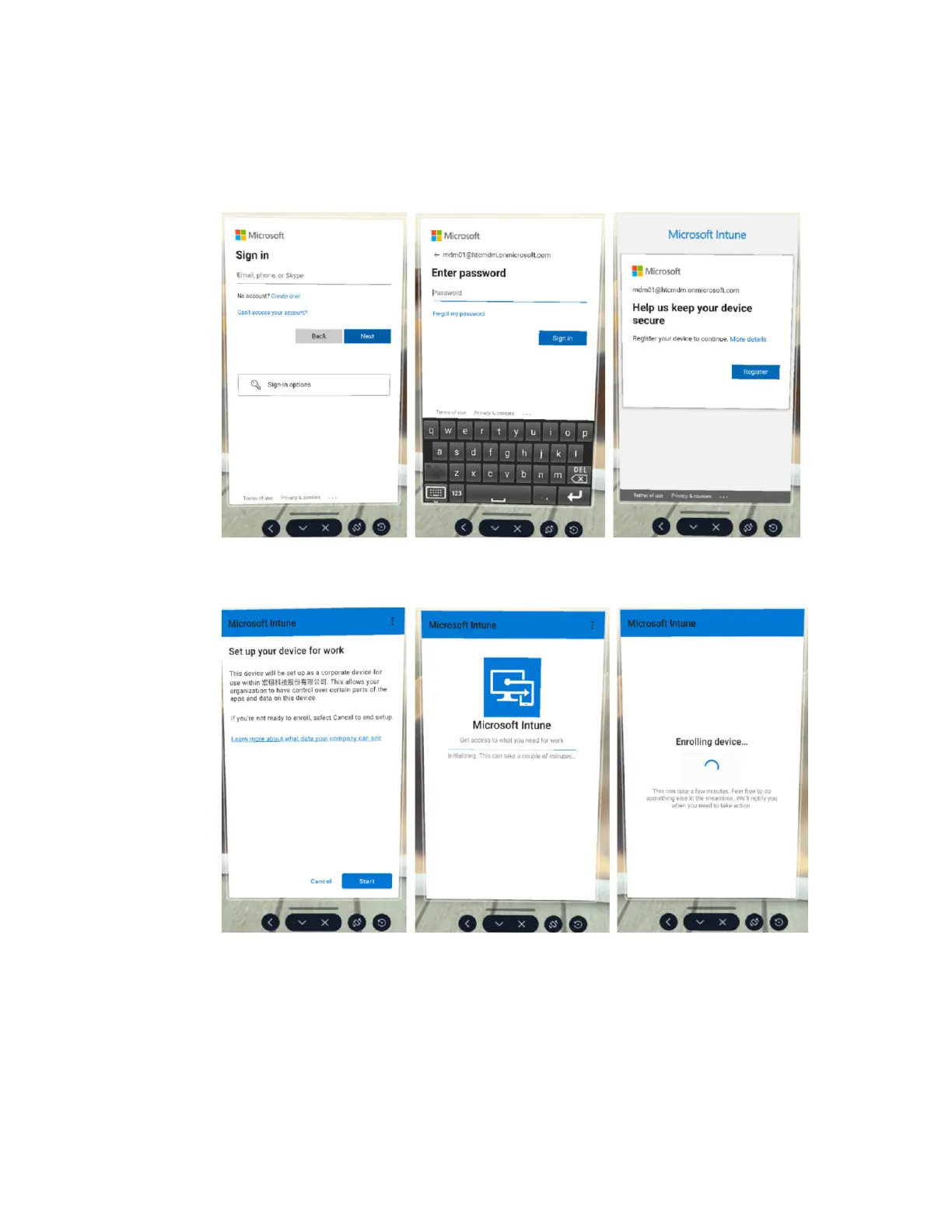
1. The MDM Setup window will appear. The Microsoft Intune agent will then automatically
enroll the headset. When enrollment is complete, follow the onscreen instructions to
finish setting up the headset. What you do next will depend on the enrollment profile you
selected when creating the device enrollment token.
2. If you're using a user-associated device, you'll need to sign in and register your device first.
3. If you're using a userless device, you can proceed directly to device setup. Just select
Start.
79 VIVE Focus Vision for Business



 To Next Page