On Your IP
Phone, If...
Then...
Auto answer has
been enabled and
a common call is
ongoing
You can hear the peer parties of the intercom call and the common call
at the same time
Auto mute has not
been enabled
A two-way intercom call is set up after you answer the call.
Auto mute has
been enabled
A one-way intercom call is set up after you answer the call.
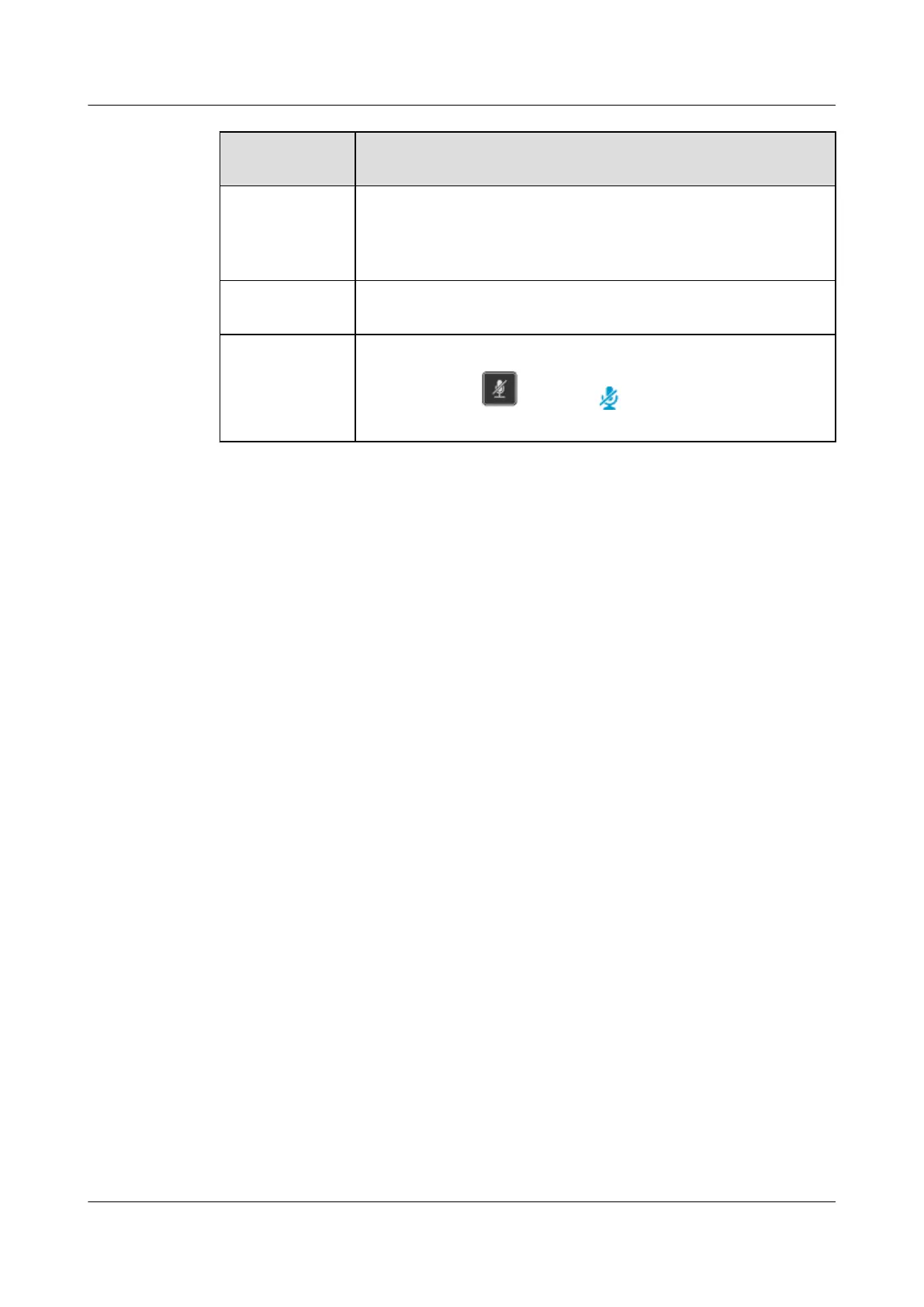
You need to press again or tap to resume the two-way intercom
call.
eSpace 8950 IP Phone
User Guide 16 Intercom
Issue 03 (2014-10-16) Huawei Proprietary and Confidential
Copyright © Huawei Technologies Co., Ltd.
50



 To Next Page