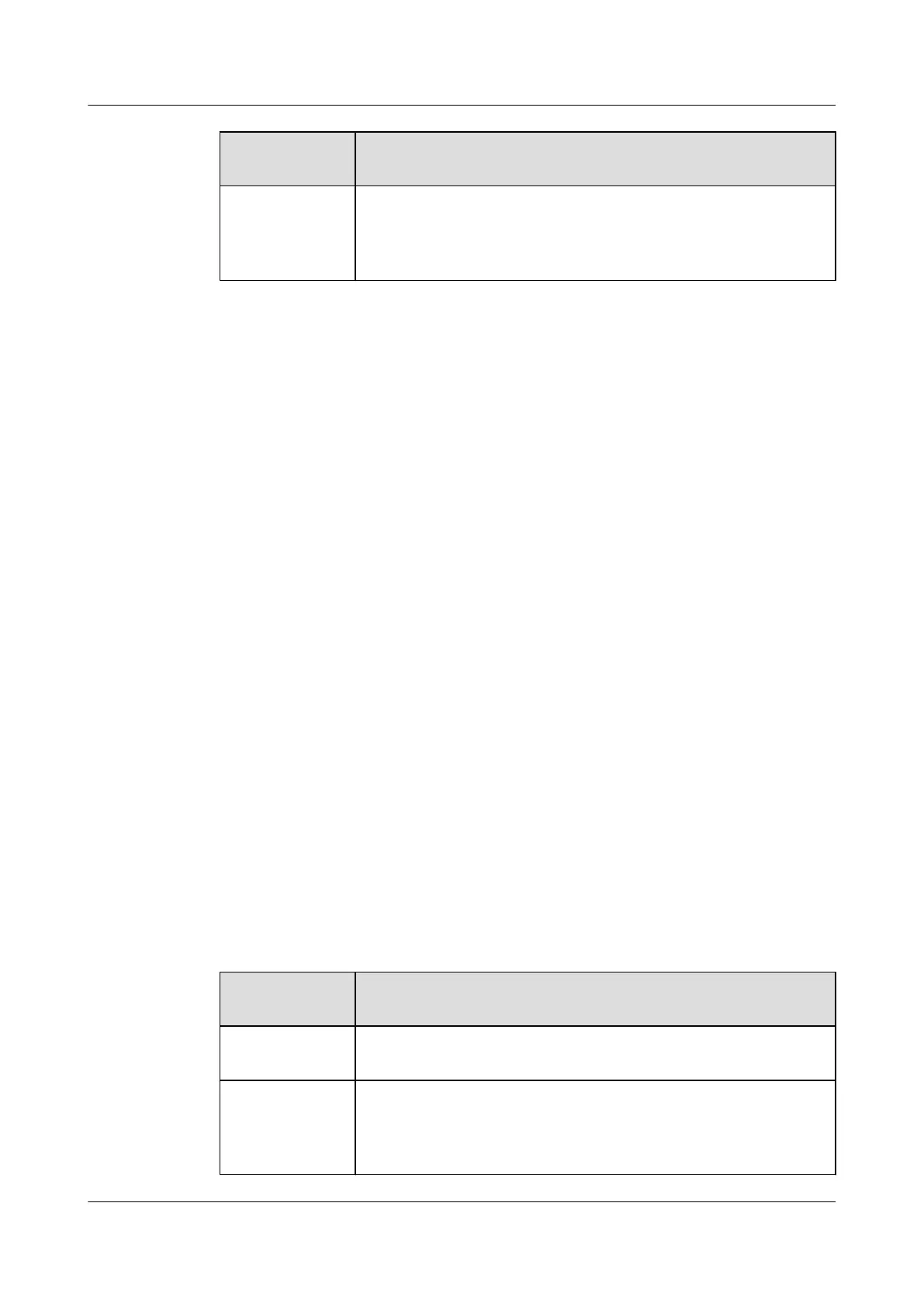
On Your IP
Phone, If...
Then...
A common call is
ongoing and you
start an intercom
call
The phone places the common call on hold first.
Intercom Call in Progress
When an intercom call is set up, the phone displays the intercom call screen, on which only the
hangup button is available.
The ongoing intercom call will be automatically ended if you place or receive a new call.
Answering Intercom Calls
You can configure the auto answer and auto mute functions on the phone web page, which helps
you answer intercom calls.
To set auto answer
Step 1 Choose Call Settings > Intercom.
Step 2 Select Enable or Disable for Auto Answer.
Step 3 Click Save.
----End
To set auto mute
Step 1 Choose Call Settings > Intercom.
Step 2 Select Enable or Disable for Auto Mute.
Step 3 Click Save.
----End
Table 16-2 describes the detailed operations for answering intercom calls.
Table 16-2 Answering intercom calls
On Your IP
Phone, If...
Then...
Auto answer has
not been enabled
Hear the incoming call tone and see the incoming call screen on the IP
phone when a call comes in.
Auto answer has
not been enabled
and a common call
is ongoing
When an intercom call comes in, you can hear the incoming call
notification tone. After you answer the intercom call, the existing
common call is placed on hold.
eSpace 8950 IP Phone
User Guide 16 Intercom
Issue 03 (2014-10-16) Huawei Proprietary and Confidential
Copyright © Huawei Technologies Co., Ltd.
49



 To Next Page