You can add groups and members on the phone LCD screen or web page. You can add a
maximum of 32 groups. Each group can have a maximum of 1000 members.
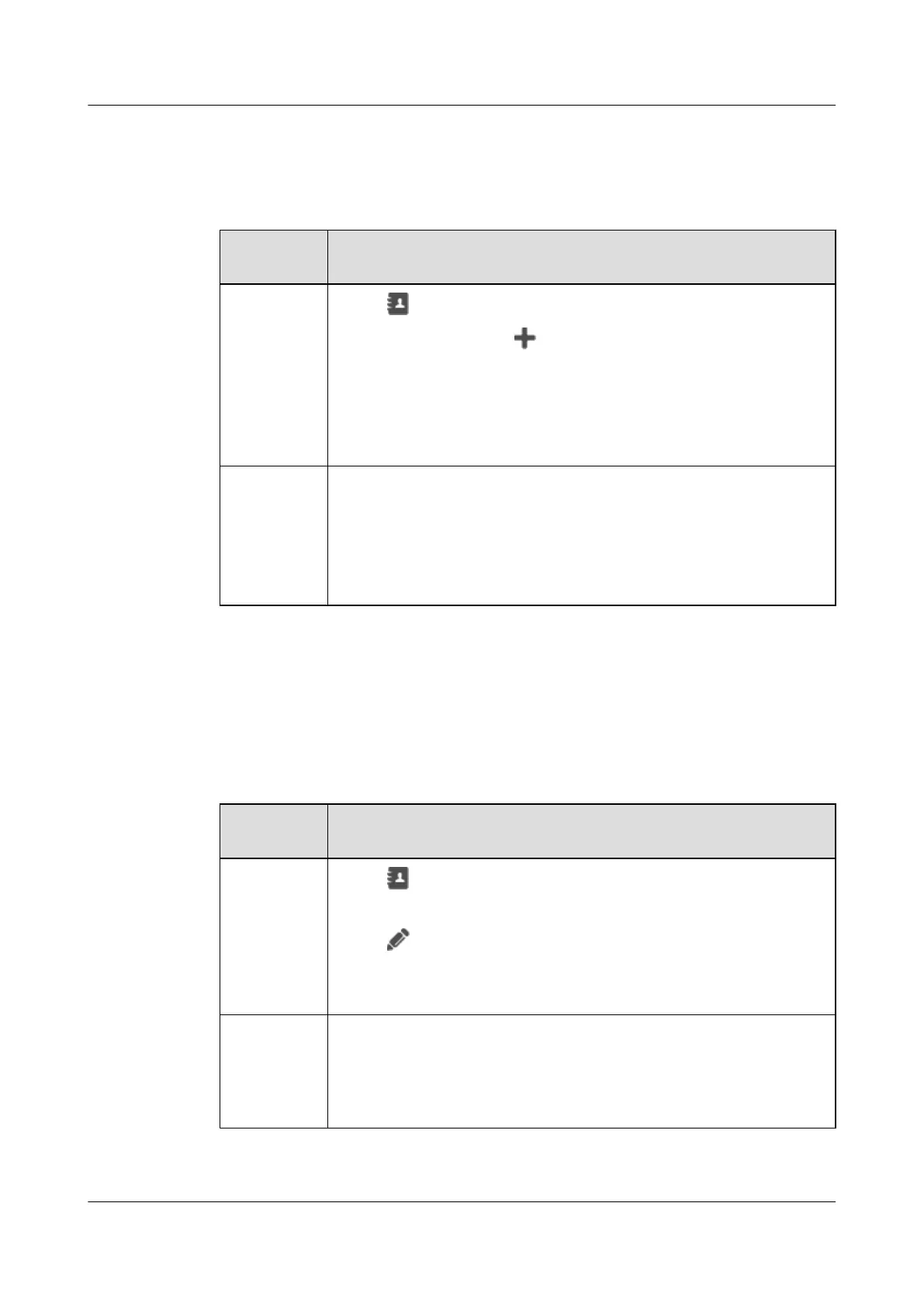
Table 22-7 Adding groups and members
If You Want
to...
Then...
Add groups
and members
on the phone
LCD screen
1. Tap .
2. On the Groups tab, tap .
3. Enter a group name.
4. Optional: Select Ringtone.
5. Select contacts.
6. Tap Done.
Add groups
and members
on the phone
web screen
1. Choose Preferences > Contacts.
2. On the Groups tab, click Add Group.
3. Enter a group name.
4. Select contacts in Select Group Member.
5. Click Finish.
22.2.2 Editing Groups
You can edit groups on the phone LCD screen or web page.
Table 22-8 Editing groups
If You Want
to...
Then...
Edit groups
on the phone
LCD screen
1. Tap .
2. On the Groups tab, tap the group you want to edit.
3. Tap .
4. Edit group information.
5. Tap Done.
Edit groups
on the phone
web page
1. Choose Preferences > Contacts.
2. On the Groups tab, click the group you want to edit.
3. Click Edit.
4. Edit group information and click Finish.
eSpace 8950 IP Phone
User Guide
22 Contacts
Issue 03 (2014-10-16) Huawei Proprietary and Confidential
Copyright © Huawei Technologies Co., Ltd.
63



 To Next Page