22.2.3 Deleting Groups
You can delete groups on the phone LCD screen or web page.
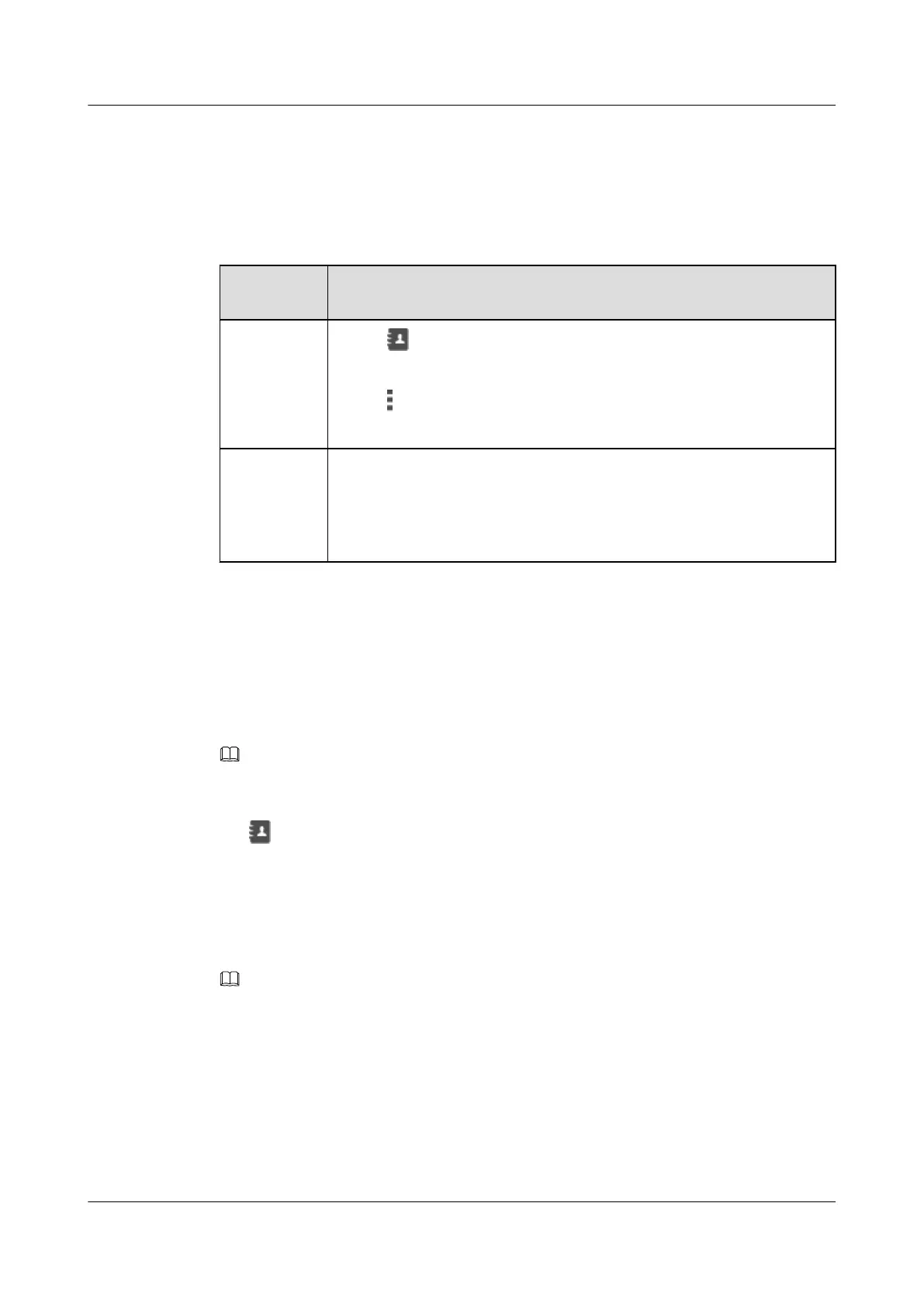
Table 22-9 Deleting groups
If You Want
to...
Then...
Delete groups
on the phone
LCD screen
1. Tap .
2. On the Groups tab, tap the group you want to delete.
3. Tap and select Delete.
4. In the dialog box that is displayed, tap Delete.
Delete groups
on the phone
web page
1. Choose Preferences > Contacts.
2. On the Groups tab, click the group you want to delete.
3. Click Delete.
4. In the dialog box that is displayed, click Finish.
22.3 Corporate Directory
22.3.1 Searching for Contacts
NOTE
Before using the corporate directory, ensure that your account has been assigned the corporate directory service
rights on the IP phone and server. For any questions, contact your system administrator.
Step 1 Tap
.
Step 2 On the CorpDir tab, enter keywords of a contact, for example, the name or phone number, in
the search text box.
For example, if you want to search for John, you can enter John or J in the search text box.
Step 3 Tap Search.
NOTE
l You can swipe up or down in the contact list to find the desired contact.
l In the IMS+UC network environment, you can tap the department list under the corporate directory and find
the department for the contact you want to search for. This approach helps you quickly find the desired
contact.
----End
22.3.2 Adding Contacts in the Corporate Directory to My Contacts
eSpace 8950 IP Phone
User Guide
22 Contacts
Issue 03 (2014-10-16) Huawei Proprietary and Confidential
Copyright © Huawei Technologies Co., Ltd.
64



 To Next Page