Table 24-1 Non visual voicemail
If You Want to... Then...
View voice
messages
On the home screen, tap to access the voicemail screen.
You can view the number of unread voice messages and the
number of total voice messages for different accounts of your
phone.
Retrieve voice
messages
Tap a voice message you want to retrieve.
You can perform operations as prompted, for example, deleting
the voice message or calling the number who left the message.
l Visual Voicemail
If your account has been assigned the visual voicemail service rights, you can perform
operations described in the following table.
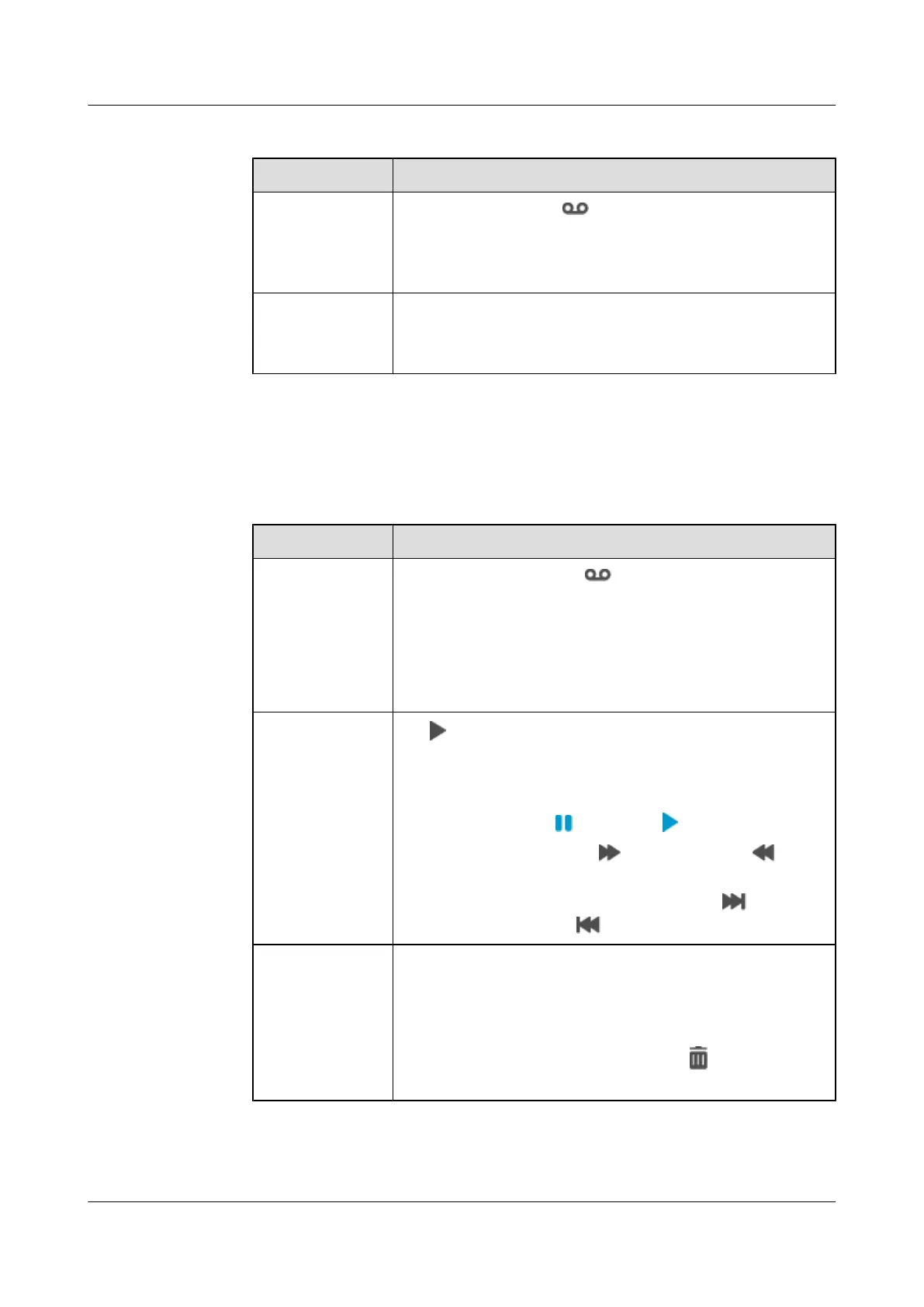
Table 24-2 Visual voicemail
If You Want to... Then...
View voice
messages
1. On the home screen, tap to access the voicemail screen.
2. Tap the number area in the upper left corner of the screen and
select a number to view related voice messages.
l Unread voice messages are marked in red, and read voice
messages are marked in gray.
l Tap a voice message to view its details.
Retrieve voice
messages
Tap to the right of a voice message. The voice message is then
played, with its details displayed on the right of the screen. When
a voice message is being played, you can perform the following
operations:
l Pause/Resume: Tap
to pause; tap to resume.
l Fast forward/Rewind: Tap to fast forward; tap to
rewind.
l Play the previous or next voice message: Tap
to play the
next voice message; tap
to play the previous voice message.
Delete voice
messages
You can delete a voice message using either of the following
methods:
l Tap and hold a voice message to delete, and select Delete. In
the dialog box that is displayed, tap OK.
l On the voice message details screen, tap
. In the dialog box
that is displayed, tap OK.
eSpace 8950 IP Phone
User Guide 24 Voicemail
Issue 03 (2014-10-16) Huawei Proprietary and Confidential
Copyright © Huawei Technologies Co., Ltd.
69



 To Next Page