eSpace IAD
Troubleshooting
3 Common Troubleshooting Methods
Huawei Proprietary and Confidential
Copyright © Huawei Technologies Co., Ltd.
5. If the capture process is complete, click Stop or Quit first, and then operate the capture
file. Otherwise the capture file will be incomplete.
Related Commands
You can change the configuration on the IAD according to the following commands.
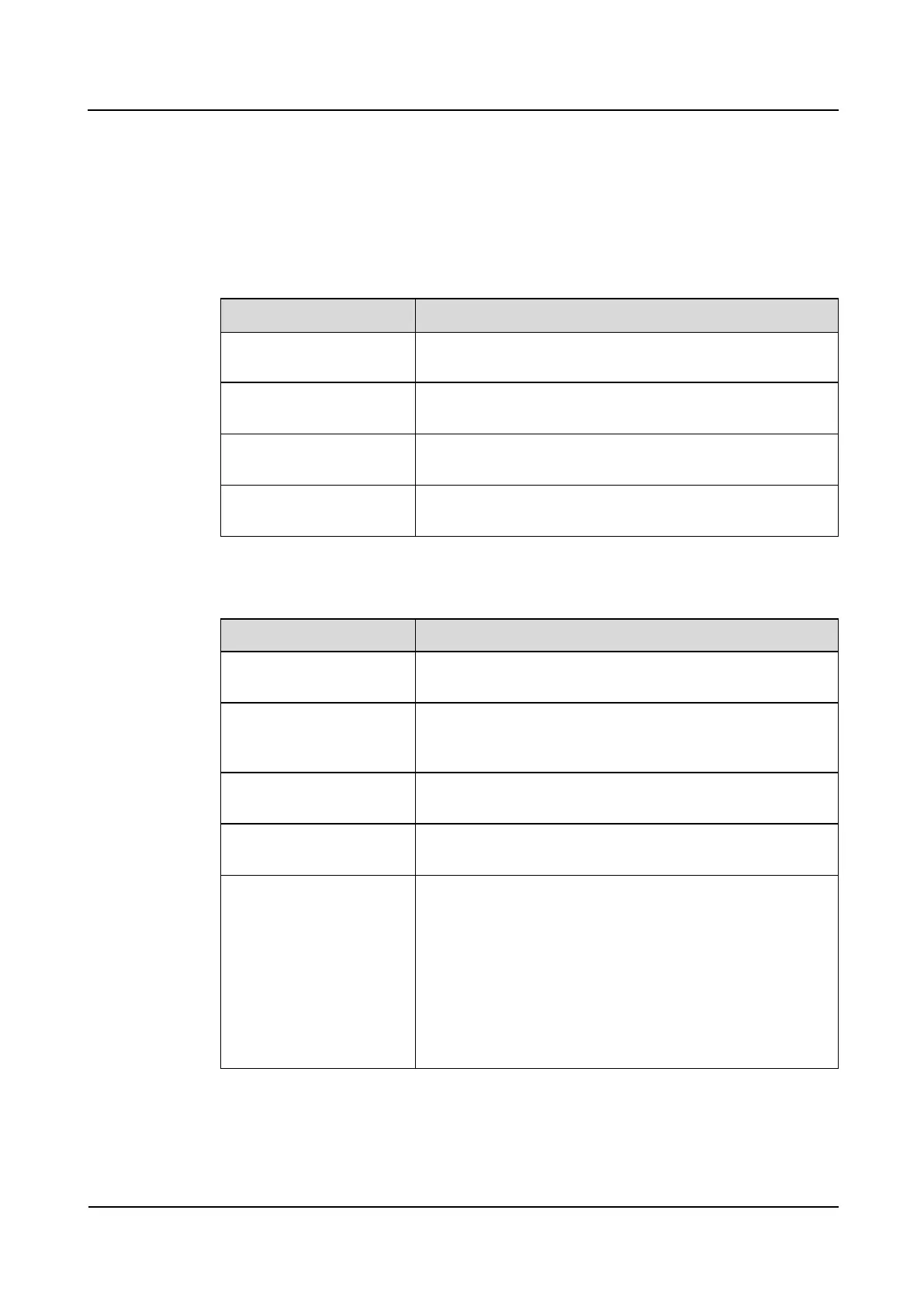
Table 3-6 Packet capturing commands of IAD101H, 102H, 104H, 208E(M) and 132E(T)
Set the address and port of
the capture server
capture server ipaddress <a.b.c.d> [udpport <1-65534>]
Open or close the signal
capture switch
capture signal <on | off>
Open the RTP flow
capture switch
capture media start direction <receiveonly | sendonly |
all> [userport <port-ID>]
Close the RTP flow
capture switch
Table 3-7 Packet capturing commands of IAD1224
Set the packet export
network port on the IAD
capture out-interface <lan|fe>
Set the IP address of the
packet capture server and
the port number
capture server ipaddress <a.b.c.d> [udpport <1-65534>]
Enable the packet
capturing function
capture start direction <receiveonly | sendonly | all>
Disable the packet
capturing function
(Optional) Set the VLAN
tag for remotely captured
packets
NOTE
When the VLAN ID of the
VLAN where the remote
server locates is different
from the VLAN ID of the
SNMP packets, perform this
operation.
capture vlan-tag vlanid <2-4094> [priority <0-7>]








 To Next Page