HUAWEI P6-U06 Smartphone FAQs
Huawei Proprietary and Confidential
Copyright © Huawei Technologies Co., Ltd
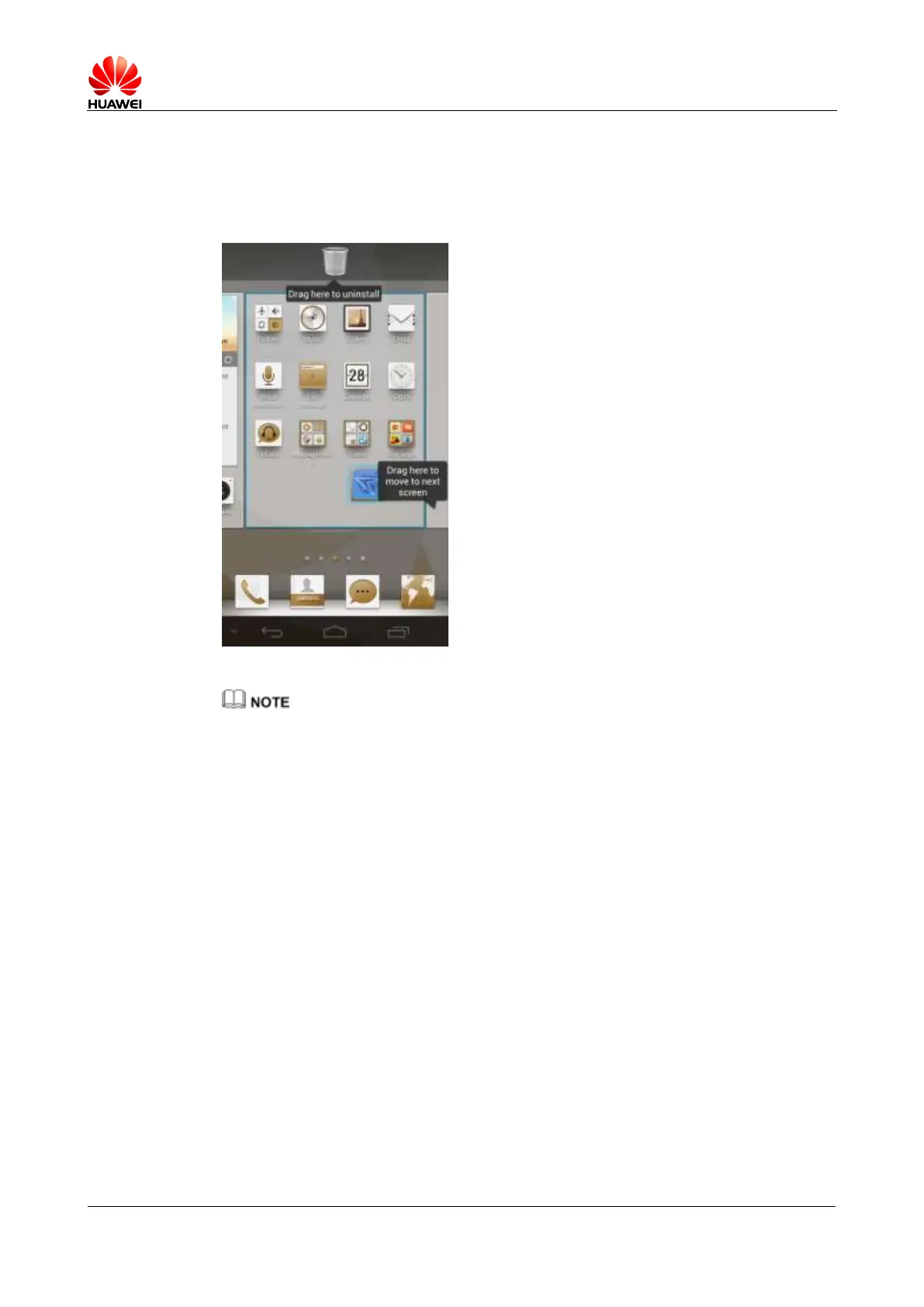
1.5.2 How do I edit the home screen?
Touch and hold an application or widget to edit it. You can drag it to change its position or to
the trash bin to remove it from the home screen. If an application is dragged to the trash bin, it
will be uninstalled.
System applications cannot be uninstalled.
1.5.3 How do I add a widget to the home screen?
Touch and hold a blank area on the home screen to display the Set home screen option menu.
Touch Widgets. Touch and hold a widget and drag it to a blank area on the home screen.



 To Next Page