HUAWEI P6-U06 Smartphone FAQs
Huawei Proprietary and Confidential
Copyright © Huawei Technologies Co., Ltd
Step 1 Open a game and search for another Bluetooth device.
Step 2 Pair your phone with another device.
Step 3 Start the game.
The steps may vary with the game.
----End
1.14 GPS navigation
1.14.1 What navigation application does my phone come with?
Your phone does not comes with a navigation application, but you can install one.
1.14.2 The navigation application on my phone cannot receive
signals from GPS satellites. What can I do?
If you are using the phone indoors, bring the phone to an outdoor area.
If you are using the phone outdoors, make sure that you are not in a built-up area because
high buildings block the satellite signals.
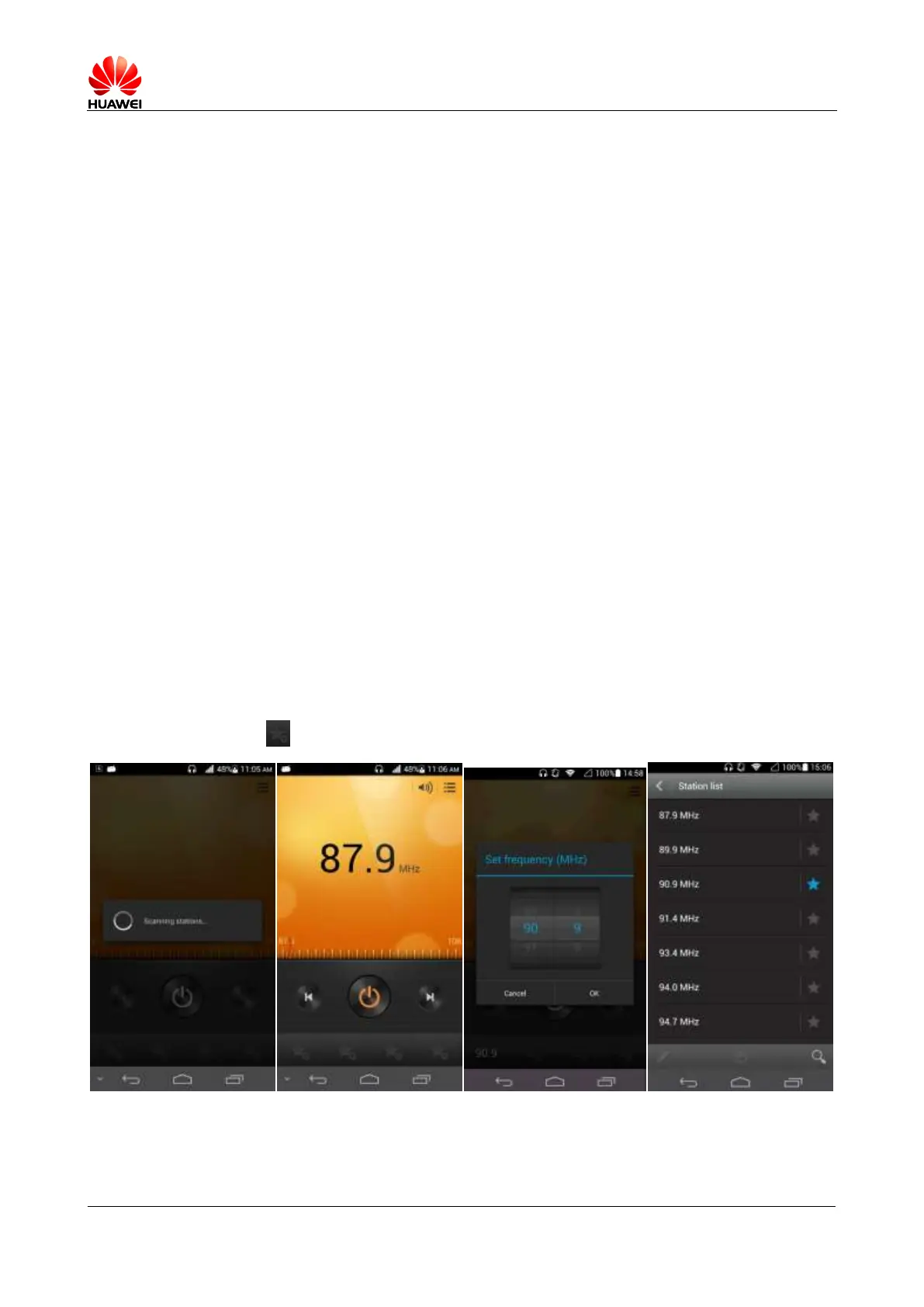
1.14.3 Does my phone support FM radio? If yes, how do I save the
manually searched channels?
Yes, your phone supports FM radio.
Touch the big frequency number in the center of the screen, enter a channel's frequency, and
touch to save this frequency to the channel list.



 To Next Page