HUAWEI P6-U06 Smartphone FAQs
Huawei Proprietary and Confidential
Copyright © Huawei Technologies Co., Ltd
2.8.8 How do I set network parameters?
Insert a SIM card into your phone. Your phone automatically configures Access Point Names
(APNs).
To view the APNs, touch Settings > Mobile networks > Access Point Names.
If you find that the APN settings are incorrect, on the APN screen, touch and select
Reset to default.
2.8.9 How do I enable or disable data services?
Choose either of the following methods:
Touch Settings > Mobile networks > Data enabled.
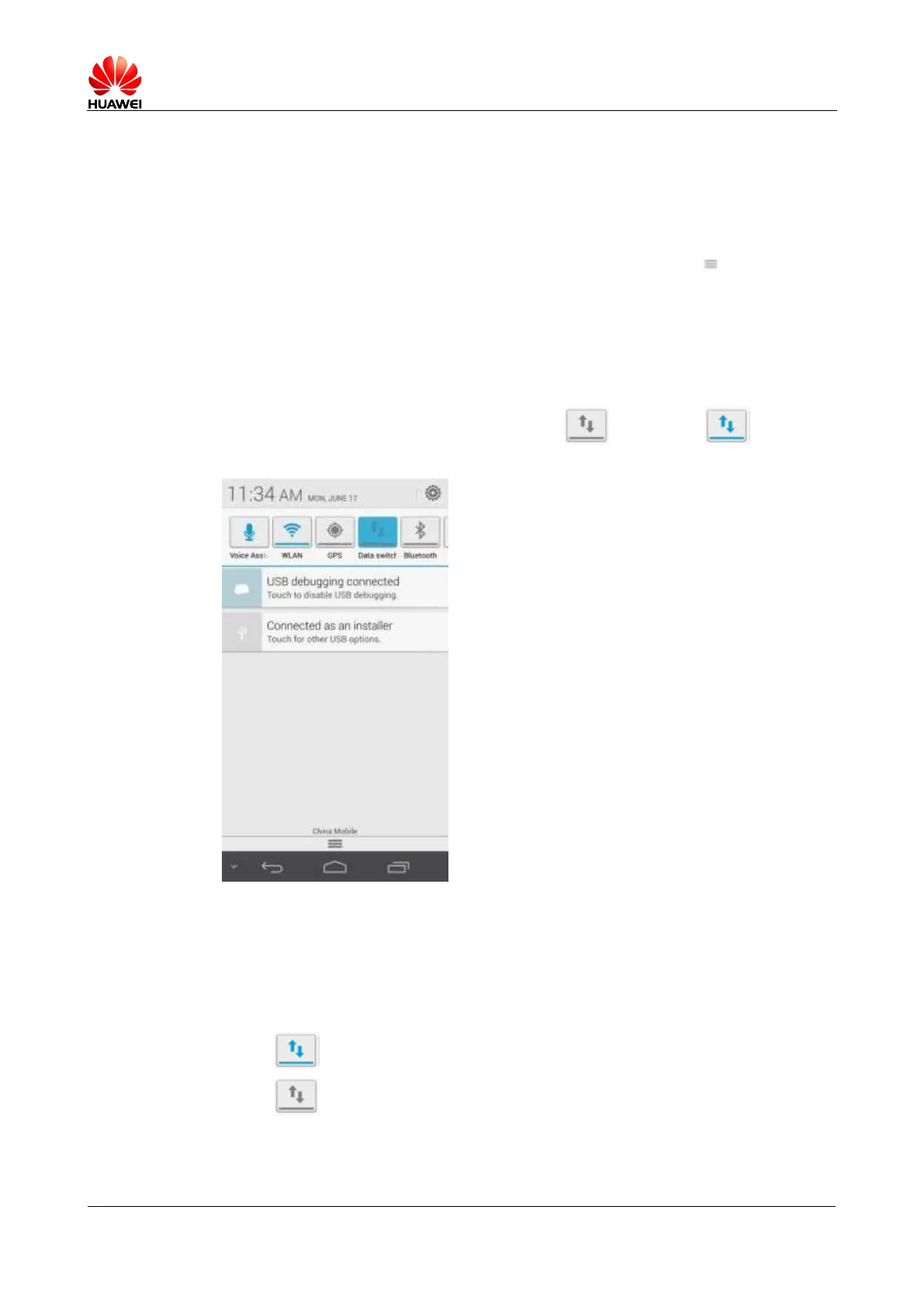
Drag the notification bar downward and touch to enable or to disable
data services.
2.8.10 How do I know whether data services are enabled on my
phone?
Drag the notification bar downward:
If is displayed, data services are enabled.
If is displayed, data services are disabled.



 To Next Page