HUAWEI P6-U06 Smartphone FAQs
Huawei Proprietary and Confidential
Copyright © Huawei Technologies Co., Ltd
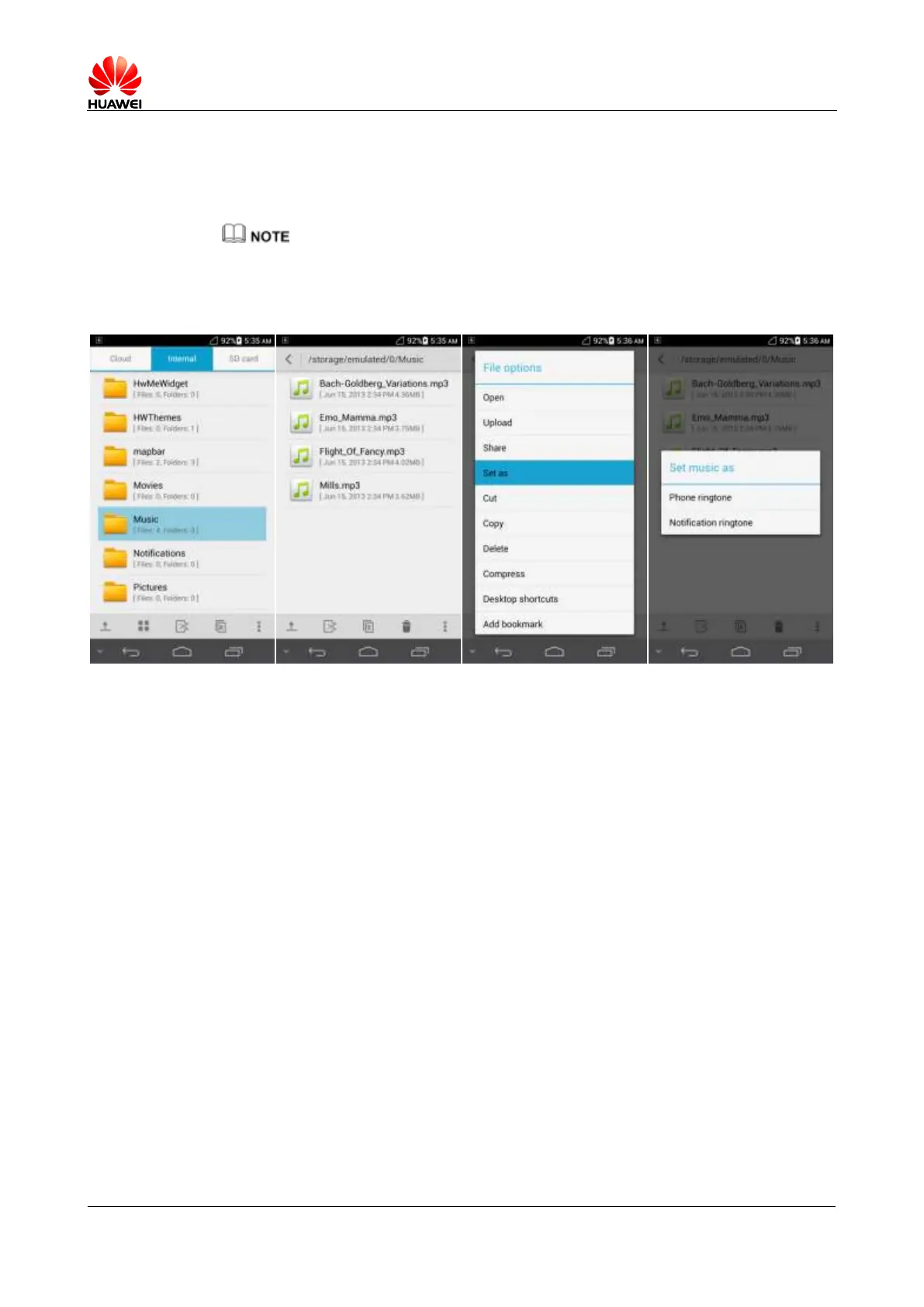
2.6.3 How do I set a custom song as a ringtone or message tone?
Touch File Manager. Touch and hold a desired audio file and touch Set as > Phone ringtone
or Notification ringtone.
If the audio file you selected as the ringtone is saved on the microSD card, your phone uses the default
ringtone in the following cases:
You have removed the microSD card.
The phone is connected to a computer in USB storage device mode.
2.6.4 How can I set the ringtone for a contact group?
This function is not supported.



 To Next Page