HUAWEI P6-U06 Smartphone FAQs
Huawei Proprietary and Confidential
Copyright © Huawei Technologies Co., Ltd
2.13.3 How do I use All Backup?
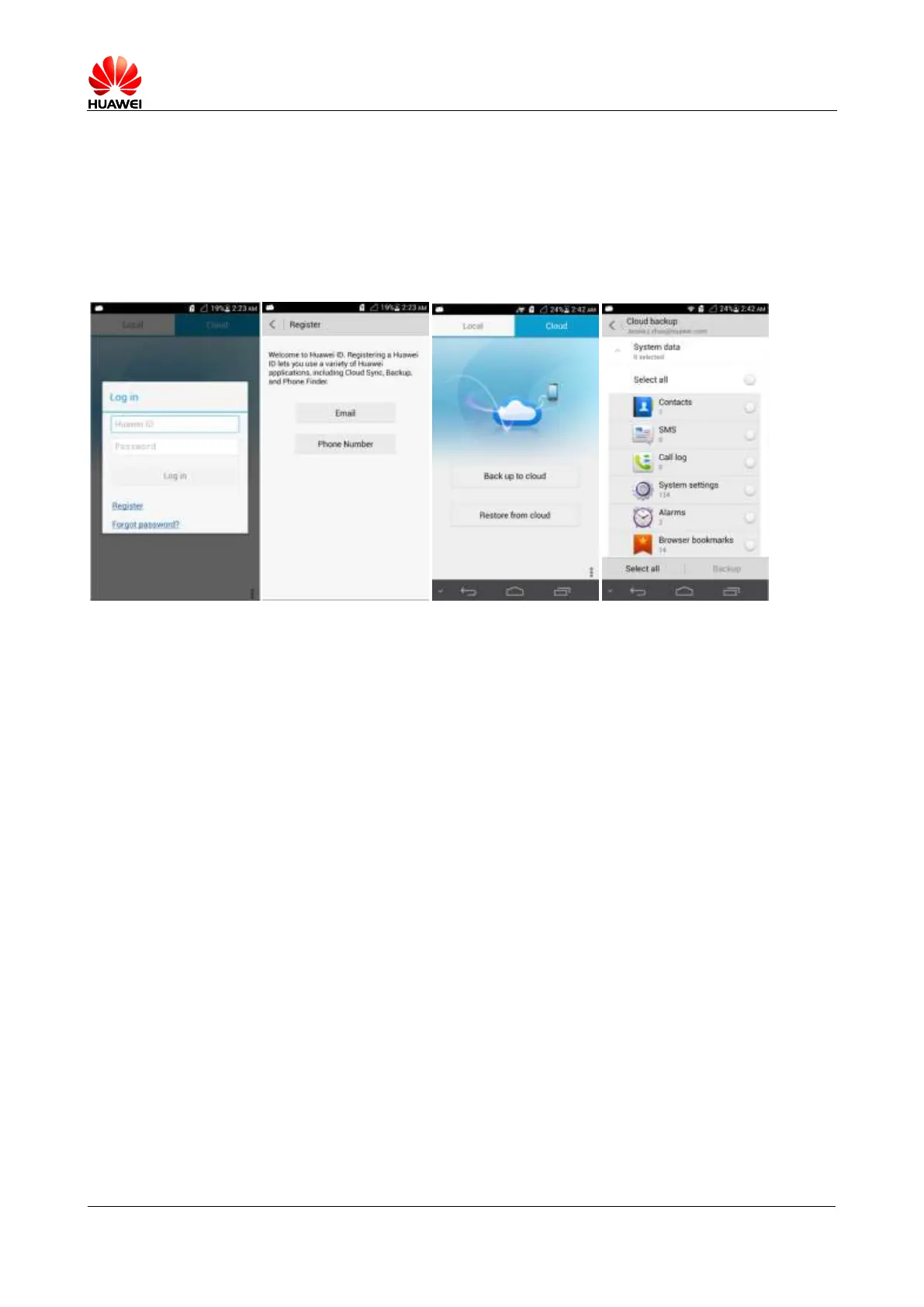
If your phone provides All Backup, perform the following steps:
Step 1 Touch Backup > Cloud.
Step 2 Log in to your cloud account. If you do not have a cloud account, register one.
Step 3 Touch Back up to cloud or Restore from cloud.
----End



 To Next Page