HUAWEI P6-U06 Smartphone FAQs
Huawei Proprietary and Confidential
Copyright © Huawei Technologies Co., Ltd
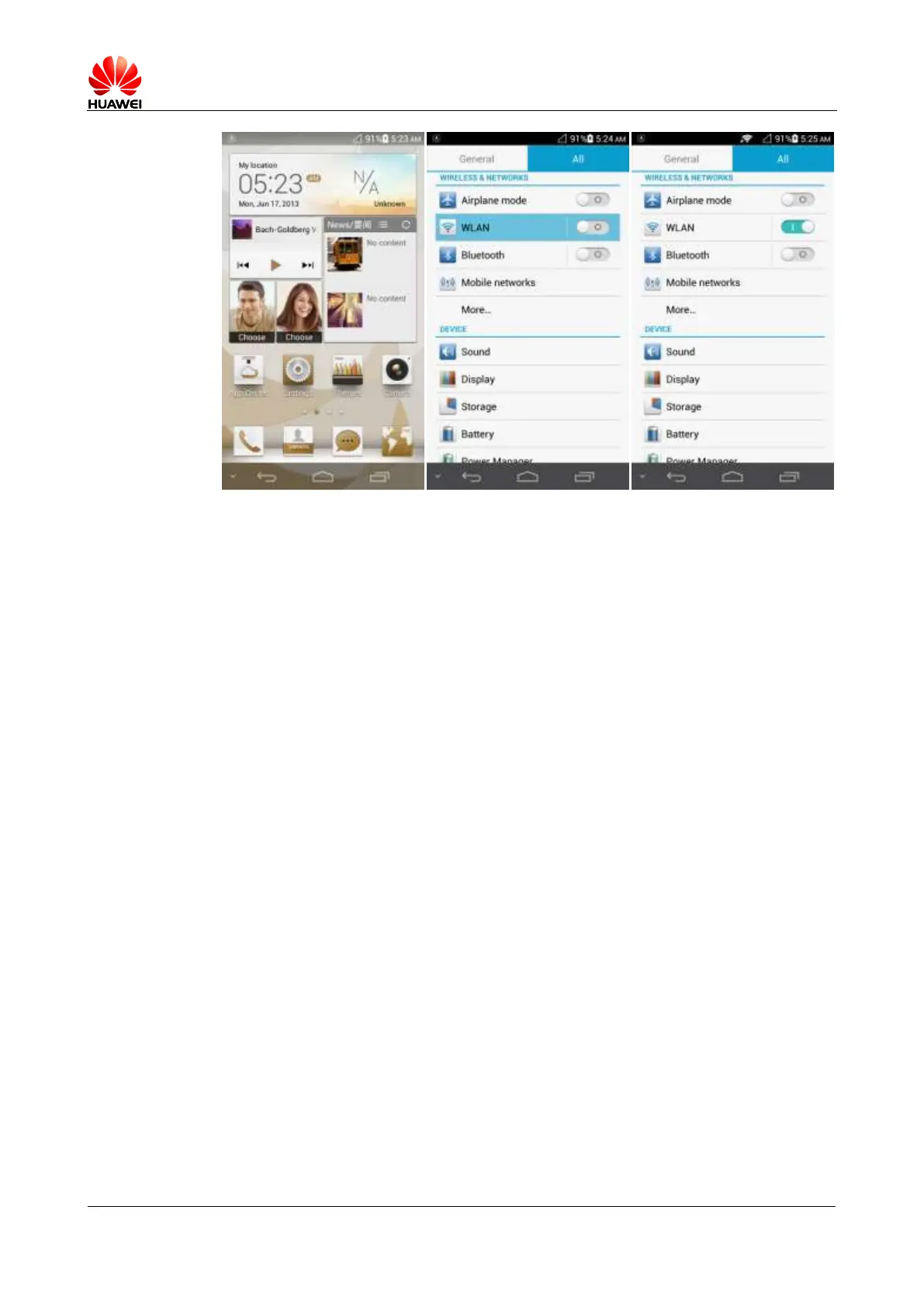
When WLAN is turned on, your phone scans for available hotspots. Touch the hotspot you
wish to connect to, enter the password when prompted, and touch Connect. When your phone
is connected to the hotspot, you can access the Internet.
2.2.2 What Wi-Fi protocols does my phone support? What are the
maximum data rates supported by each protocol?
Your phone supports 802.11b/g/n. The maximum data rate supported is 150 Mbit/s.
2.2.3 Why can't I open web pages when my phone is connected to
a Wi-Fi network?
Possible causes are as follows:
The x digital subscriber line (xDSL) connection failed. If the hotspot (such as a wireless
router) your phone connects to accesses the Internet through xDSL and the xDSL
connection fails, the Internet access is unavailable. Check the xDSL connection and try
again.
A domain name service (DNS) problem occurred. In this case, web pages cannot be
opened, but you may still log in to an instant messaging (IM) client. Attempt to log in to
an IM client to verify the problem.
The websites that the Wi-Fi hotspot can access are restricted.
2.2.4 I have turn on WLAN on my phone, but it cannot detect
signals from Wi-Fi hotspots. What can I do?
Check that the Wi-Fi hotspot's service set identifier (SSID) is not hidden.
Turn on WLAN on your phone again.
Restart your phone.



 To Next Page