HUAWEI P6-U06 Smartphone FAQs
Huawei Proprietary and Confidential
Copyright © Huawei Technologies Co., Ltd
1.7 Text messages
1.7.1 How do I change the input method when editing a message?
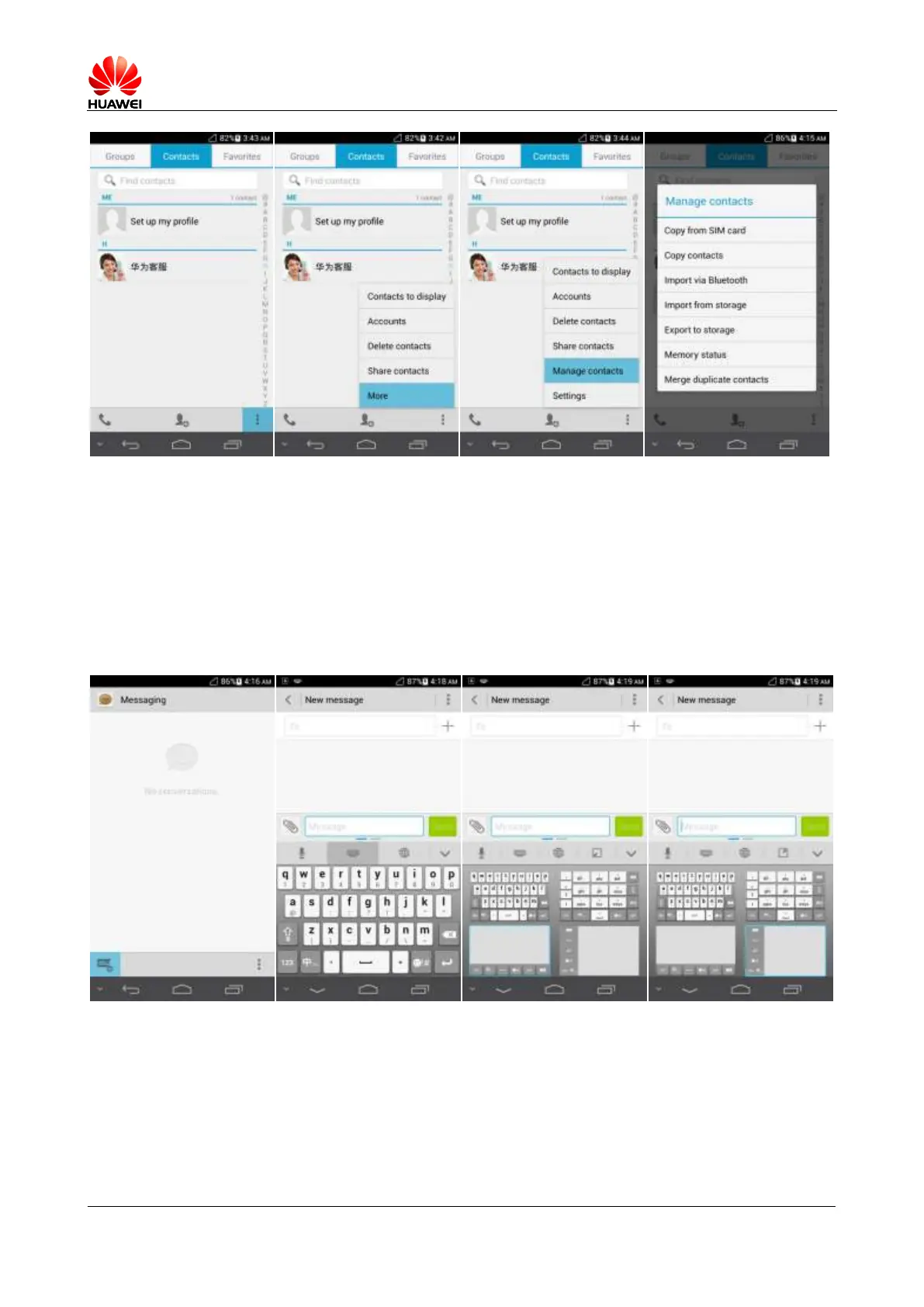
On the message editing screen, touch the text box to bring up the onscreen keyboard. The
default input method is Huawei input method.
1.7.2 How do I forward a text message or send a text message to
multiple recipients?
Forwarding a text message



 To Next Page