HUAWEI P6-U06 Smartphone FAQs
Huawei Proprietary and Confidential
Copyright © Huawei Technologies Co., Ltd
2.11 Applications
2.11.1 What application formats does my phone support? Does it
support JAVA?
Your phone supports all third-party applications based on the Android OS, but not Java
applications.
2.11.2 How do I obtain third-party applications?
Log in to Play Store to download third-party applications.
2.11.3 Can I change the default installation location for
applications?
No. This function is not supported.
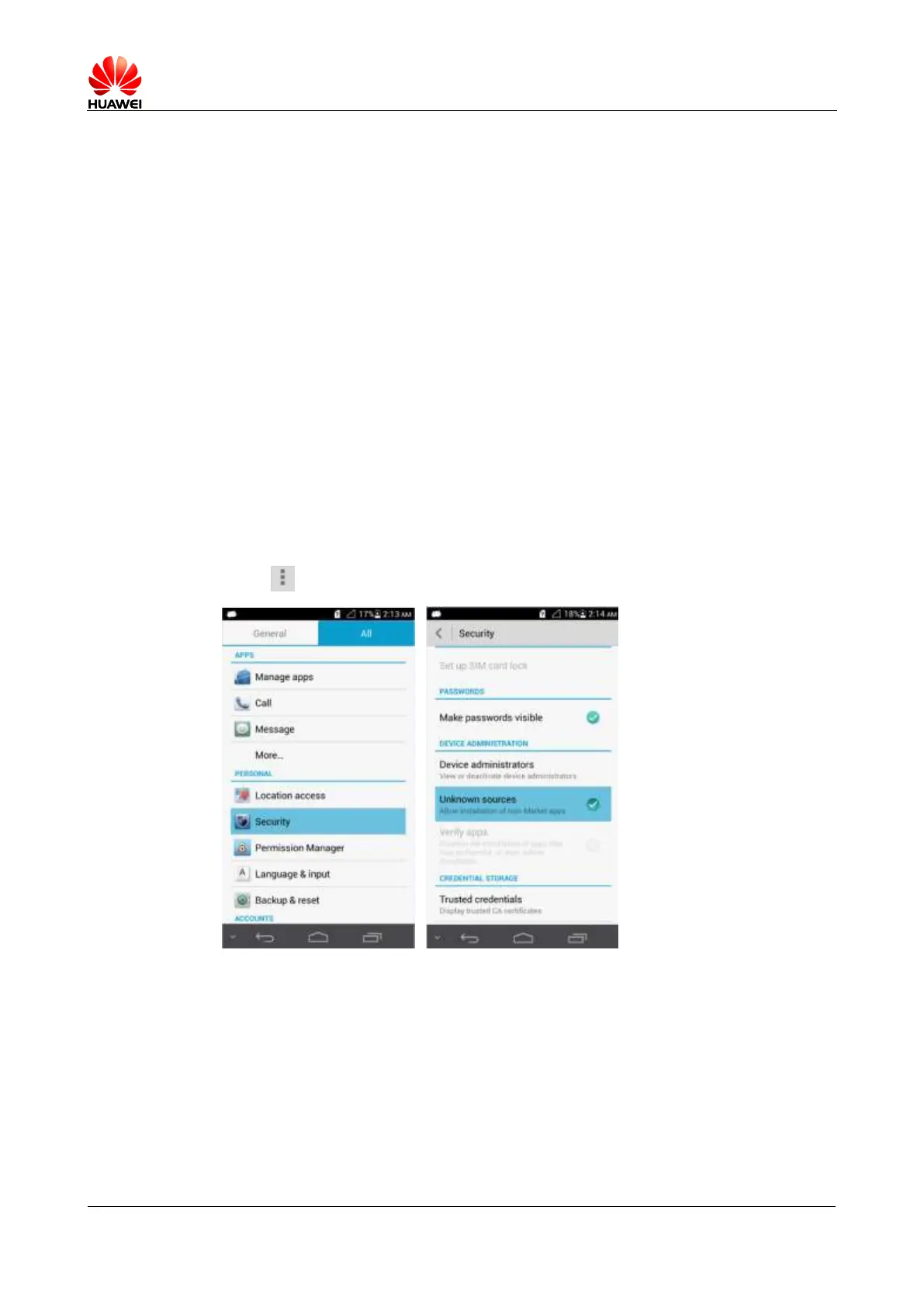
2.11.4 How do I install and uninstall applications?
Touch > Settings > Security, and select Unknown sources.
Download applications from Play Store and install them and go to File Manager to view and
install downloaded applications.
2.11.5 I cannot install an application. What can I do?
Possible causes and solutions are as follows:
The .apk file is corrupted. To solve this problem, contact the APK provider.



 To Next Page