HUAWEI P6-U06 Smartphone FAQs
Huawei Proprietary and Confidential
Copyright © Huawei Technologies Co., Ltd
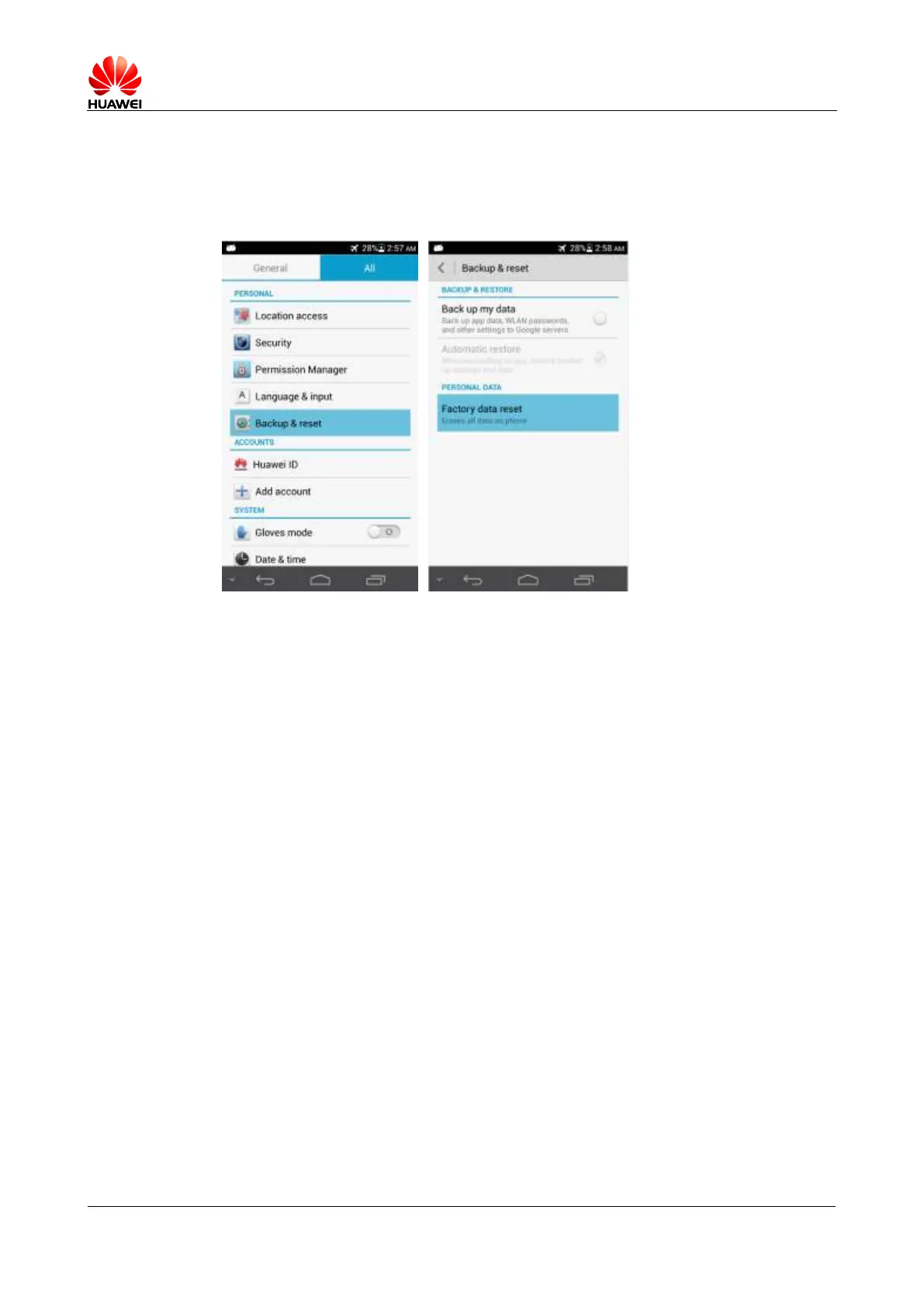
2.24 How do I restore my phone to its factory settings?
Step 1 Touch Settings > Backup & reset > Factory data reset.
Step 2 Touch Reset phone.
----End
2.25 How do I enter and exit safe mode?
To enter safe mode, when the startup animation disappears, press the volume down key until
Safe mode is displayed in the lower left corner of the screen.
To exit safe mode, restart your phone.



 To Next Page