HUAWEI P6-U06 Smartphone FAQs
Huawei Proprietary and Confidential
Copyright © Huawei Technologies Co., Ltd
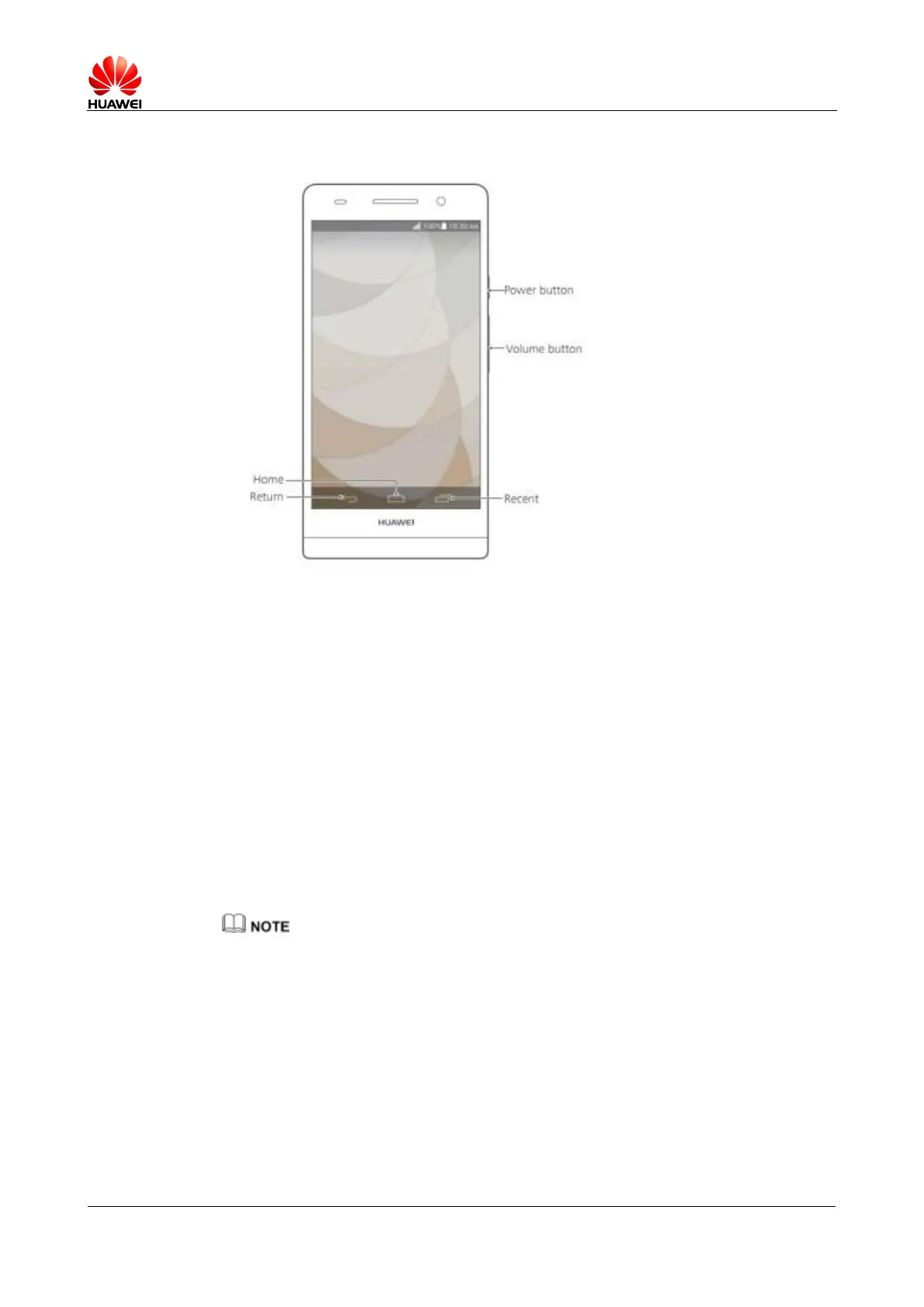
Figure 1-1 Your phone at a glance
1.4 Installation
The battery cover on your P6 is irremovable.
Your P6 supports micro-SIM cards. To purchase or replace a micro-SIM card, contact
your operator.
Your P6 supports microSD cards.
To install a SIM card or microSD card, insert the end of the eject tool into the hole next
to the micro-SIM or microSD card tray to release it. Then, follow the directions on the
card tray to install the micro-SIM or microSD card correctly.
After you complete those steps, you are now ready to begin using your P6. Press and hold the
power button for a few seconds to power the phone on.
Do not remove the micro-SIM card when your P6 is not powered off.



 To Next Page