HUAWEI P6-U06 Smartphone FAQs
Huawei Proprietary and Confidential
Copyright © Huawei Technologies Co., Ltd
2.14 Task Manager
2.14.1 What functions does Task Manger provide?
You can use Task Manager to manage all applications, including downloaded and running
applications.
2.14.2 How do I open Task Manager?
On any screen, touch and hold .
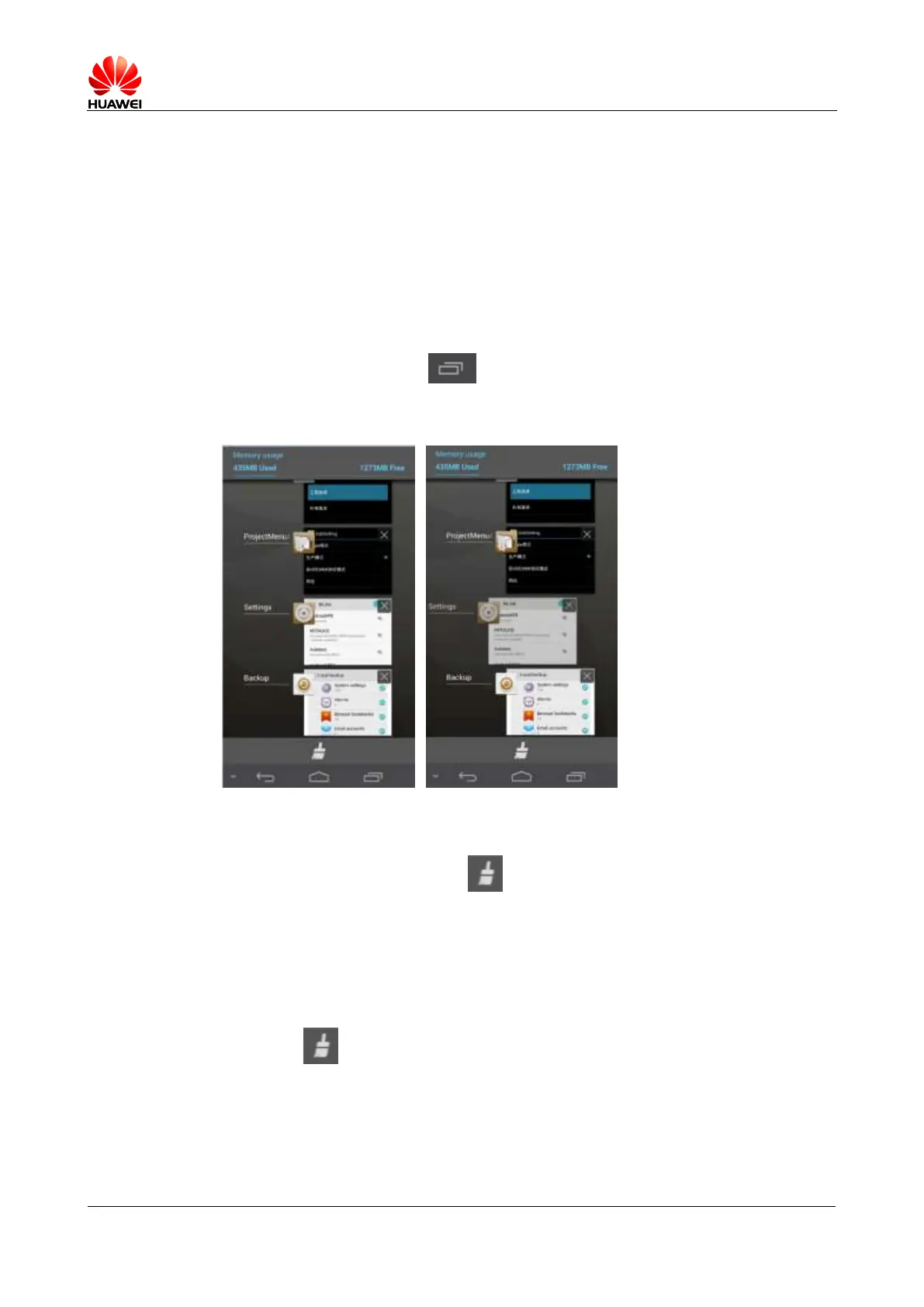
2.14.3 What does the Task Manager screen look like?
In the upper part, the running applications are displayed in a list.
In the lower part, a clear button is displayed.
2.14.4 What can I do on the Task Manager screen?
Scroll through the application list to view all running applications.
Drag an application icon leftward or rightward to close the application.
Touch an icon to open the application.
Touch to close all running applications.



 To Next Page