HUAWEI P6-U06 Smartphone FAQs
Huawei Proprietary and Confidential
Copyright © Huawei Technologies Co., Ltd
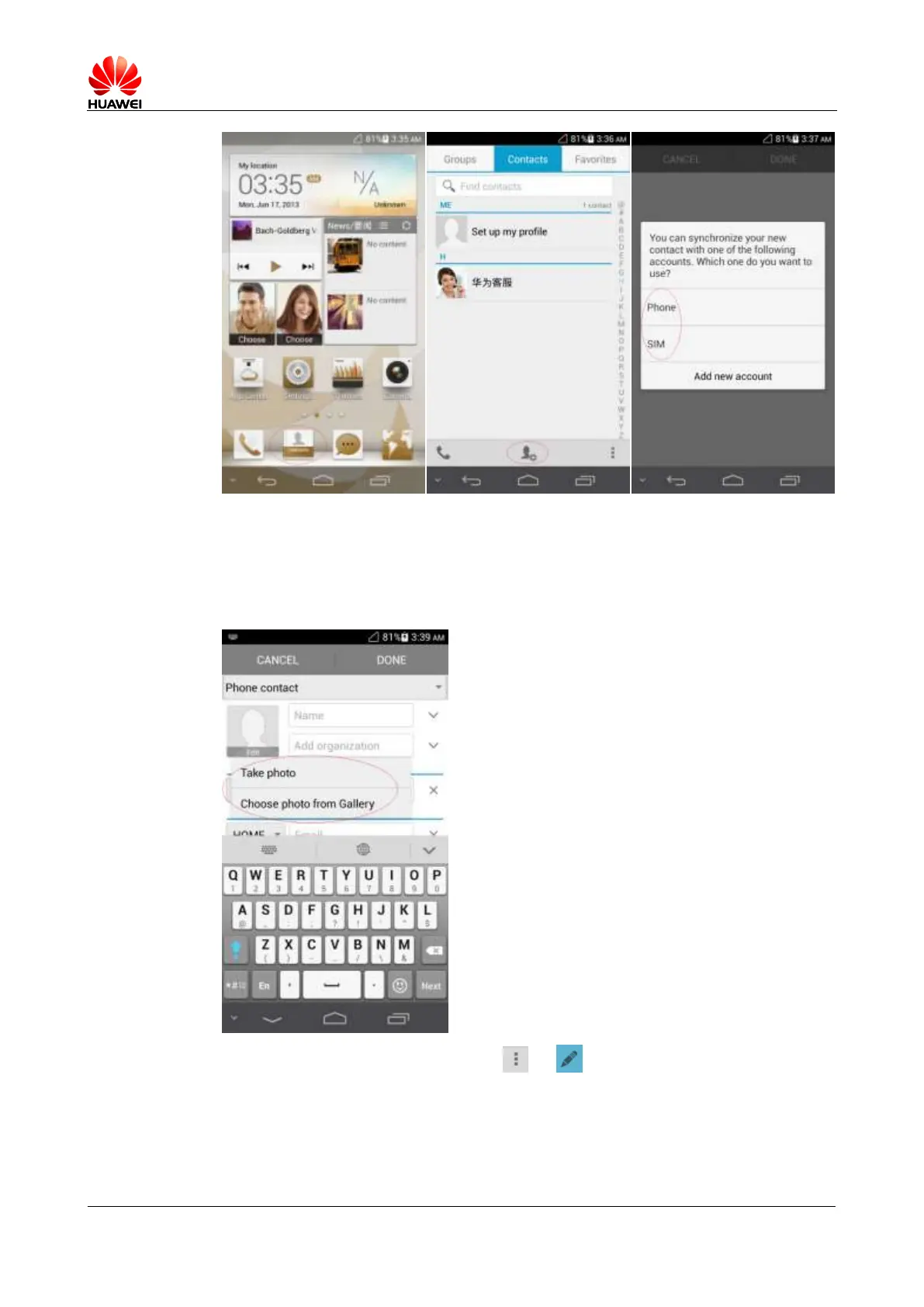
Assigning a photo to a contact
− Method 1: Go to Contacts and touch a contact to display the contact details. On the
contact details screen, touch the contact photo area and then Take photo or Choose
photo from Gallery.
− Method 2: Go to Contacts, touch > , touch the contact photo area then
Take photo or Choose photo from Gallery.



 To Next Page