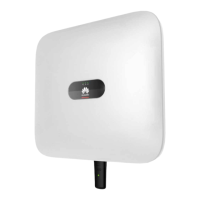
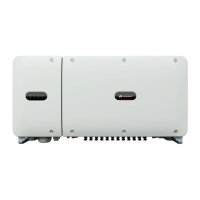
There are two types of Smart Dongle involved in this document:
● WLAN-FE Smart Dongle: SDongleA-05
● 4G Smart Dongle: SDongleA-03
For details, see the quick guide that is delivered with the Smart Dongle.
5.6 (Optional) Installing the Signal Cable
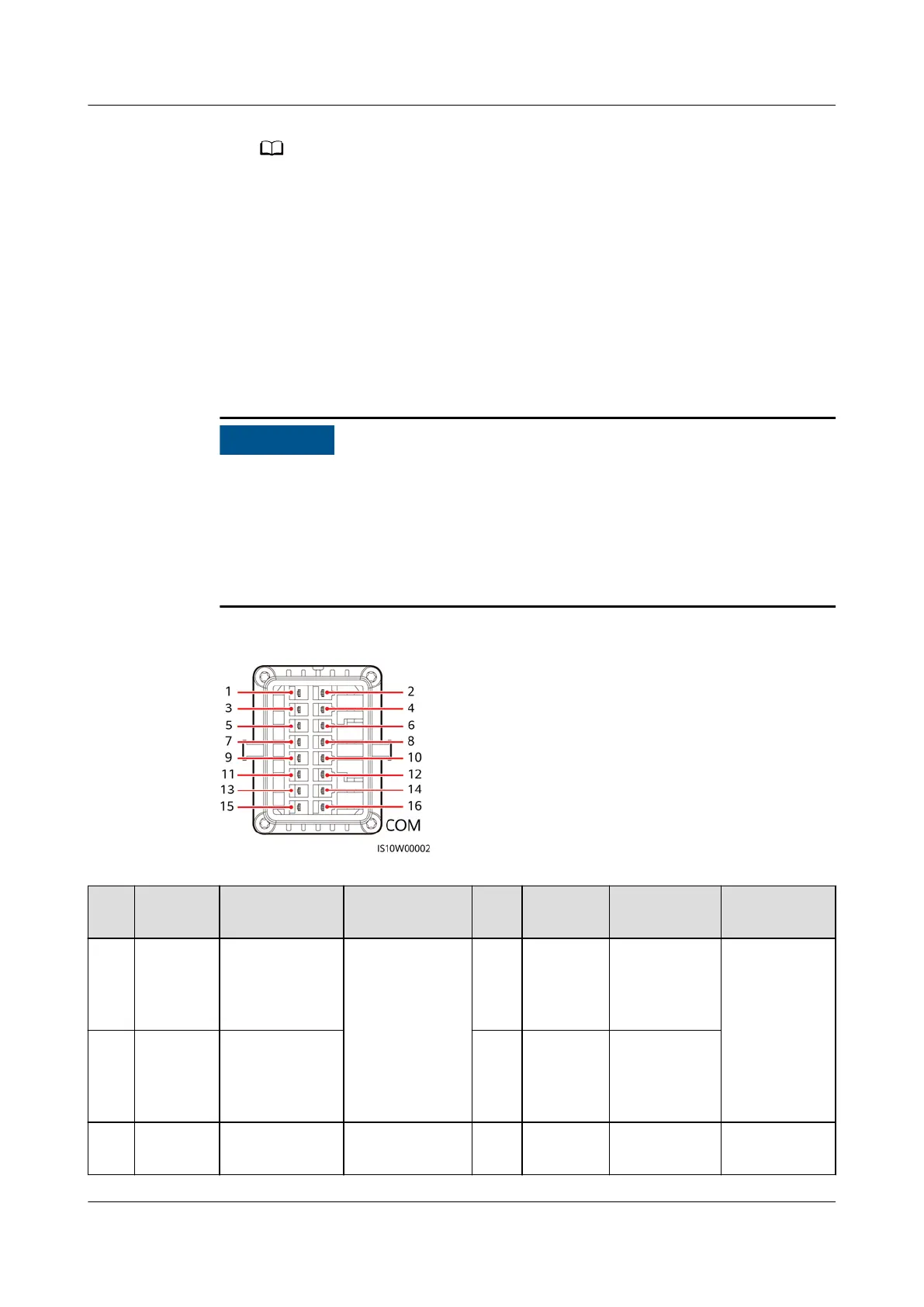
Communication port signal
denitions
● When routing the signal cable, ensure that it is separate from the power cable
and away from interfering sources to prevent communication from being
aected.
● The protection layer of the cable is in the connector. Cut o surplus core wires
from the protection layer. Ensure that the core wires are completely inserted
into the cable holes, and that the cable is securely connected.
Figure 5-19 Signal denitions
Pin
Denitio
n
Function Description Pin Denitio
n
Function Description
1 485A1-1 RS485A,
RS485
dierential
signal+
Used to
cascadeinverte
rs or connect
to the RS485
signal port on
the
SmartLogger
2 485A1-2 RS485A,
RS485
dierential
signal+
Used to
cascadeinver
ters or
connect to
the RS485
signal port
on the
SmartLogger
3 485B1-1 RS485B,
RS485
dierential
signal–
4 485B1-2 RS485B,
RS485
dierential
signal–
5 PE Shield layer
grounding
N/A 6 PE Shield layer
grounding
N/A
SUN2000-(3KTL-10KTL)-M0
User Manual 5 Electrical Connections
Issue 06 (2020-10-23) Copyright © Huawei Technologies Co., Ltd. 45


 To Next Page
 Loading...