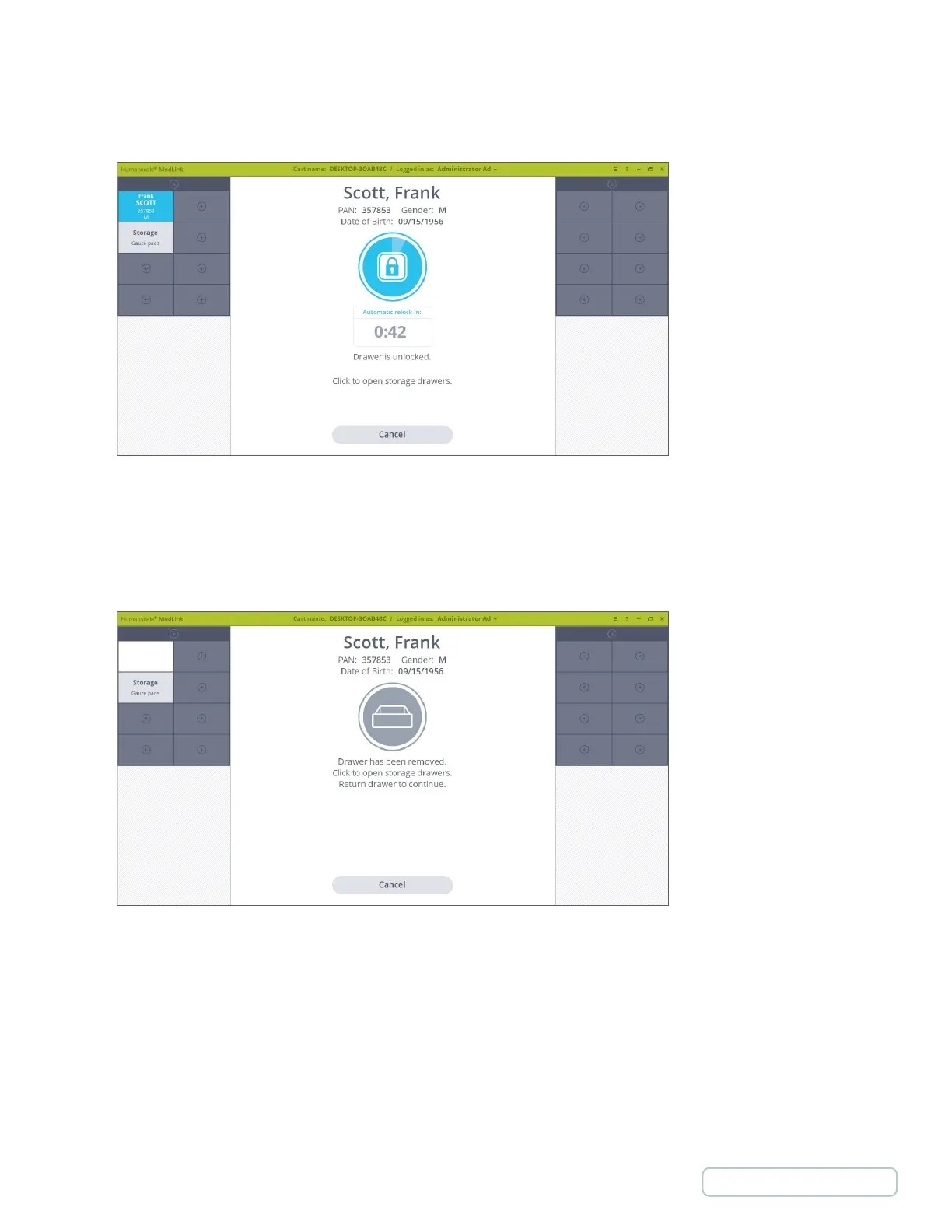
3. If a Drawer assigned to that Patient is detected on the cart, the Drawer automatically unlocks. The screen will
display the auto close timer. If no further action is taken at this point the Drawer will relock, securing the medication.
4. Pull the Drawer out and remove it completely if you wish.
The screen updates, indicating the Drawer has been removed. At this point, you can go ahead with your normal
medication administration process.
Figure 51 - Patient Drawer Unlocked
Figure 52 – Patient Drawer is Open
47
Return to Table of Contents



 To Next Page