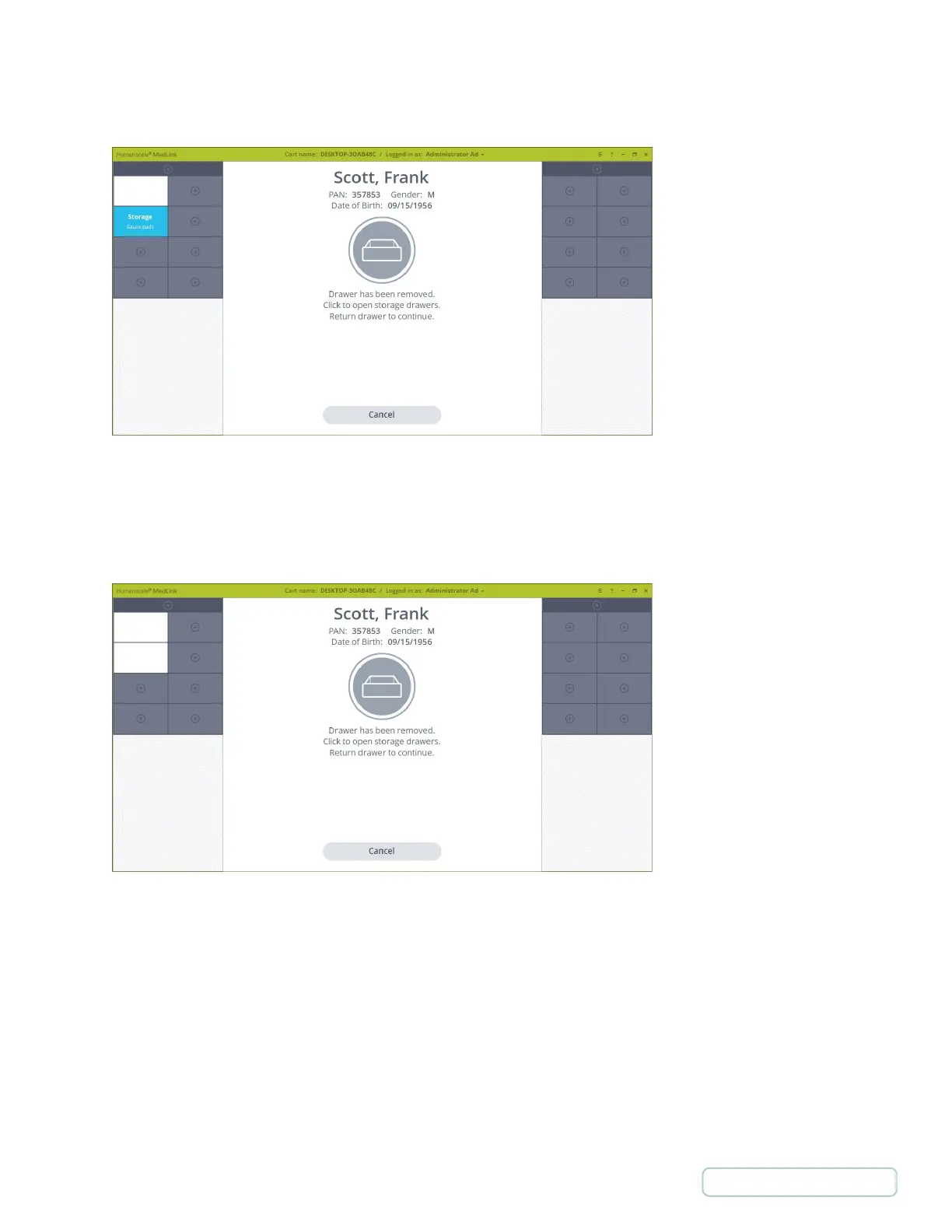
5. With a Patient Drawer open, you may also open storage Drawers to access supplies and consumables needed to
administer the medication. Simply click on a storage Drawer to unlock it.
6. If a Patient Drawer is open, the on-screen prompt will remain, advising you to return the Patient Drawer to continue.
This ensures that only one Patient Drawer may be opened at a time, thereby preventing the possibility of medication
getting mixed between Patient Drawer.
Figure 53 -Storage drawer is Unlocked
Figure 54 – Patient and Storage Drawers are Open
48
Return to Table of Contents



 To Next Page