7. When the Patient Drawer is returned to the Cassette, the process has ended, and you will be returned to the Home
screen.
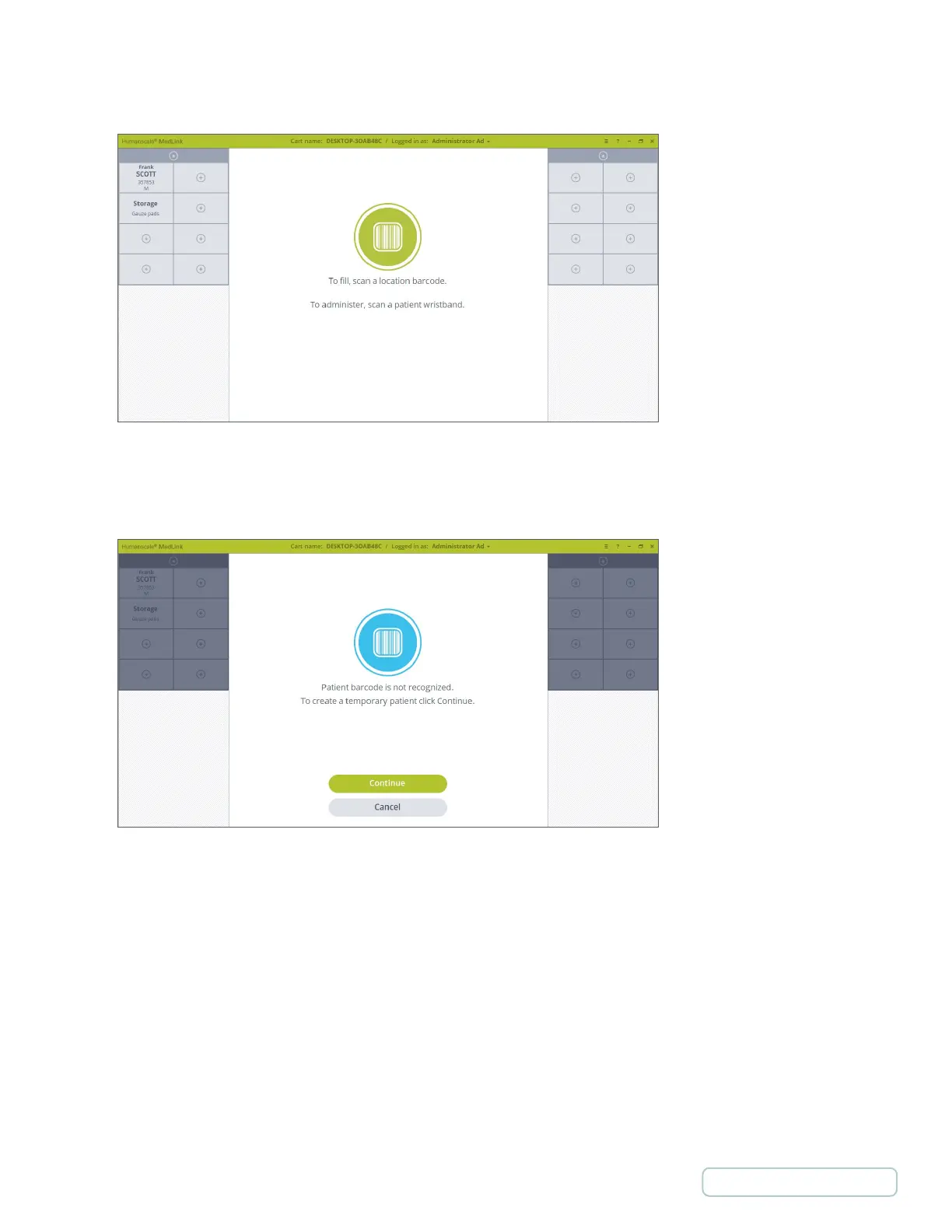
When you scan a Patient barcode, if a matching Drawer is not detected on that Cart, a notification displays on screen
informing you that there is no match. The notification can be cancelled, or you can continue to create a Temporary Patient.
Temporary Patient is discussed in detail later in this document at chapter 5.15 Temporary Patient.
Figure 46 – Home screen
Figure 55 – Patient Is not detected on cart
49
Return to Table of Contents



 To Next Page