109
AutoChart LIVE
CORRECT DATA
I
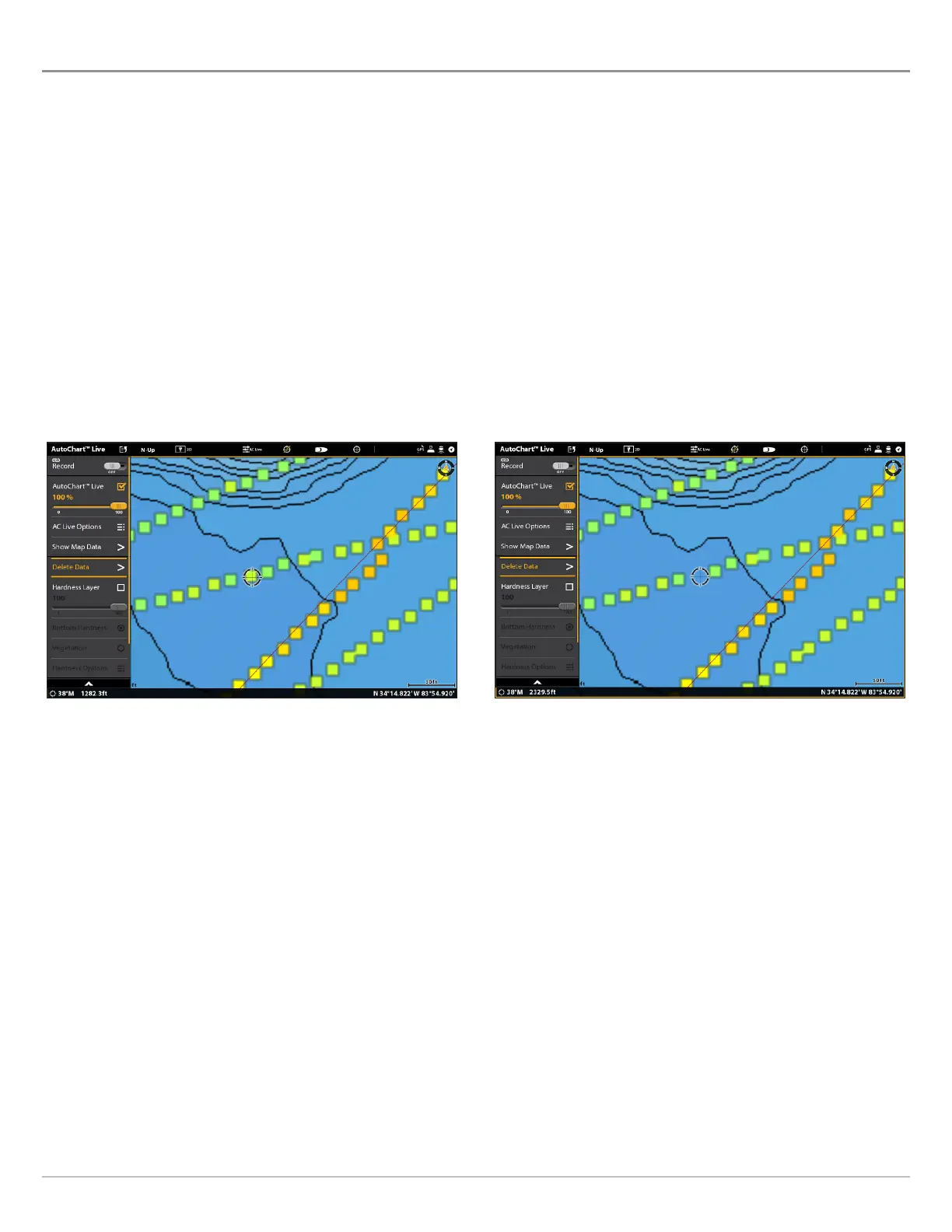
f you see an irregularity in the data (such as lost depth), it can be corrected. Recording must be turned off while you correct the
d
ata.
1. With a Chart View displayed on-screen, tap Chart in the status bar, or press the MENU key once.
2. Select AutoChart LIVE.
3. Turn Off Recording: Select Record. Tap the on/off button, or press the ENTER key, to turn it off.
4. Select Show Raw Data.
5. Press the +ZOOM key to see individual data points.
6. Tap the data point, or use the Joystick to select the data point.
7. From the AutoChart LIVE menu, select Delete Data.
Optional: Record the area again. See Record your Custom Map.
Selecting a Data Point The Data Point is Removed



 To Next Page