19
SD Card Slots
SD CARD SLOTS
CAUTION! Before the control head software is updated or restored to system defaults, export your menu settings, radar settings, and
navigation data (see Update Software).
SD CARD SLOTS
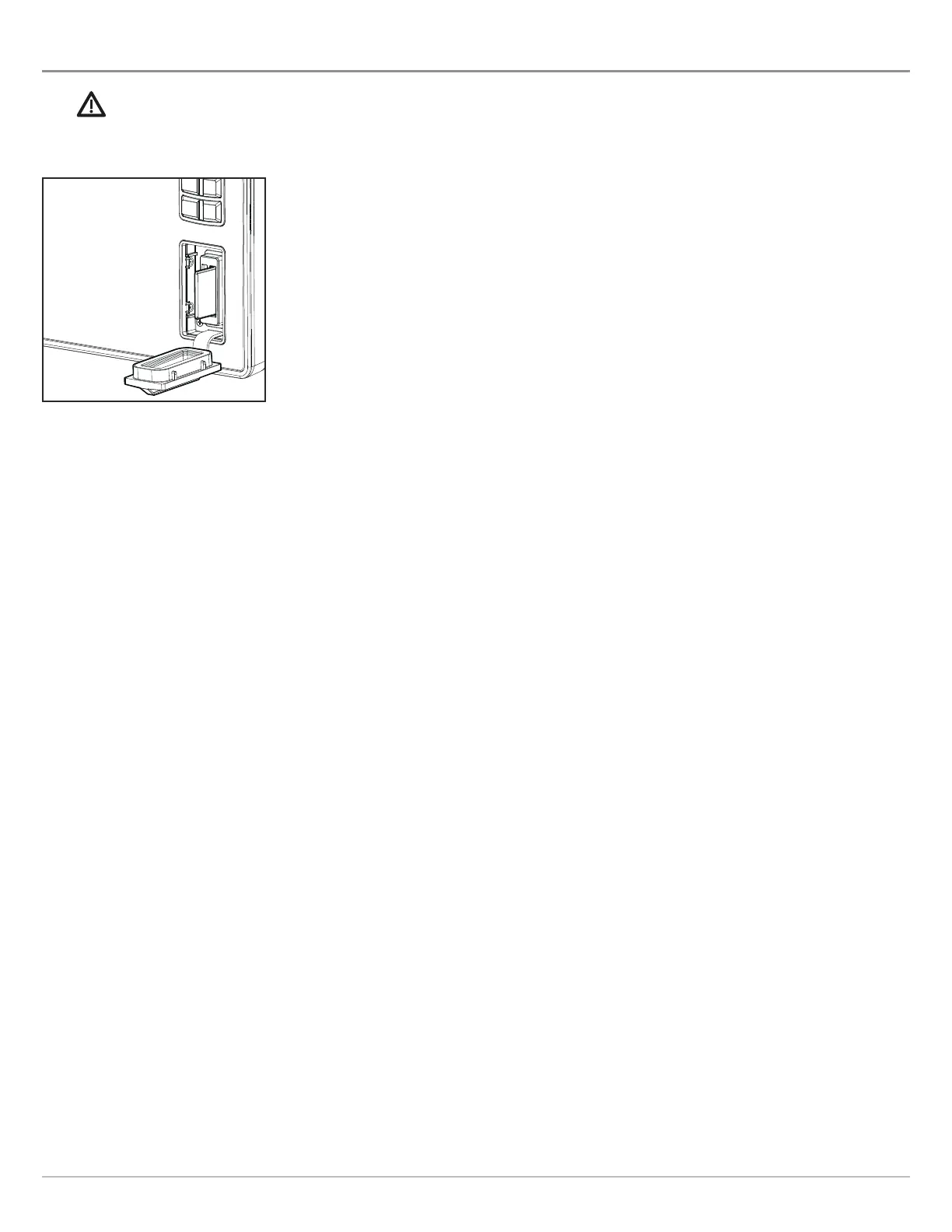
Insert an SD card with the label facing left. SD cards can be used to load additional charts,
import/export navigation data, save screen snapshots, import/export menu settings, and
more.
The left slot is displayed as SD Card (1) in the menu system, and the right slot is displayed as
SD Card (2).
Load Maps
Insert the SD card with the label facing left



 To Next Page