60
Chart Options
CUSTOMIZE THE CHART VIEW
T
he settings in this section are optional. You can use the default settings for the chart appearance and map source, or you can
c
ustomize the Chart View for your navigation preferences. See Views for more information.
OPEN THE HUMMINBIRD SETTINGS MENU
When Humminbird LakeMaster is selected as the map source, additional menus to customize the Humminbird chart display are
added to the menu system.
1. With a Chart View displayed on-screen, tap Chart in the status bar, or press the MENU key once.
2. Select Chart Options.
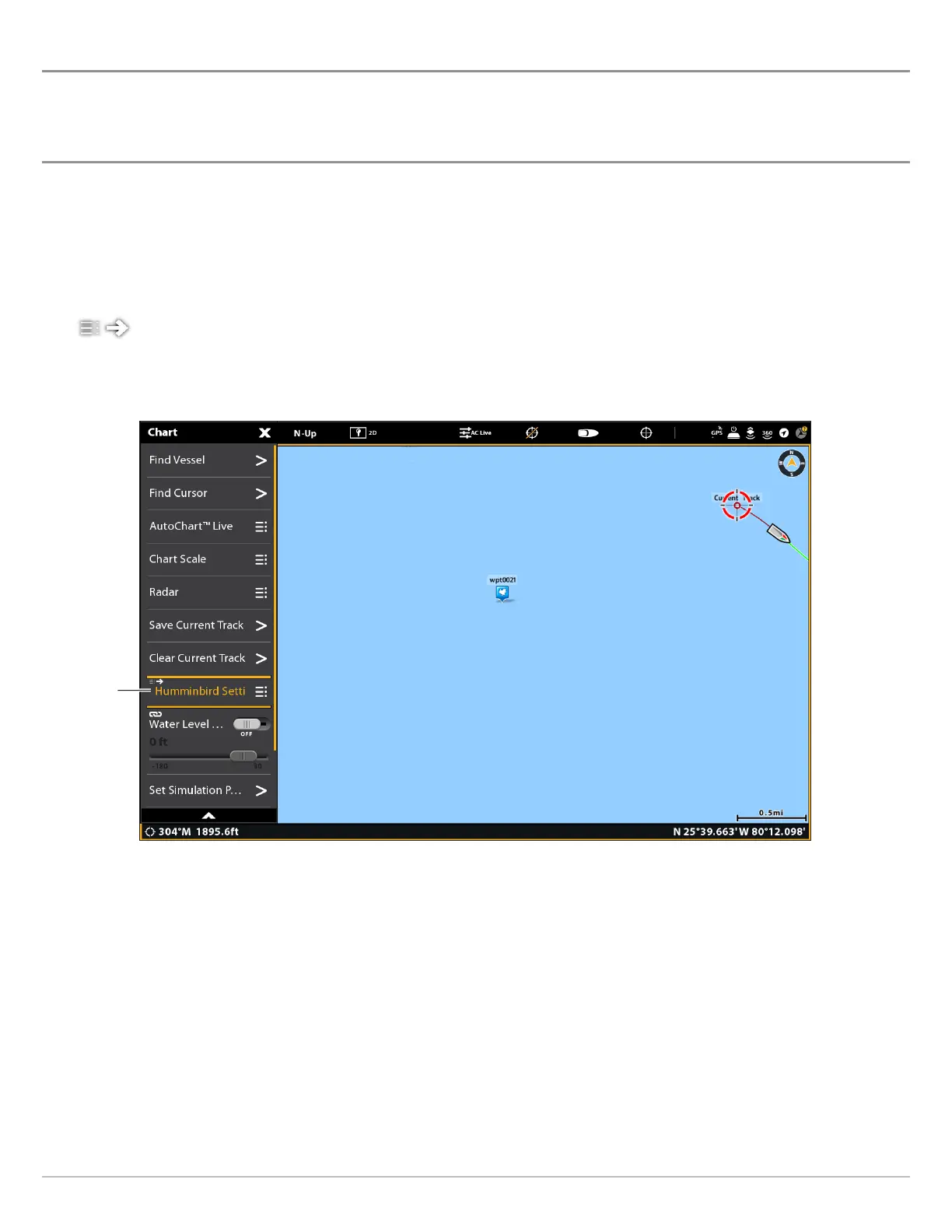
3. Select Humminbird Settings.
Shortcut Menu: Some menus will be displayed as shortcuts under the X-Press Menu. Any menu setting changes will
be applied in both menu locations. See the illustration below.
Opening the Humminbird Settings Shortcut Menu
sh
or
t
cu
t
m
e
n
u



 To Next Page