197
Sonar & Navigation
NAVIGATION IN SONAR VIEWS (2D, SI, DI)
T
o mark waypoints and start navigation, the control head must have a GPS fix from a connected or internal GPS receiver. The
n
avigation menus can be accessed from the X-Press Menu, touch screen, and the keypad.
Mark a Waypoint
You can mark a waypoint on the Sonar Views using the keypad or touch screen. You can also mark a waypoint at the vessel position
or the cursor position.
Mark a Waypoint at the Vessel Position
Mark a Waypoint at the Cursor Position
Touch Screen
1. Tap Sonar in the status bar.
2. Select Mark.
3. Select Waypoint.
Keypad
1. Press the MARK key twice.
Touch Screen
1. Press and hold a position on the Sonar View.
2. Select Waypoint.
Keypad
1. Use the Joystick to move the cursor to a position on
the Sonar View.
2. Press the MARK key twice.
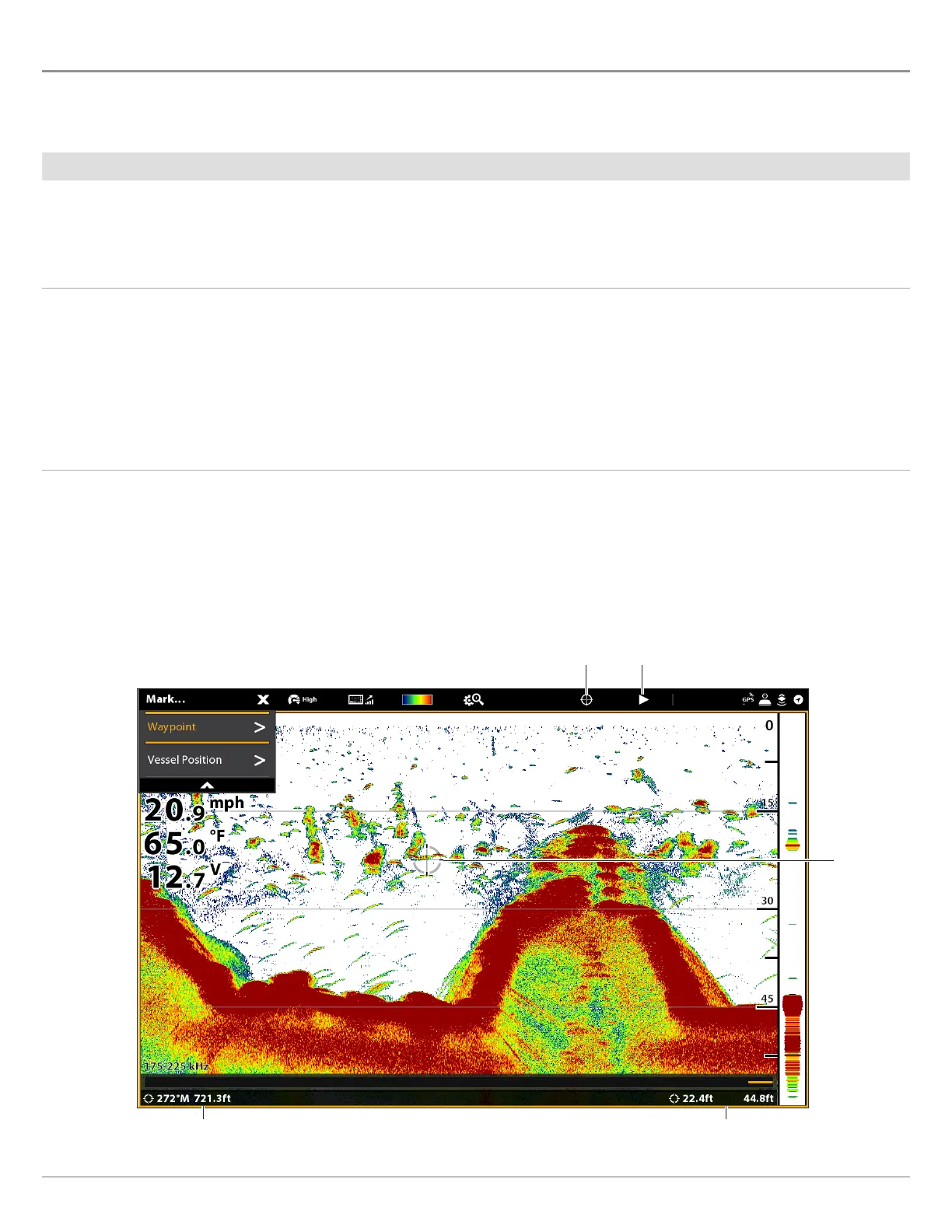
distance and bearing to cursor position
Marking a Waypoint (2D Sonar View)
exit cursor
cursor position
show cursor
cursor



 To Next Page