192
Down Imaging
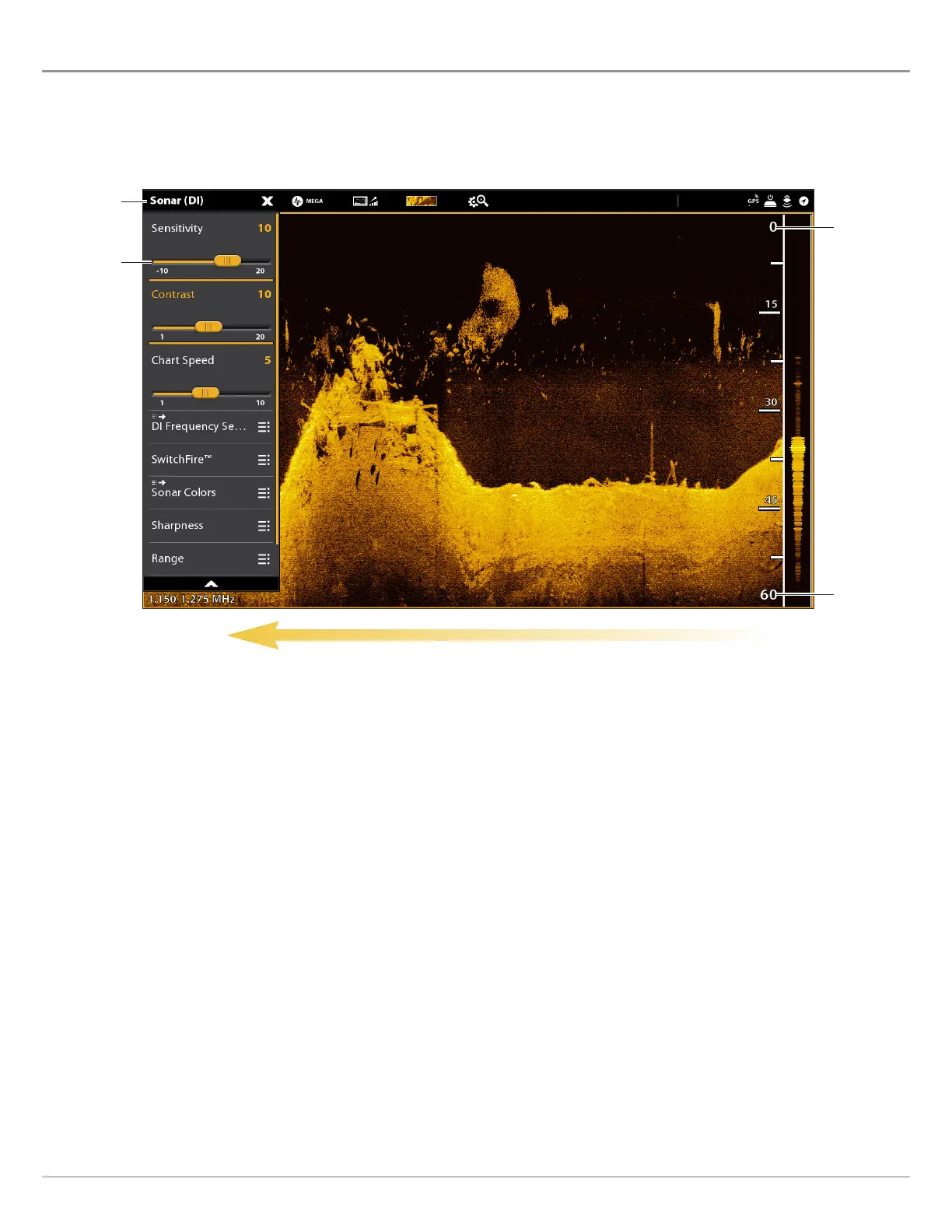
ADJUST DOWN IMAGING DISPLAY SETTINGS
T
he X-Press Menu provides menu options to adjust the sensitivity and range as you fish. You can also mark a particular depth, and
y
ou can control how fast the sonar history scrolls across the screen. The menu options allow you to see more or less of the sonar
r
eturns from the transducer beams as you adjust each setting.
chart speed
Adjusting Down Imaging Display Settings
Down Imaging
X-Press Menu
sensitivity
upper range
lower range



 To Next Page