115
AutoChart LIVE
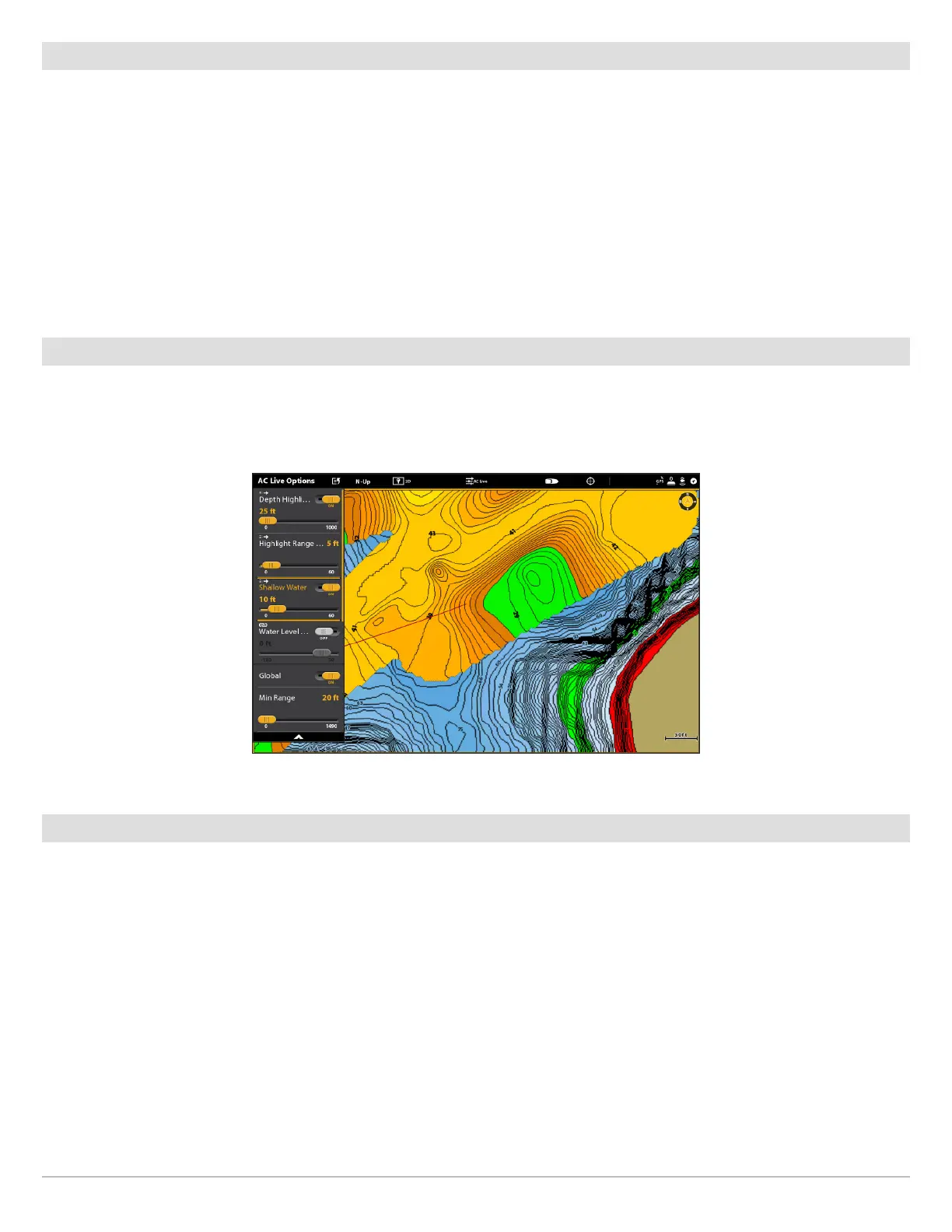
Change the Water Level Offset
When you start your mapping for the day, it is important to note if the water level is higher or lower than usual. See Prepare the
Control Head for Mapping for more information.
1. From the AutoChart Live Options menu, select Water Level Offset.
2. Tap the on/off button, or press the ENTER key, to turn it on.
3. Press and hold the slider, or press and hold the ENTER key, to adjust the setting.
If the water level is higher than normal, set a positive amount.
If the water level is lower than normal, set a negative amount.
If the water level has not changed (normal), turn off Water Level Offset.
Add Humminbird Chart Settings
If Humminbird is set as the map source, you can add Depth Colors, Shallow Water, etc. to your AutoChart LIVE map. See Customize
the Chart View: Adjust the Depth Range and Colors for more information.
Add Navionics Settings with Chart Options
If Navionics is set as the map source, you can display Contours and Shading on your AutoChart LIVE map. See Customize the Chart
View: Select Map Data for more information.
Adding Shallow Water Settings to the Map
(Map Source: Humminbird)



 To Next Page