203
Images Tool
Display Screen Snapshots and Slideshow
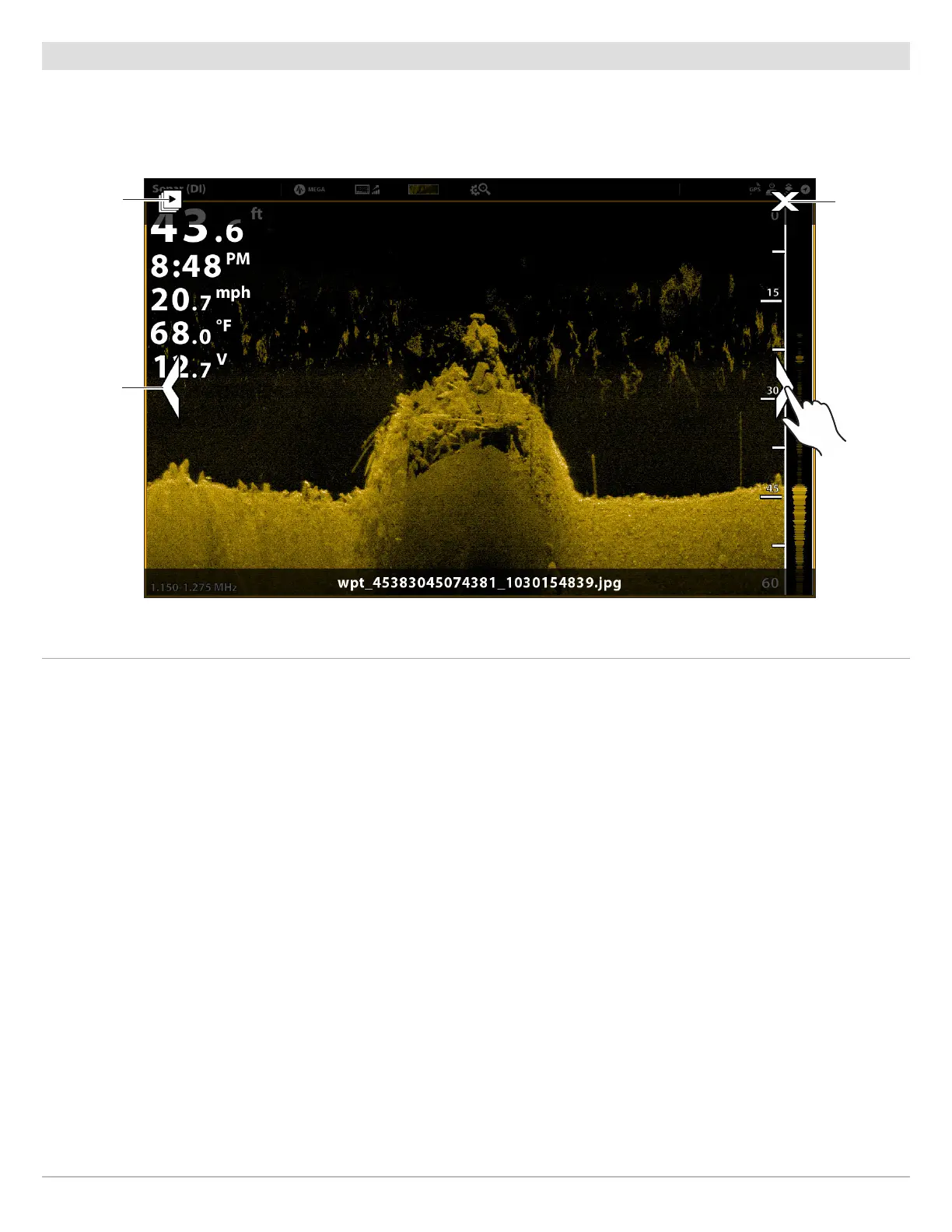
When you select a saved screen snapshot (JPG file) from the Images tool, you can display it in full-screen using the touch screen
or keypad.
Display a Screen Snapshot
Touch Screen
1. From the Images tool, tap a screen snapshot.
Scroll to the Next Image/Previous Image:
Tap the on-screen arrows.
Return to the Images Tool:
Tap the on-screen X icon.
Keypad
1. Use the Joystick to select a screen snapshot.
2. Press the ENTER key.
Scroll to the Next Image/Previous Image:
Turn the Rotary dial.
Return to the Images Tool:
Press the EXIT key.
Using the Touch Screen with a Saved Screen Snapshot
start
slideshow
Previous
Image: tap
arrow or
swipe left
to right
close
Next Image:
tap arrow or
swipe right
to left



 To Next Page