23
Home Screen
S
elect Currents to review information for the nearest current station to your present position. Two graphs
are also presented that show the time, direction, and flow speed of the current changes for the 24 hour time
period of today’s date. You can also search data for a selected date.
Required Map Source: Navionics
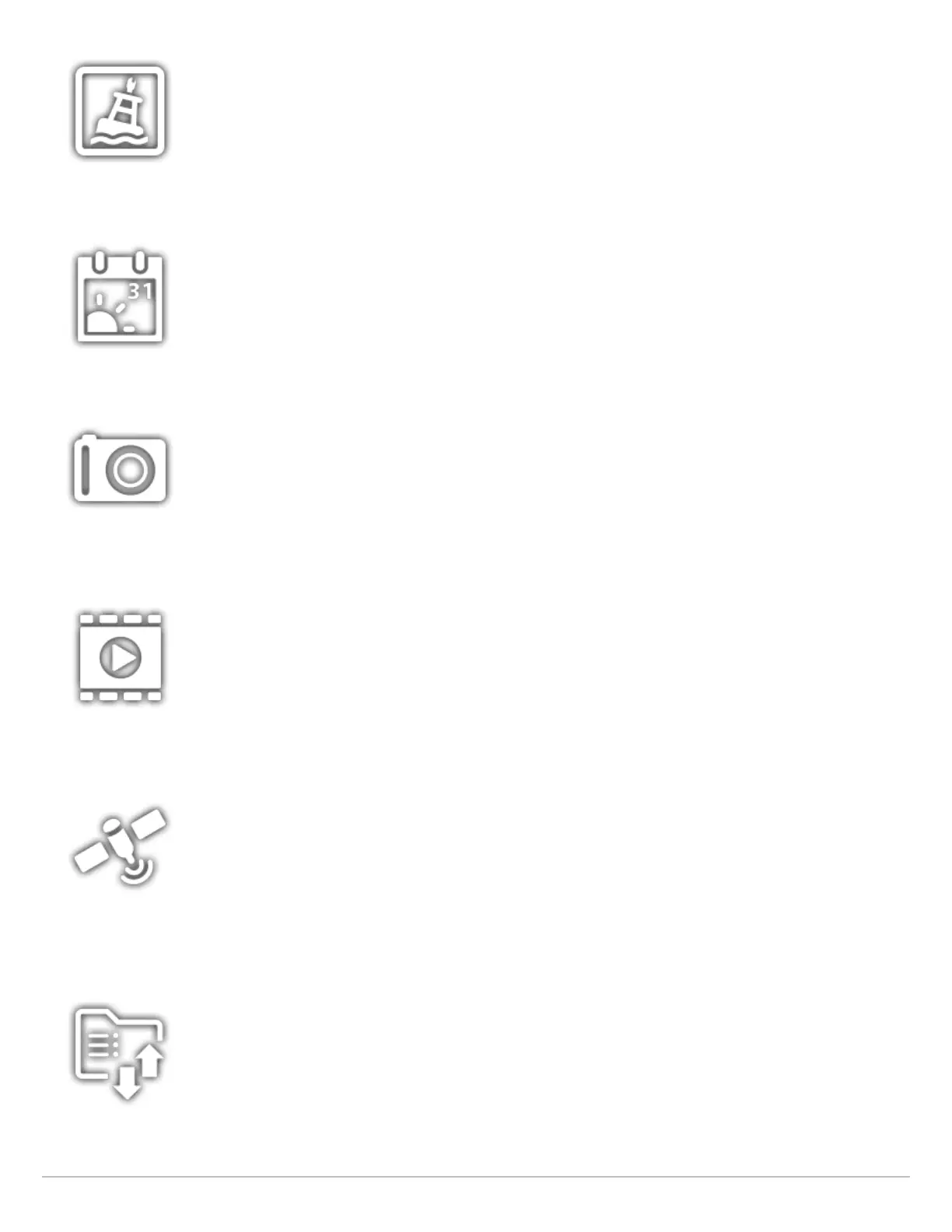
Select Sun + Moon to review the sunrise and sunset for today or the date you select. The Moon data provides
the rise and set of the moon and moon phases.
Select Images to manage your screen snapshots. When a screen snapshot is taken, a waypoint can also
be saved at the current position. You can also choose to save the image on the control head or to an SD
card. Also, screen snapshots and pictures from your camera’s SD card (JPG Files) can be displayed in a
slideshow from this tool. See Images Tool for more information.
Select Recordings to start a sonar recording or select a save location. You can also watch a sonar recording
from the perspective of a 2D, SI, or DI View, depending on the capabilities of your model. See Sonar
Recording for more information.
Required Equipment: transducer, black box sonar
Select GPS to review the signal strength of the GPS receivers (“sensors”) connected to the system. The tool
shows the satellites in the area, the positions, and the signal strength for each one. You can also designate
a primary and secondary GPS source from this tool. See Getting Started, Installation Information, and Set
up your Humminbird Network.
Required Equipment: GPS receiver (internal or external)
Select Files to update the software for the control head or connected accessories. You can also import
and export navigation data from this tool, and you can import and export menu settings. Radar installation
settings can be managed from this tool, but only authorized radar technicians should use this menu. See
the following sections: Manage your Navigation Data and Manage your Control Head.
Required Equipment: SD card



 To Next Page