238
Humminbird Network Setup
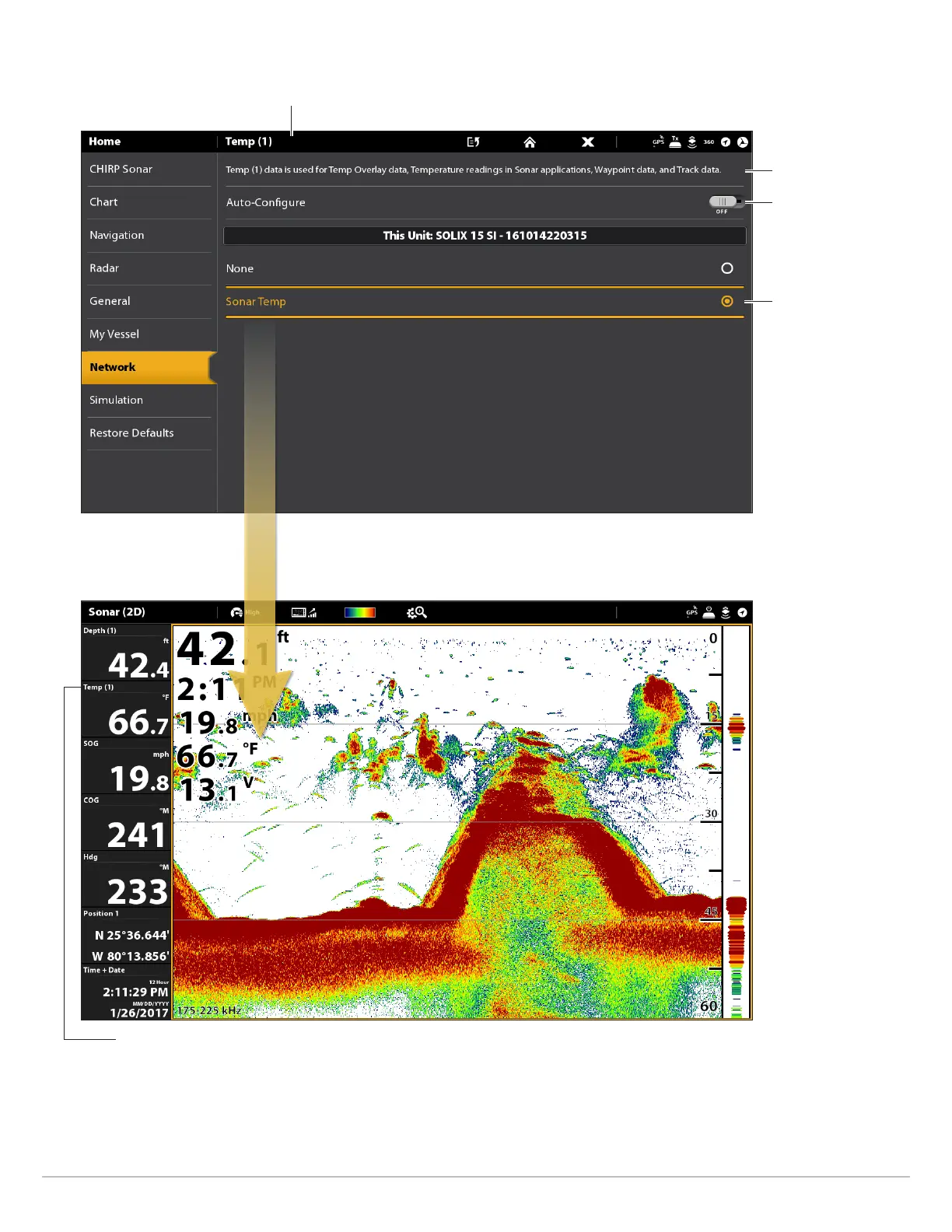
Manually Selecting a Source for Temp (1)
When Auto-Configure
is turned off, you can
manually select a source.
selected source
assigned to Temp (1)
Temp (1) is selected
information about
the selected source
The Temp 1 digital readout data is
provided by the Temp (1) source.
The sources you select will provide the data for the related digital readouts
and more, depending on your selection. In the illustration above, see
Information about the Selected Source.



 To Next Page