44
Views
E
dit the View Layout and Application
The Edit menu on the View Options menu allows you to change the type of data that is displayed in the view and how many panes
are displayed.
1. Select Edit (or Edit View) from the View Options menu.
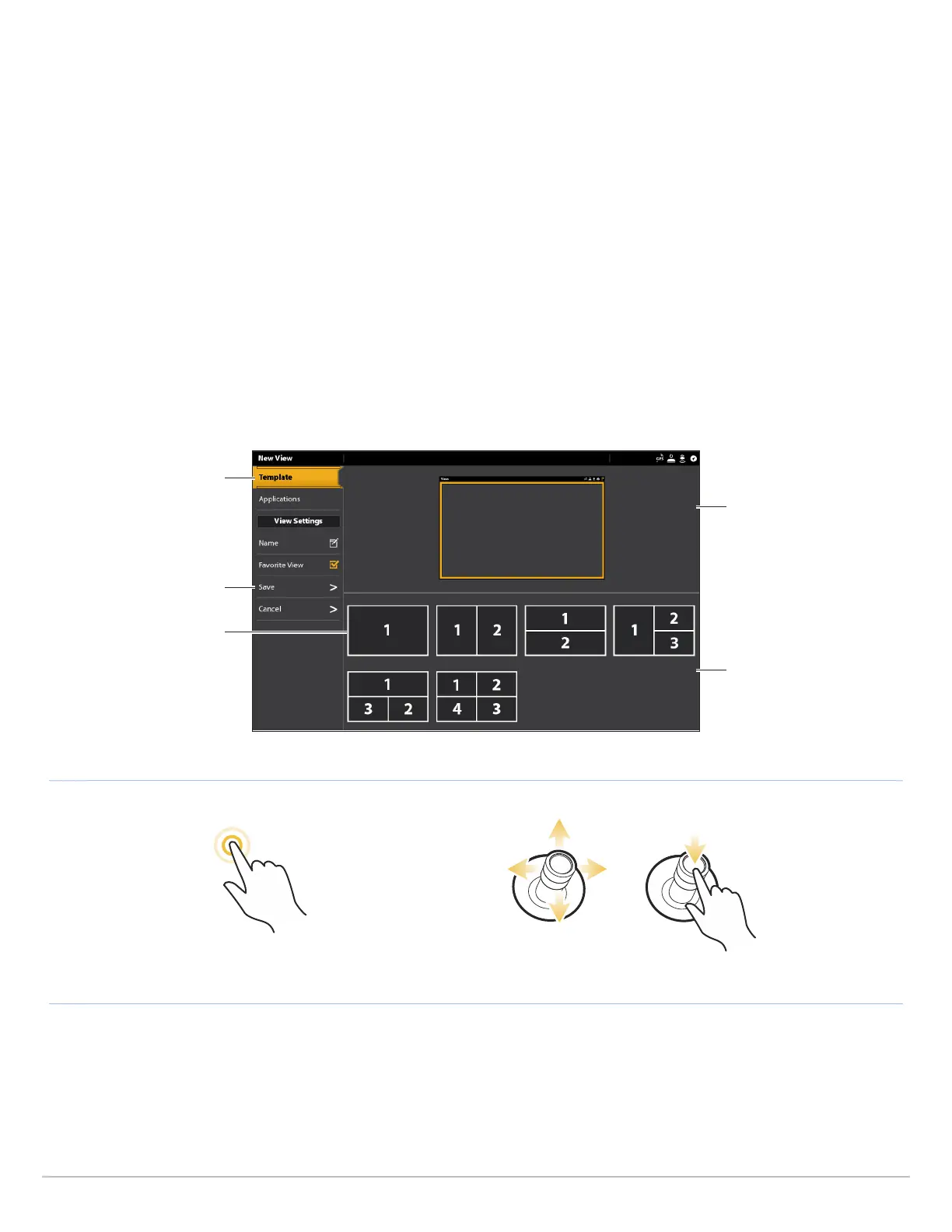
2. To change the layout and number of panes in the view, select Template. If you do not want to change the layout, skip to step 4.
3. Tap the template, or use the Joystick, to select the layout you want to use.
4. To change the type of data displayed in the view, select Applications.
5. Tap the pane and then tap the type of data to fill the pane.
OR
Turn the Rotary dial to select a pane. Use the Joystick to choose an application, and press the Joystick to select it.
6. Repeat steps 4 and 5 until the panes are filled.
7. Select Save.
OR
OpenSelect a TemplateTap to Select
Selecting a View Template
template tab
save
selected template
preview window
templates



 To Next Page