97
Manage Navigation Data
Delete a Route Point
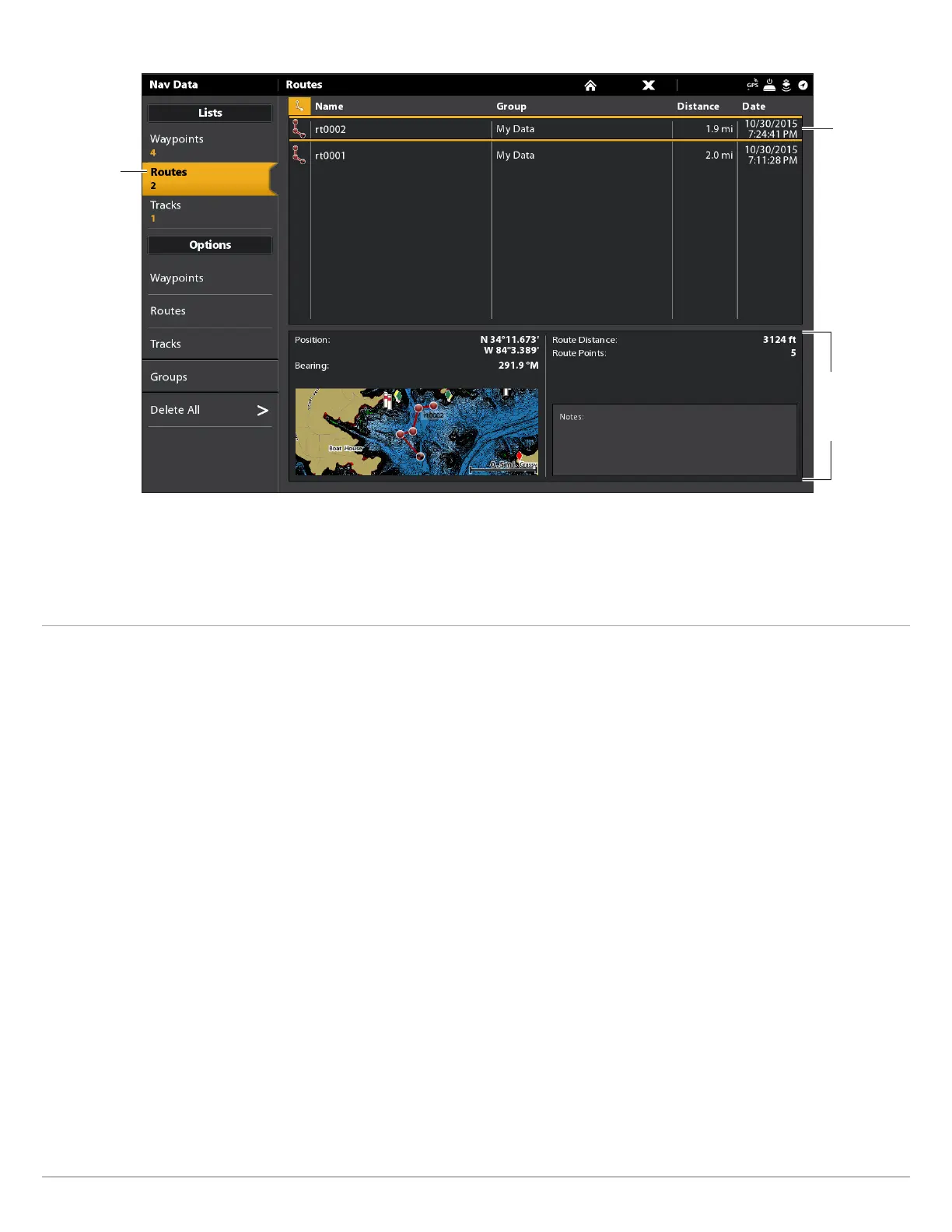
Selected Route with Route Points
routes
selected
selected
route
selected
route and
preview
window
summary
Touch Screen
1. Under Lists, select Routes.
2. Tap a route to open it and display its route points.
3. Press and hold a route point.
4. Select Info.
5. Select Full Info.
6. Select Delete Point.
Keypad
1. Under Lists, select Routes.
2. Use the Joystick to select a route. Press the Joystick to
open the route and display its route points.
3. Select a route point.
4. Press the ENTER key.
5. Select Full Info.
6. Select Delete Point.



 To Next Page