EasyManua.ls Logo

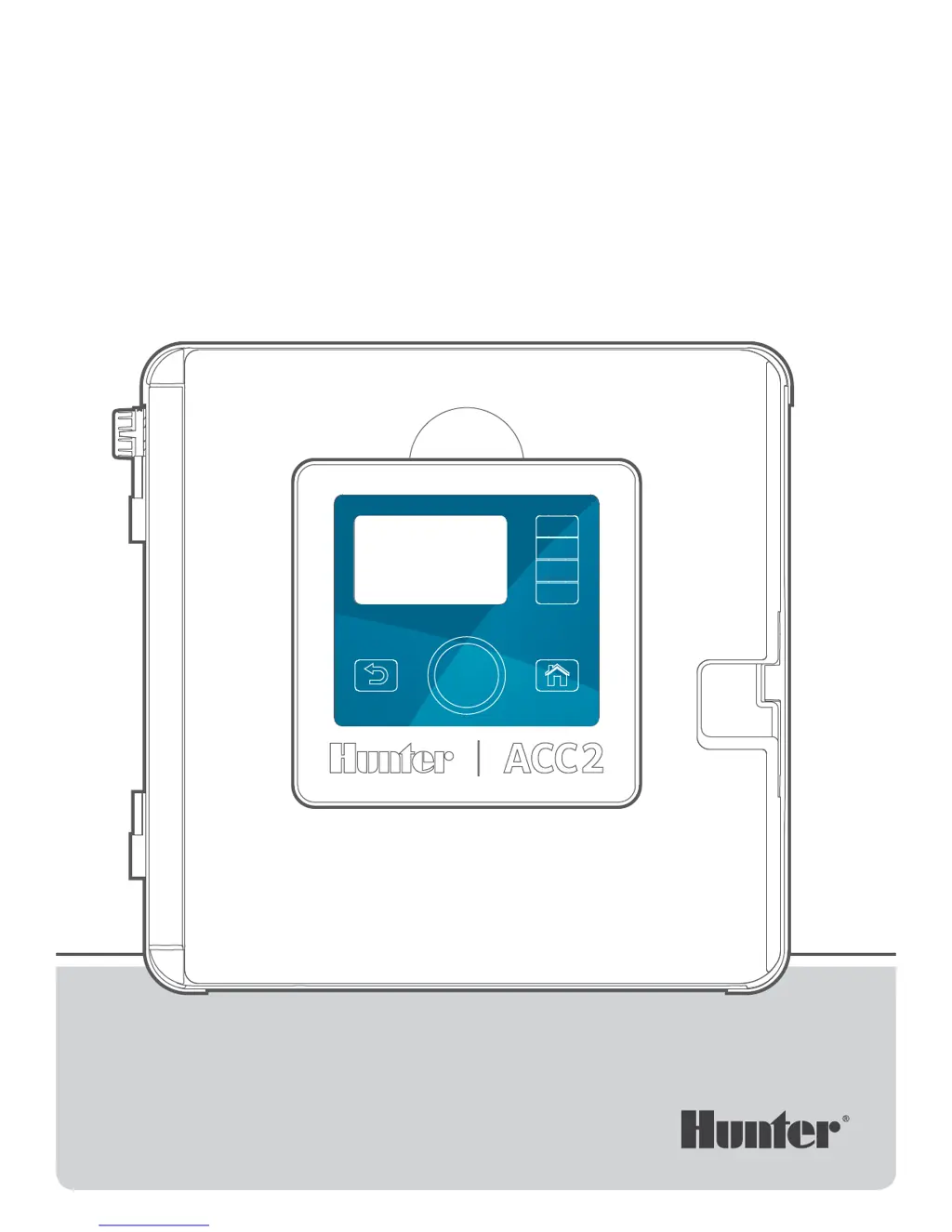
Hunter ACC2 - User Manual

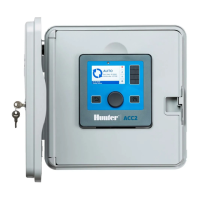
Hunter ACC2
60 pages
Print Icon
To Next Page IconTo Next Page
Loading...
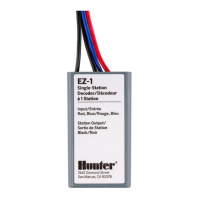
ACC2 Decoder
BUILT TO COMMAND
EVEN THE LARGEST PROJECTS
Quick Start Guide

Table of Contents

Other manuals for Hunter ACC2

Questions and Answers

  • C
    Craig HessJul 27, 2025
    Why won’t my Hunter ACC2 Media Converter run programs/stations?
    • M
      Margaret PriceJul 27, 2025
      If your Hunter Media Converter isn’t running programs or stations, review the Program or Station Summary. Also, make sure the facepack cable is connected and the slide locks are closed.
  • S
    sethdunnAug 1, 2025
    What to do if my Hunter ACC2 has overflow messages?
    • J
      jacob19Aug 1, 2025
      If your Hunter Media Converter is showing overflow messages, check the system for leaks and malfunctions. Also, check the flow sensor wiring.
  • K
    Kristen GarciaAug 6, 2025
    How to troubleshoot electrical or module malfunctions in Hunter ACC2?
    • C
      Charles WrightAug 6, 2025
      To troubleshoot electrical or module malfunctions in your Hunter Media Converter, go to the Diagnostics menu and review all components.
  • C
    Christy BrandtAug 11, 2025
    What to do if my Hunter Media Converter won’t read flow?
    • D
      Dustin RojasAug 11, 2025
      If your Hunter Media Converter isn’t reading flow, check the flow sensor setup and review the Hydraulic Summary.
  • M
    markchambersAug 16, 2025
    How to fix a decoder not responding on Hunter ACC2?
    • E
      Elaine HughesAug 16, 2025
      If the decoder is not responding on your Hunter Media Converter, check the wire path connection, wire path resistance, and the decoder itself.
  • G
    Gregory FitzgeraldAug 21, 2025
    What to do with attention messages on Hunter ACC2 Media Converter?
    • J
      Jamie WatsonAug 21, 2025
      To address attention messages on your Hunter Media Converter, continue troubleshooting based on log reports.

Summary

Important Connections and Tips

Components Overview

Programming Port

Details the use of the programming port for decoder setup and programming.

Decoder Wiring and Operation

Field Wiring

Provides guidelines for proper installation and connection of decoder two-wire paths.

Operating the Controls

Basic Programming and Setup

Pump;Master Valve Setup

Setting up Pump/Master Valve (P/MV) outputs for stations or decoders.

Programs

Setting up automatic irrigation programs with start times, run times, and water days.

Stations Menu

Station Setup

Naming stations, assigning P/MV usage, Flow Zones, and priorities.

Devices Menu

P;MV Operation

Setting up Pump/Master Valve (P/MV) outputs and delays.

Flow Sensors

Configuring flow sensors, including hardwired and decoder-based types.

Diagnostics Menu

Advanced Features

Firmware Update

Updating the controller's operating system and internal module firmware.

Flow Operations

Flow Manager

Running simultaneous stations to reach a target flow rate.

Flow Monitor

Verifying actual flow against learned flow and performing diagnostics.

Learn Flow

The process of learning station flow rates for accurate monitoring.

Conditional Response

Set Up a Conditional Response

Setting up "If" conditions and "Then" actions for automated responses.

Switch P;MVs

Switching P/MV outputs based on sensor input for water source selection.

Decoders Menu

Program Decoder

Setting station addresses for Hunter ICD decoders.

Programming Station Decoders

Programming station numbers into multi-station decoders.

Update Decoders

Updating decoder firmware via the two-wire path.

Troubleshooting

Hunter ACC2 Specifications

General IconGeneral
ModelACC2
ManufacturerHunter
Output Voltage12 VDC
Max Load Current2A
Enclosure TypePlastic