ColorFlex EZ User’s Manual Version 2.2
24
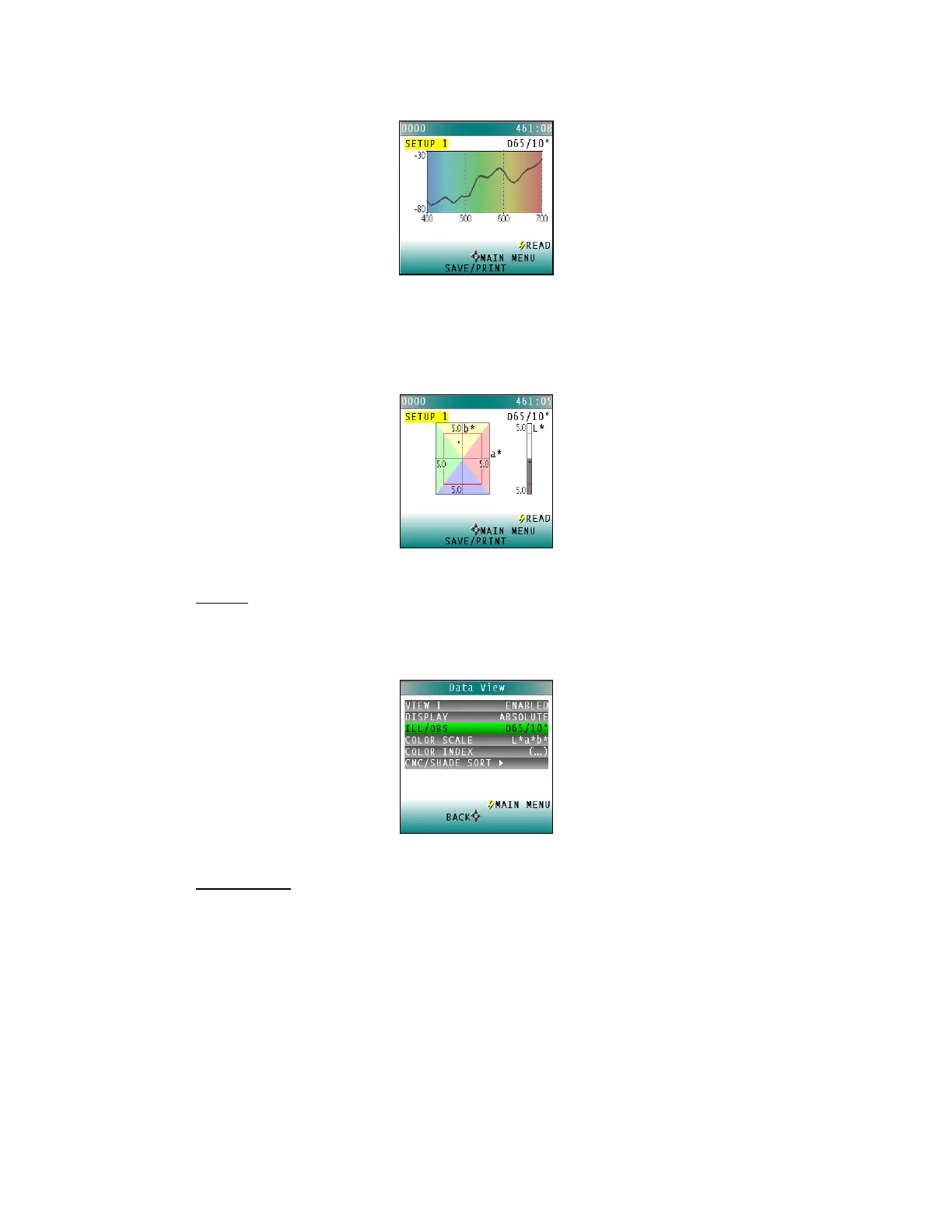
Figure 32. Plot of Spectral Difference
▪ Color Plot
Color Plot displays the sample’s location in color space relative to the
centered standard.
Figure 33. Color Plot
• Ill/Obs
Choose the illuminant/ observer combination under which color values will be
calculated. Use the DOWN arrow button to move down to the Ill/Obs parameter,
then scroll through the choices using the RIGHT arrow button.
Figure 34. Ill/Obs
• Color Scale
Choose the color scale to be used. Use the DOWN arrow button to move down to
the Color Scale parameter, then scroll through the choices using the right arrow
button.



 To Next Page