Installation and Maintenance Manual
8
Basic Access Control
Radio Transmitter
Long Distance Control
Pushbutton Control Station
Programmable Time Clock
Card Reader
Advanced Access Control
Access Control Interface
Card Reader
Keypad
Telephone Entry
Input/Output
Computer Interface RS232/485
Information
Signs
Labels
Warnings
Obstruction Sensing Devices
Inherent Sensing Device
Gate Edges
Photo Eyes
Vehicle Detectors
Security
Key Locks
Closed Circuit Television
Gate Position Indicator
Interlock/Sally Port
Gate Status Indicator
Getting Started with an Automated Gate System
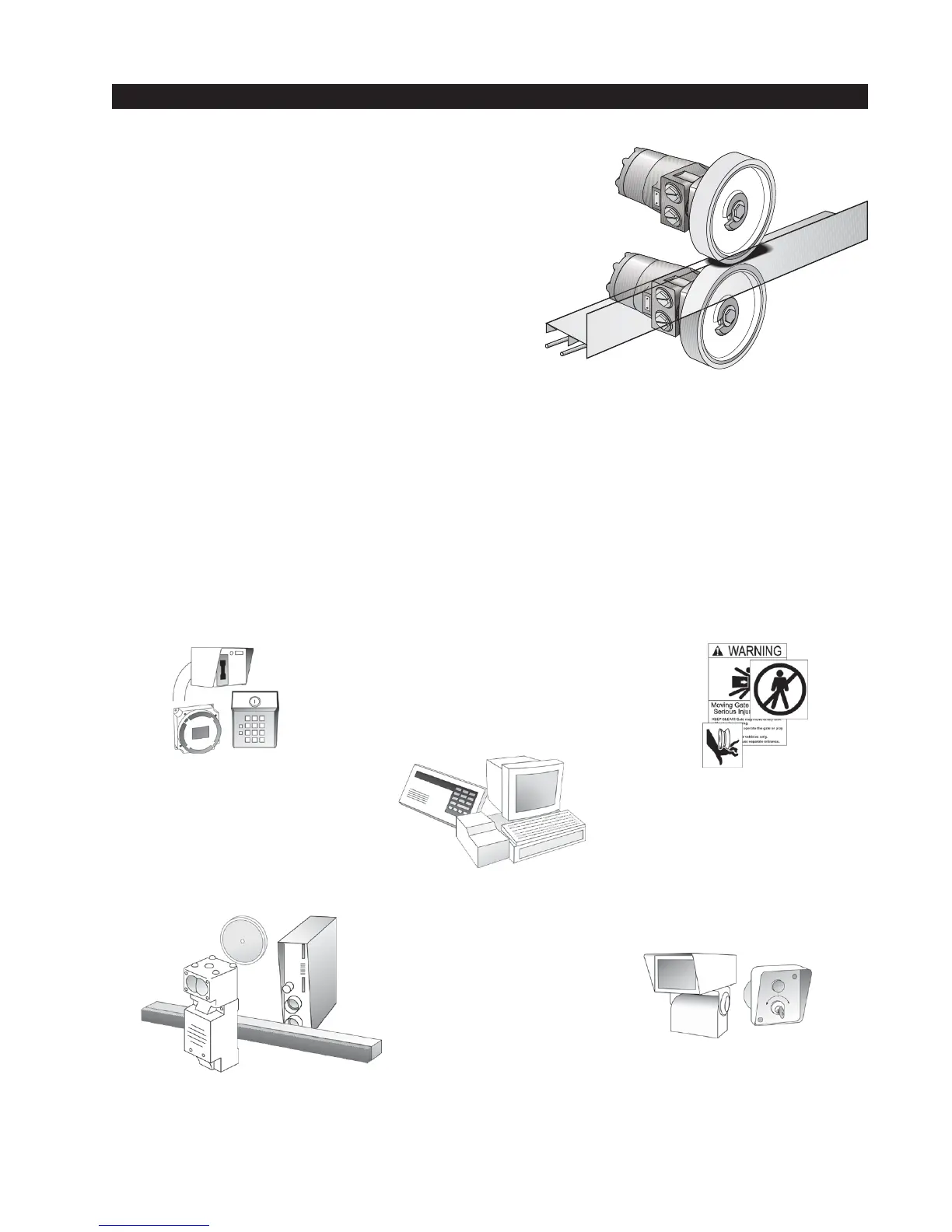
• How our hydraulic operator works
Hy-Security industrial slide gate operators rotate
polyurethane treaded drive wheels which grip a rigid
metal drive rail and feed it right or left during the gate
travel. The drive wheels are clamped above and below
the drive rail and are directly coupled to powerful
hydraulic motors, which can easily move huge gates.
This simple yet durable drive system is one of the
unique features giving our hydraulic operators their
reputation for reliability.
• Accessory Compatibility
Hy-Security’s Hydraulic Slide Operators are fully compatible with all standard access control de-
vices and entrapment protection devices, some of which are listed below.
• Pedestrian Entrapment Protection
Read and understand all the Important Information in Section 1, the Entrapment Protection Sche-
matic on page 4 and the UL requirements on page 31 before beginning the installation. Be abso-
lutely certain that the required type and quantity of Entrapment Protection devices have been
supplied and that you understand how to install them correctly. Contact your local distributor with
questions about Entrapment Protection.



 To Next Page