Installation and Maintenance Manual
44
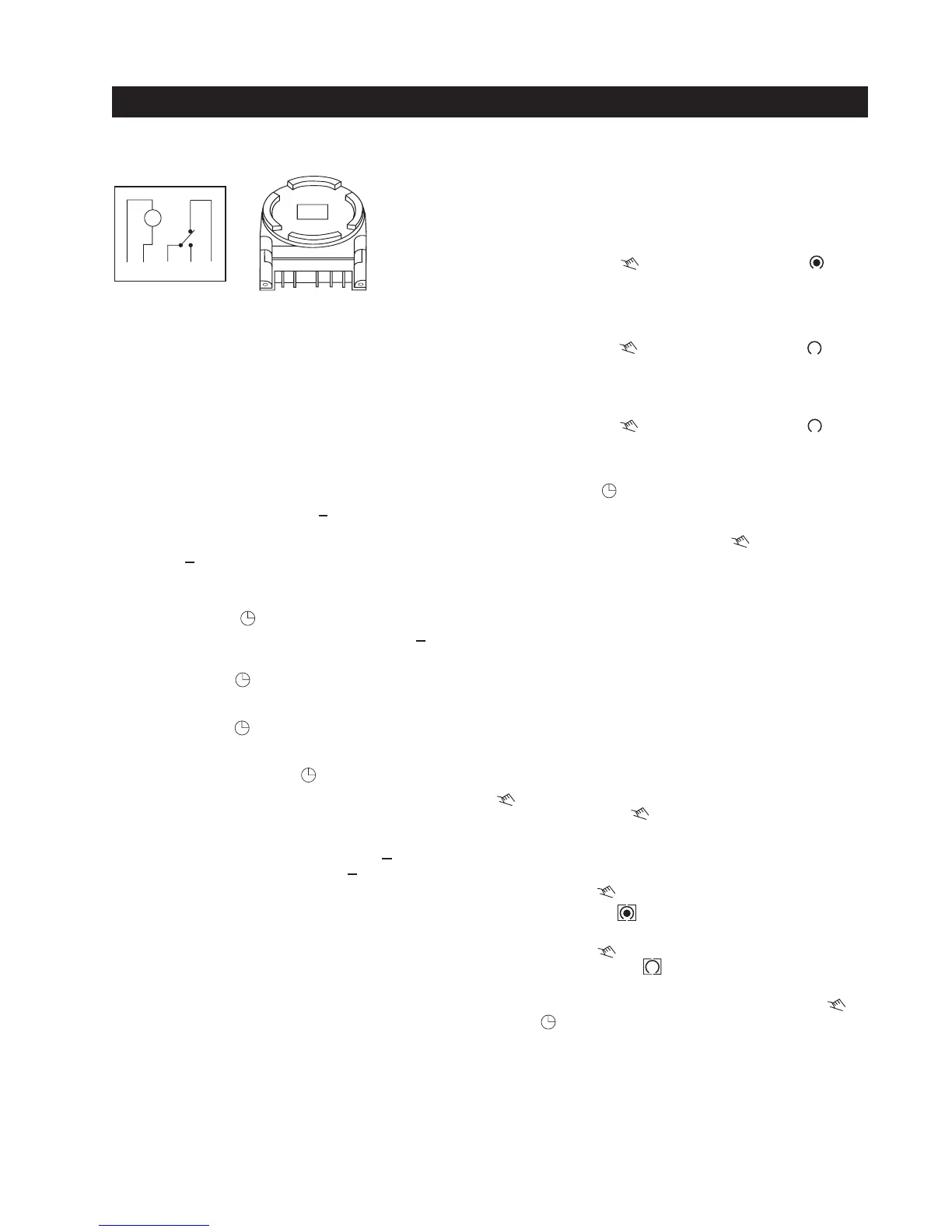
24 hr 7 day Timer Connection to Smart Touch Controller
This option generates an open command, which will hold the gate open until released.
10/27/00
24/7timer
Program 2: OFF at 5:00PM Monday thru Friday
Programming 24 hour or 7 day Schedules
It is helpful to write out the program schedules before
beginning.
EXAMPLE
Program 1: ON at 7:00AM Monday thru Saturday
Program 3: Off at 7:00PM Saturday
Connect Timer Power Pin 1 to 24v (+)
Connect Timer Power Pin 2 to common
Connect Timer Com Pin 3 to common
Connect Timer NO Pin 4 to #7, Time Clock Open
1
2
3
4
5
m
24V+ COMMON 7
Selecting AM/PM or Military Time
After pressing reset, the display may show AM.
The numbered day symbols will be flashing on and
off. If the display does not show AM, it is in military
time mode. To change to AM/PM mode, press and
hold the
h
key and press the
+1h
key once. AM will
appear in display. If display is in AM mode and
military mode is desired,press and hold the
h
key,
press the
+1h
key once.
Press and hold the key during the following:
(If Daylight Savings Time is in effect, press
+1h
first)
1. Press
h
to advanced to the current hour, while
holding down the key.
2. Press
m
to advance to the current minute, while
holding down the key.
3. Press
Day
repeatedly to advance to current day,
while holding the down the key.
NOTE: If the days are flashing, it indicates the day of
the week was not set when setting the time. The timer
cannot be programed unless the day of the week is
entered. Each year, in the spring, press
+1h
to advance
the time an hour. In the fall, press
+1h
to set back an
hour.
Setting the Time
IMPORTANT:
If an "ON" time was programed that is
earlier than the current time, press once to turn the
timer "ON". (It does not "look back" to determine if it
should be on or off after programing.)
Up to 20 Programs are able to be entered at one time.
Reviewing Programs
To review the programs at any time, press
Prog.
key.
Programs will appear in the order they were entered
with repeat presses of the
Prog.
key. After all programs
have been reviewed, the blank display will appear to
allow entering another program.
Programming 24 hour or 7 day Schedules
Continued...
Program 2: Press the key twice off symbol appears
Press h key to 05PM
Press m key once to 00
Press Day key twice 12345 is displayed
Press Prog. key to enter
These Programs need to be entered:
Program 1: Press the key once ON symbol appears
Press h key to 07AM
Press m key once to 00
Press Day key once 123456 is displayed
Press Prog. key to enter
Program 3: Press the key twice off symbol appears
Press h key to 07PM
Press m key once to 00
Press Day key twice until only 6 is displayed
Press Prog. key to enter
Press key to enter Run Mode
* To terminate a continuous override, press the key
until appears in the display.
* Pressing the key three times will turn the output
to OFF permanently. symbol appears in display.
Manual Override
TEMPORARY: While in the run mode, pressing, the
key once will reverse the output; ON to OFF
or OFF to ON. The symbol appears in the display
to indicate a temporary override. At the next scheduled
switching time, automatic control resumes eliminating
the override. Continuous:While in the run mode...
* Pressing the key twice will turn the output to
ON permanently. symbol appears in display.



 To Next Page