9
CHANGING THE DIRECTION OF ROTATION
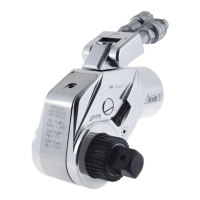
• Push button on drive retainer and pull the square drive to remove it from the tool.
• Remove the drive retainer and reinsert it on the opposite side of the tool.
• Insert square drive into opposite side of the tool while pushing button on the drive retainer.
• Release the button on the drive retainer after square drive clicks into place. Challenge drive to make sure it is secure.
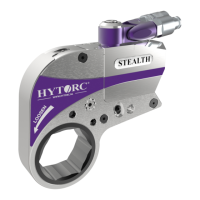
Configuring Tool For Tightening Configuring Tool For Loosening










 To Next Page