User Controls
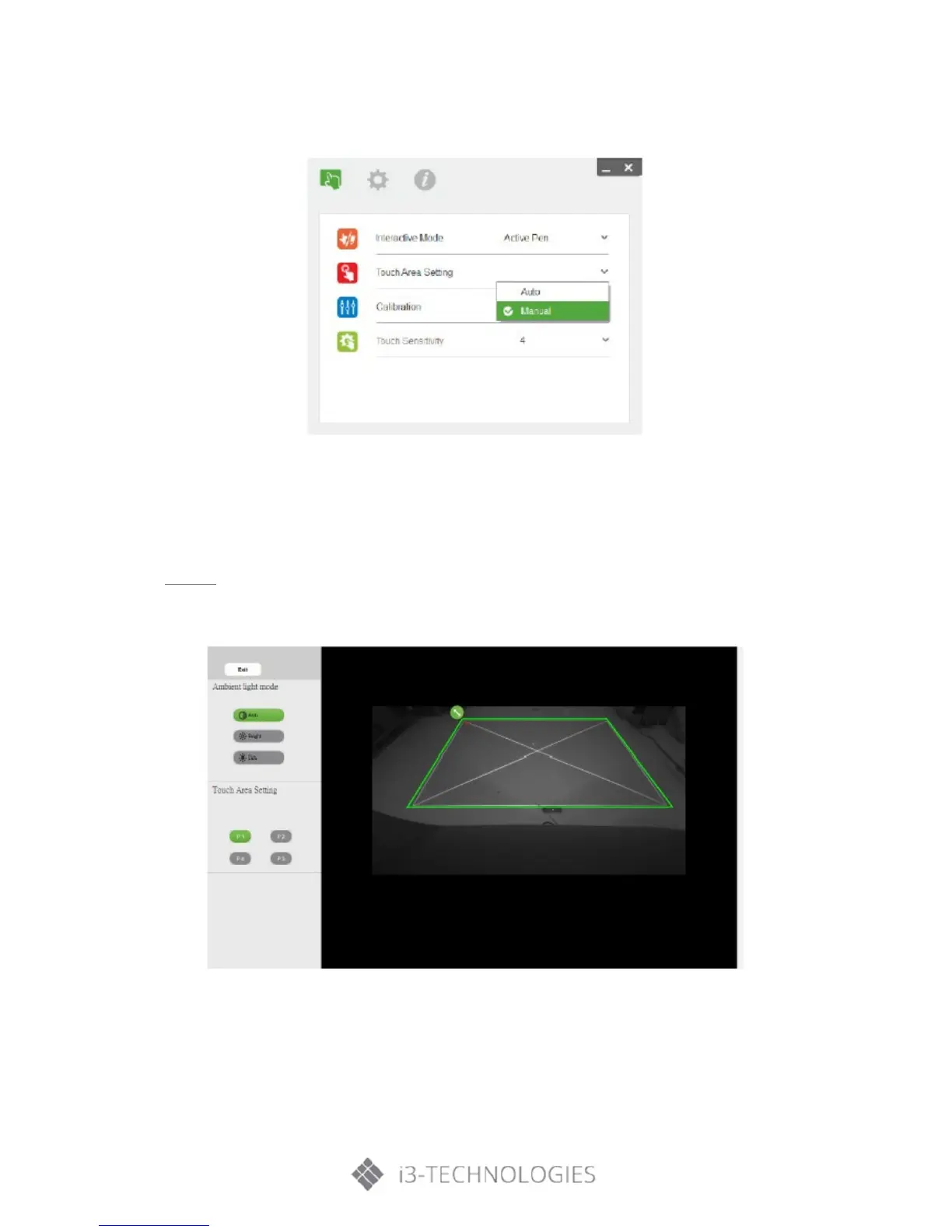
If fail message pops up, switch to Manual Touch Area Setting.
b) Select Manual Touch Area Setting
• After the camera captures the projection image, a Touch Area window will pop up. If the captured
image is not clear enough, please re-select “Ambient light mode selection” from “Auto” to “Bright”
or “Dim” according to actual ambient light condition.
Remark: Captured image shows the actual camera view, which is reversed from projection image. For
example: P1 is lower right corner, P2 is lower left corner and so on.


 To Next Page