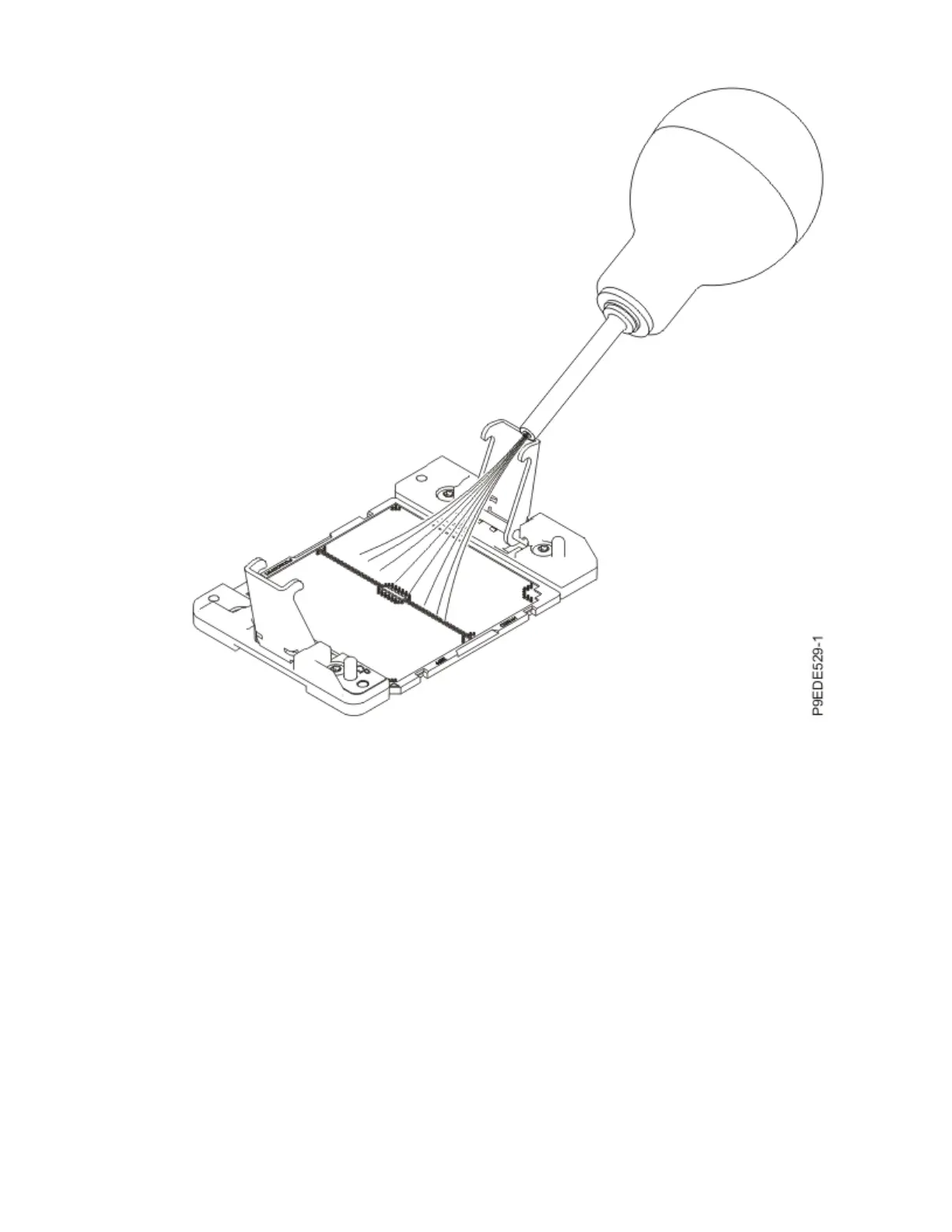
Figure 80. Removing dust and debris from the system processor socket
b) Lower the tool and system processor module onto the socket. Align the guide pins (A) with the
alignment holes (B) on each side of the tool. Use care to lower the tool evenly without tilting the
tool.
See the following gure.
Note: Do not attempt to slide the tool and the system processor module in any direction while the
system processor module is touching the socket. If the tool and the system processor module are
not aligned with the guide pins, lift the tool and the system processor module and reposition
them.
92
Power Systems: Servicing the IBM Power System IC922 (9183-22X)



 To Next Page