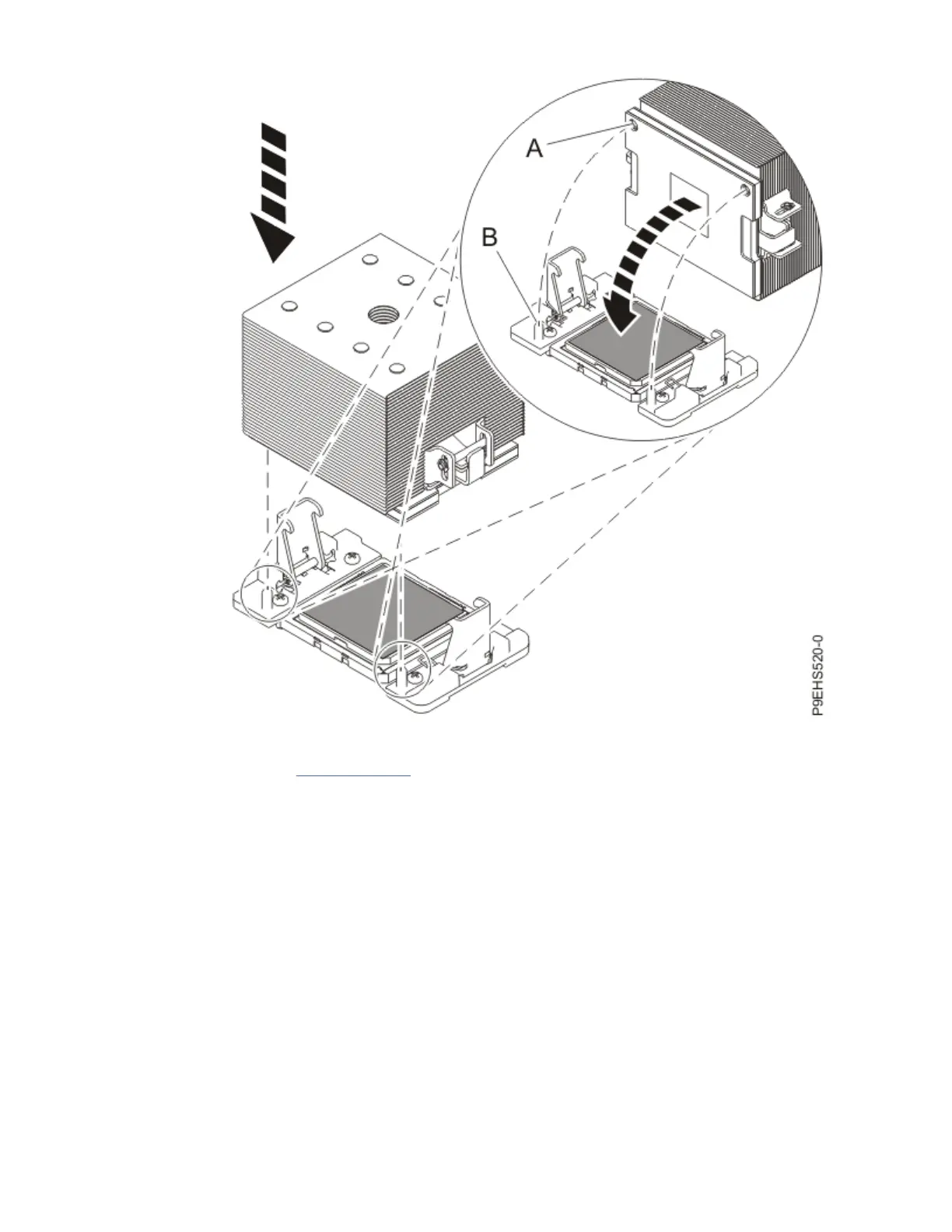
Figure 85. Installing the heat sink on the gray-colored TIM
Continue with step “18” on page 99.
17. Use this step to reuse the existing undamaged TIM and heat sink.
a) Using the tweezers, move the old TIM from the clean, dry surface and center it onto the new
system processor module.
The TIM has no preferred up side. The TIM can be placed on the system processor module and
centered as shown in the following gure.
Removing and replacing parts in the 9183-22X
97



 To Next Page