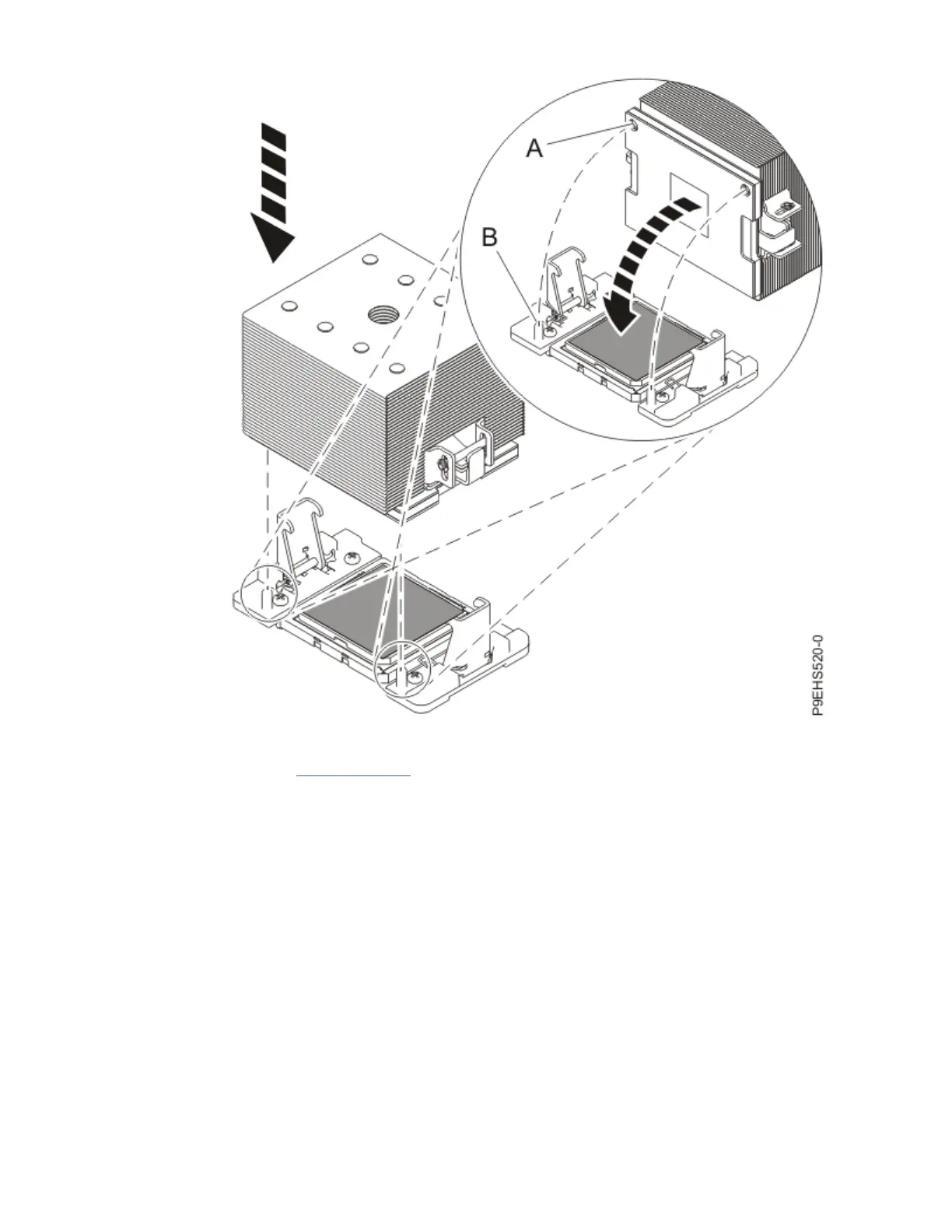
Figure 87. Installing the heat sink on the TIM
Continue with step “18” on page 99.
18. Secure the TIM and heat sink to the system processor socket.
a) Ensure that the heat sink load arms are engaged as shown by (A) in the following gure.
b) Tighten the center load screw clockwise by using the supplied hex key as shown by (B) in the
following gure until a rm stop is reached. If the heat sink moves noticeably, the load arms are
not engaged. Unscrew the center load screw and repeat this step again.
Removing and replacing parts in the 9183-22X
99



 To Next Page