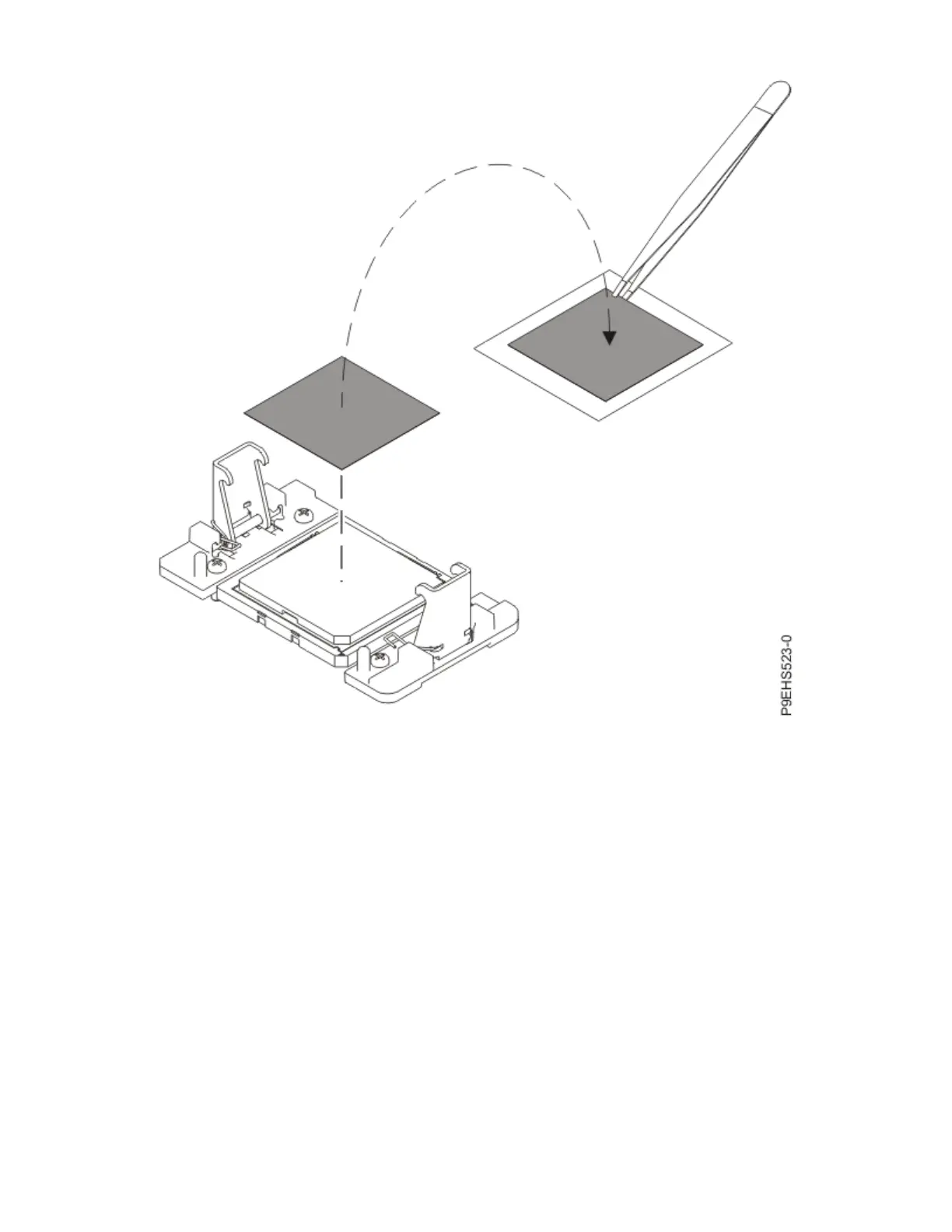
Figure 95. Removing the TIM from the system processor module
6. Remove dust and debris from the system processor module area.
If dust or debris is present, use the supplied air pump to clean the system processor module area.
Blow small bursts of air from the center toward the sides of the system processor module as shown in
the following gure. If your air pump is not assembled as shown in the following gure, fasten the tip
onto the bulb.
108
Power Systems: Servicing the IBM Power System IC922 (9183-22X)



 To Next Page