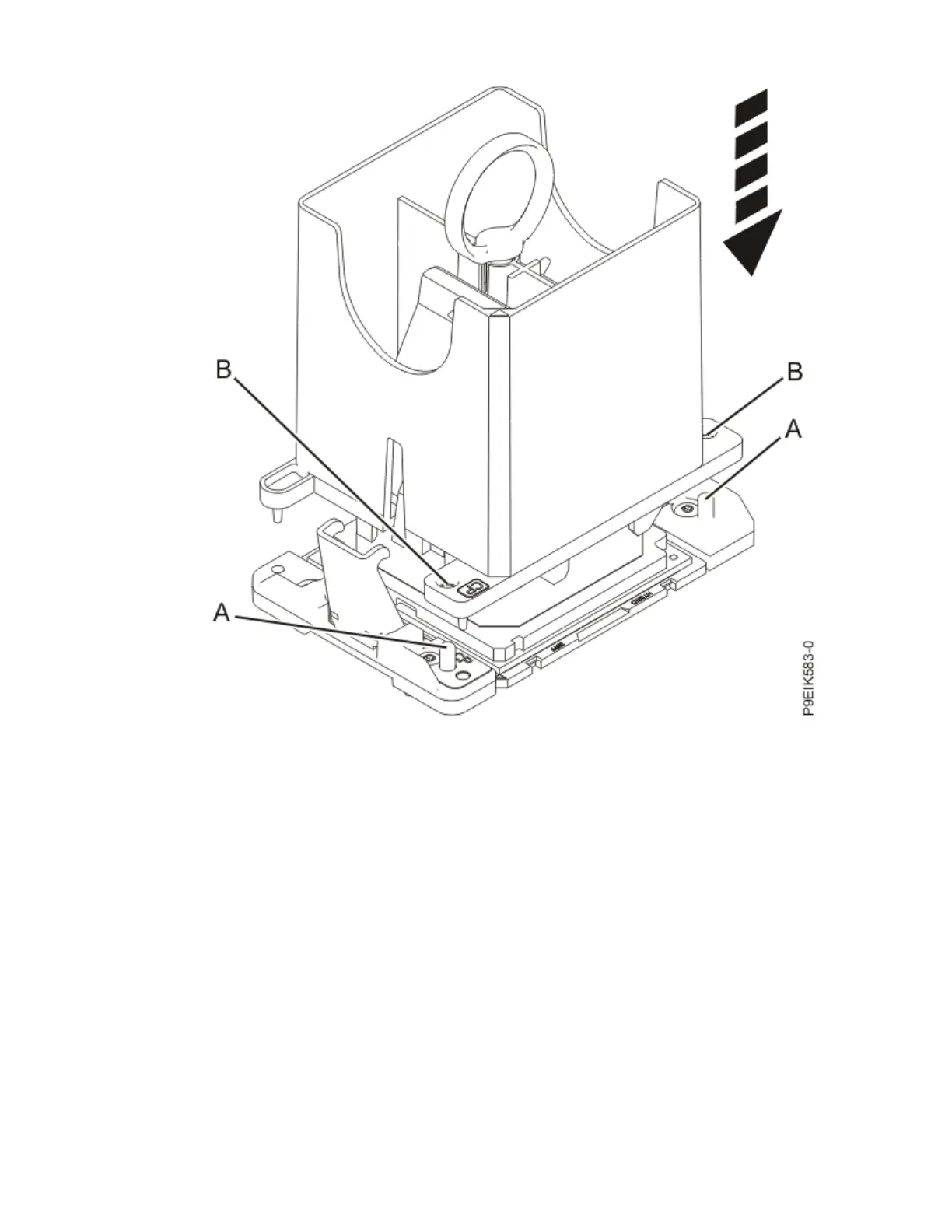
Figure 98. Lowering the removal tool onto the system processor module
c) With the removal tool on top of the system processor module, push down on the ring (A) to close
the latches (C) and lock the system processor module into the tool. Make sure that both of the tool
jaws are locked on the system processor module.
See the following gure.
Removing and replacing parts in the 9183-22X
111



 To Next Page